
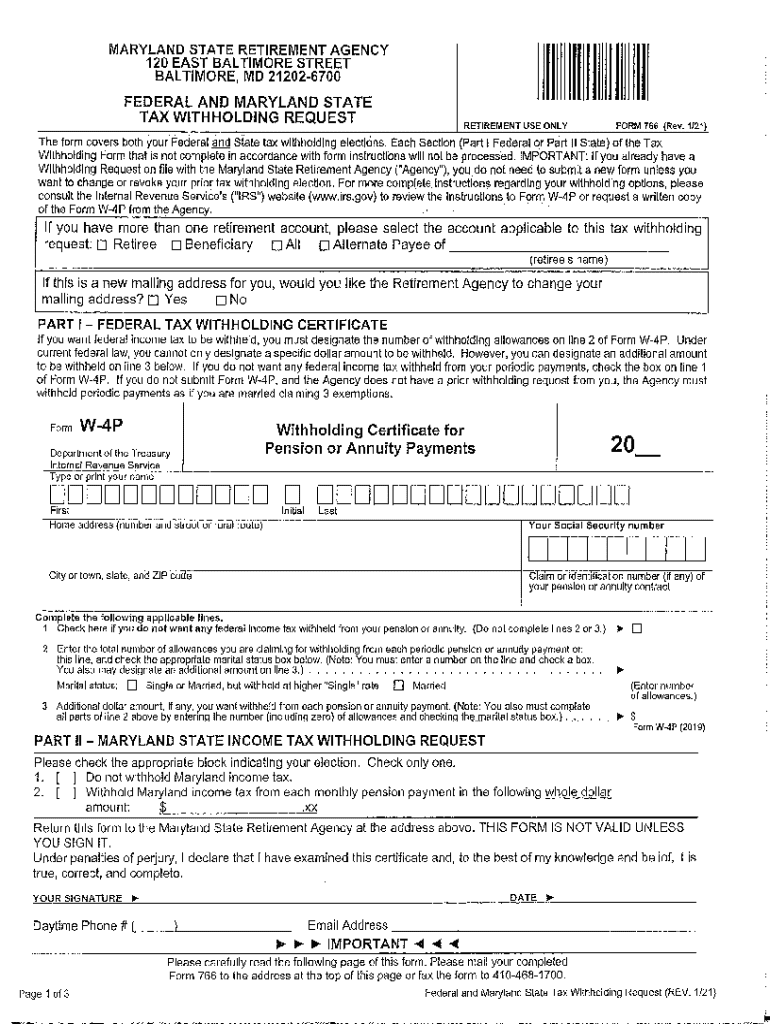







Understanding the Definition and Meaning of Form Online
Form online refers to any digital platform allowing users to complete forms electronically. Unlike traditional paper forms, online forms enable efficient data entry by leveraging digital tools to simplify data input and submission. The concept is integral to modern digital workflows, enabling efficient data collection, increased accuracy, and ease of data management. Online forms support a variety of formats, offering flexibility in how they are accessed, edited, and submitted.
How to Use the Form Online
Utilizing online forms involves several straightforward steps. First, the user must access the platform hosting the form, such as a document management tool like DocHub. Once there, they can select the form from a repository or import it from cloud services. Users can then fill in the required data fields and add annotations or attachments if necessary. Upon completion, the form can be submitted directly within the platform, often coupled with automated confirmation or tracking features.
Steps to Complete the Form Online
- Access the Platform: Log into your account on a document management platform like DocHub.
- Choose or Upload Form: Select an existing form from the platform's library or upload one from your device.
- Enter Data: Complete each field with the required information, ensuring accuracy.
- Include Necessary Attachments: Attach any additional documents if required to support your submission.
- Review the Form: Double-check all entered information for completeness and correctness.
- Submit the Form: Finalize and send the form using platform-provided submission tools.
Additional Tips
- Use form fields efficiently like text boxes or dropdown menus to ensure correct format.
- Implement digital signatures if needed for approval processes.
Why You Should Form Online
Using online forms provides multiple advantages. They streamline the process of data collection, reducing manual entry errors. Online forms facilitate quick access and sharing capabilities, making them ideal for individuals and organizations operating on tight schedules or across multiple locations. Moreover, they offer enhanced security features such as encryption and password protection, safeguarding sensitive information from unauthorized access.
Important Terms Related to Form Online
- Digital Signature: An electronic method of signing a document to authenticate the identity of the sender.
- Encryption: A process of encoding data to prevent unauthorized access, ensuring secure data transmission.
- Fillable Fields: Designated areas within a form where users can input information, such as text boxes or checkboxes.
- Synchronization: The process of ensuring that data is consistent across multiple devices and platforms in real-time.
Key Elements of the Form Online
Online forms are composed of various fillable fields designed to capture user input effectively. Key elements include text boxes for detailed responses, dropdown menus for selecting pre-defined options, checkboxes for binary choices, and signature fields for approvals. These components are structured to promote clarity and ease of use, ensuring users can complete forms accurately and efficiently.
Legal Use of the Form Online
Online forms often comply with various legal standards, making them a reliable tool for formal transactions. Document management platforms like DocHub incorporate features that ensure compliance with regulations such as the ESIGN Act in the United States, affirming the legality of digital signatures. Users must ensure that their forms are properly structured to meet relevant legal requirements and include appropriate disclaimers or acknowledgments as necessary.
Examples of Using the Form Online
- Job Applications: Candidates can apply for positions by filling out digital forms that streamline the recruitment process.
- Order Forms: Businesses use online forms to capture customer orders, simplifying logistics and inventory management.
- Surveys and Feedback: Organizations deploy digital forms to gather feedback or conduct surveys, benefiting from easy data collection and analysis.
Software Compatibility with Form Online
Online forms are designed to be compatible with various software platforms, ensuring users can access and manage them seamlessly. Compatibility includes integration with major applications such as Google Workspace, allowing for direct imports from Google Drive or Gmail. Additionally, many forms can be exported to or opened with software like TurboTax or QuickBooks, catering to different user needs across personal and business applications.




