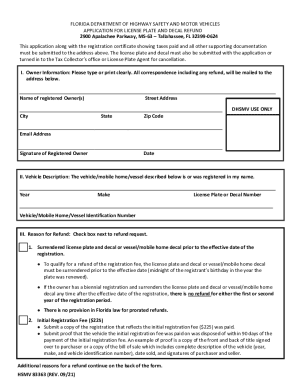
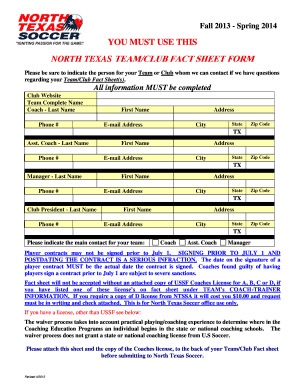
01. Edit your driver license software online
Type text, add images, blackout confidential details, add comments, highlights and more.

Type text, add images, blackout confidential details, add comments, highlights and more.

Draw your signature, type it, upload its image, or use your mobile device as a signature pad.

Send it via email, link, or fax. You can also download it, export it or print it out.
Driver license software refers to digital platforms or applications designed to streamline the process of managing driver licenses. This software typically assists in tasks such as renewing or replacing a driver license, applying for a new license, and maintaining accurate records of the driver's information. These applications may offer functionalities for verifying eligibility, filling out necessary forms, and providing updates about the status of one's application.
Using driver license software usually involves a series of straightforward steps.
Account Setup: Users often begin using the software by creating an account, which may require personal information such as name, address, and current driver license details.
Document Upload: Many platforms require users to upload documents that verify identity and address, such as a utility bill or a birth certificate.
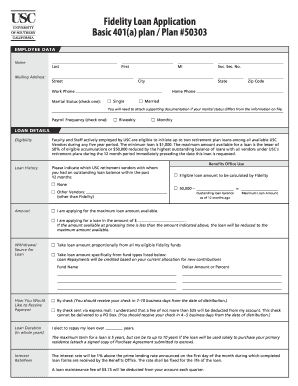
Form Completion: The software typically guides users through the required forms, allowing for electronic entry of information that traditionally required manual input.
Submission and Payment: Once forms are completed, the software may facilitate online submission and offer secure payment options for any applicable fees.
Completing the process in driver license software involves following specific steps.
Verify Eligibility: Ensure that you meet all requirements for the requested operation, whether renewing, replacing, or applying for a new license.
Access Software: Log into the software using your credentials. New users may need to register first.
Provide Personal Information: Enter your full legal name, address, and existing driver license number as required.
Upload Required Documents: Provide electronic copies of necessary documents, such as identification and residency proofs.
Complete Application Forms: Fill out the digital forms required for your specific transaction, using guided prompts within the platform.
Fee Payment: Submit payment through a secure online transaction system embedded within the software.
Track Application Status: Regularly check the application status online, using the software’s tracking feature.
Driver license software may vary significantly depending on state-specific rules. Each state in the U.S. has its own regulations governing driver licensing, which impacts how the software is used.
In Washington State, out-of-state licensed drivers can use designated sections within driver license software for renewals or replacements, requiring completion of specific forms and adherence to outlined criteria.
The legal aspects surrounding the use of driver license software involve compliance with federal and state regulations, particularly related to digital signature usage and data protection.
Understanding the fundamental components that constitute driver license software is crucial for efficient use.
Using driver license software can greatly simplify the otherwise cumbersome process of managing driver licenses.
Driver license software often integrates with other digital tools to enhance user experience.
Consumers value software that works on both desktop and mobile devices, giving flexibility for when and where they manage their driver license tasks.
At DocHub, your data security is our priority. We follow HIPAA, SOC2, GDPR, and other standards, so you can work on your documents with confidence.