






Definition and Meaning
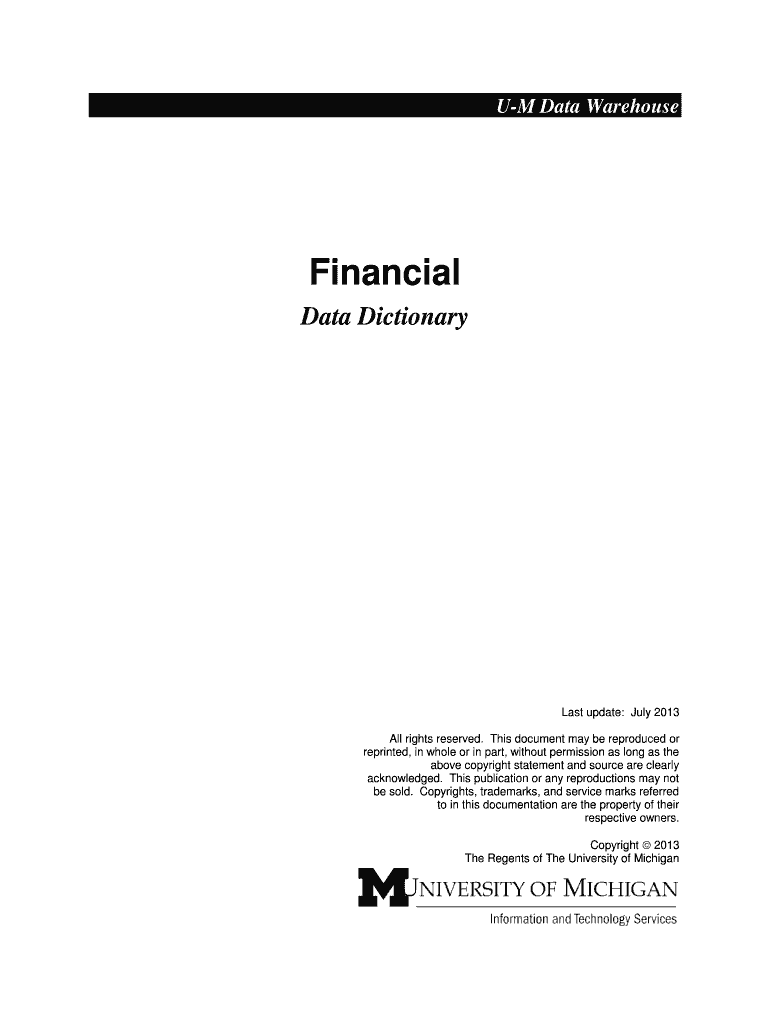
The "M-Pathways Financial - Research, Teaching and Administration" form is a comprehensive tool used primarily by educational institutions to manage financial data across various domains such as research, teaching, and administrative functions. This form is integral to ensuring that financial activities align with organizational goals and comply with regulatory frameworks. By gathering detailed information on financial transactions, this form aids in budget management, financial forecasting, and reporting processes within academic settings.
Key Functions
- Financial Management: Facilitates budget planning and expenditure tracking.
- Data Collection: Gathers critical data related to financial transactions.
- Compliance Assurance: Ensures adherence to regulatory standards.
- Performance Analysis: Provides insights into financial efficiency and resource allocation.
How to Use the M-Pathways Financial - Research, Teaching and Administration
Using the M-Pathways Financial form involves several key steps to ensure effective data entry and analysis. Begin by accessing the form through the institution's official channels, often linked to its financial management system. Ensure you have the necessary permissions and credentials as some sections may be restricted based on user roles.
Steps for Utilization
- Initial Access: Log in using your institutional credentials.
- Navigate Sections: Familiarize yourself with various sections—research, teaching, and administration.
- Data Entry: Input relevant financial data accurately in designated fields.
- Review and Save: Double-check the entered data for accuracy before saving.
Tools and Features
- Validation Checks: Automated checks to prevent input errors.
- Integration Capabilities: Syncs with existing financial software for seamless data transfer.
- User-friendly Interface: Simplifies navigation and data input.
Steps to Complete the M-Pathways Financial - Research, Teaching and Administration
Completing the form requires attention to detail and typically follows a structured process. Before starting, ensure that all necessary documents and information are ready for reference.
Detailed Process
- Document Collection: Gather all financial statements, receipts, and relevant documents.
- Section Completion:
- Research: Include grants, research projects, and financial allocations.
- Teaching: Document related to course expenditures and equipment.
- Administration: Capture administrative costs, such as salaries and office supplies.
- Verification: Cross-verify data entries to ensure completeness and compliance.
- Submission: Once verified, submit the form through designated channels.
Practical Tips
- Regular Updates: Update the form regularly to capture dynamic financial data.
- Collaboration: Work with other departmental leads to gather comprehensive data.
Why Use the M-Pathways Financial - Research, Teaching and Administration
Utilizing this form brings significant benefits to educational institutions by streamlining financial processes and enhancing transparency. It ensures that financial activities are systematically recorded, thereby facilitating better decision-making.
Benefits
- Efficiency: Reduces manual error and improves data accuracy.
- Transparency: Provides a clear audit trail for financial transactions.
- Compliance: Ensures adherence to financial regulations and policies.
Real-world Scenario
Consider a university managing multiple department budgets. The form enables seamless integration of financial data, allowing the finance team to assess budget performance and reallocate resources as necessary.
Key Elements of the M-Pathways Financial - Research, Teaching and Administration
The form encompasses several key elements that serve different financial management purposes within institutions. Understanding these elements enhances the efficacy of form use.
Elements Overview
- Budget Allocation: Documents budget approvals per department.
- Expense Tracking: Monitors actual expenses against forecasted budgets.
- Revenue Recording: Captures income from tuition, grants, and donations.
- Financial Reporting: Generates reports for auditing and financial review purposes.
Detailed Sections
- Research Grants: Specific fields dedicated to managing grant funds.
- Departmental Costs: Breaks down operational costs by department.
- Income Analysis: Tracks various revenue streams.
Required Documents for the M-Pathways Financial - Research, Teaching and Administration
To accurately complete this form, having the right documents at hand is essential. These documents support data entries and provide verifiable records for auditing purposes.
Essential Documents
- Invoices and Receipts: For expenditure verification.
- Grant Agreements: Detailing conditions of research funding.
- Financial Statements: Providing an overview of fiscal health.
- Budget Reports: Previous reports for comparative analysis.
Additional Materials
- Payroll Records: For recording salary-related information.
- Contractual Agreements: To document external partnerships and collaborations.
Form Submission Methods (Online / Mail / In-Person)
Different submission methods cater to institutional preferences and logistical capabilities. Selecting the appropriate method ensures timely processing and validation of the form.
Submission Options
- Online Submission: Preferred for institutions with robust digital infrastructure.
- Steps: Upload document through the secure institutional portal, confirm upload status.
- Mail Submission: Utilize for official records or when digital access is limited.
- Steps: Copy the completed form, mail to the designated financial office address.
- In-Person Submission: Often used for critical submissions requiring immediate acknowledgment.
- Steps: Deliver form to the financial department, obtain submission receipt.
Software Compatibility with M-Pathways Financial - Research, Teaching and Administration
Ensuring software compatibility is critical for smooth integration into existing financial systems often used by institutions. Compatibility facilitates seamless data sharing and analysis.
Compatible Software Solutions
- Financial Software Suites: Such as TurboTax, QuickBooks, which can aid in data handling and report generation.
- Institutional Platforms: Customized software compatible with institutional financial systems for enhanced functionality.
- Document Management Tools: Integration with platforms like DocHub enhances document editing and signing efficiency.
Special Considerations
- Version Control: Maintain software updates for compatibility.
- IT Support: Ensure technical support for troubleshooting compatibility issues.