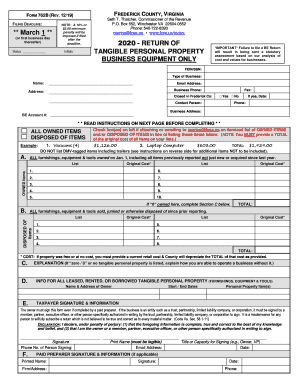
Definition and Meaning of "Form Online"
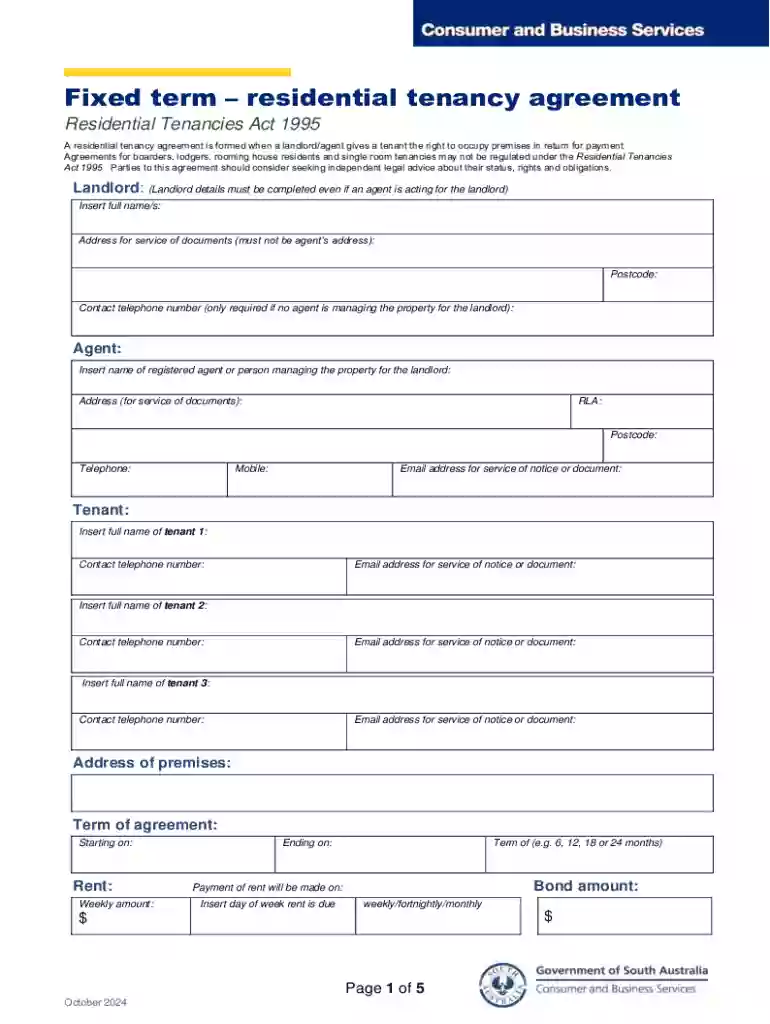
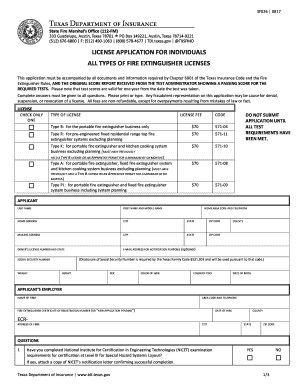
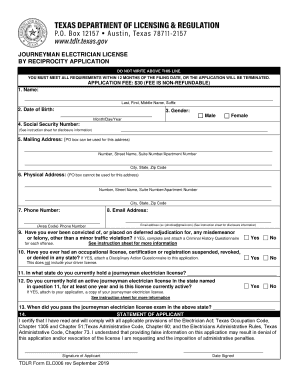
A form online refers to an electronic version of a document that users can access, fill out, and submit through the internet. This digital format is designed to streamline processes such as data collection, agreements, or applications, eliminating the need for paper handling. Online forms facilitate various administrative tasks across industries, from government to corporate environments. The convenience of digital forms ensures broader accessibility, allowing users to complete necessary documentation from any location with internet access.
Benefits of Using Forms Online
- Accessibility: Online forms can be accessed from any internet-enabled device, be it a computer, tablet, or smartphone.
- Efficiency: Automated data entry and submission expedite the collection and processing of information.
- Environmental Impact: Reducing paper consumption contributes to environmental sustainability.
- Cost-Effectiveness: Decreases the need for physical storage space and mailing costs associated with paper forms.
How to Use a Form Online
To utilize an online form, users typically follow a systematic process depending on the form's purpose and complexity. Whether it's an application, registration, or survey, the steps generally include accessing the form, filling it out, and submitting it for review or processing.
Key Steps
- Access the Form: Locate the form on the relevant website or platform. This might involve a login process or verification of your identity.
- Fill in Required Sections: Input necessary data into the provided fields. This may include personal information, specific queries, or descriptive answers.
- Submit: Once all fields are completed, review for accuracy before clicking the submit button. Confirmation of submission is often provided via email or on-screen notification.
Steps to Complete a Form Online
Completing an online form accurately ensures the process proceeds without delays. It's crucial to understand the form's requirements and to have all necessary information ready before beginning.
Detailed Steps
- Preparation: Gather all required information and documents beforehand. This minimizes interruptions and reduces errors.
- Field Completeness: Ensure all mandatory fields marked with asterisks (*) or specific indicators are addressed.
- Review & Edit: Double-check inputs for typos or incomplete sections. Editing tools often allow changes before final submission.
- Final Check & Submission: Confirm that the form is complete and accurate. Submit, and record any confirmation or reference numbers provided.
Why You Should Form Online
Filling forms online can significantly enhance efficiency in various contexts, such as business operations, education, and healthcare. The digital transformation of form submissions offers numerous advantages.
Advantages
- Time-Saving: Processes are automated, reducing the turnaround time for approvals or processing.
- Error Reduction: Digital forms often include validation checks that catch mistakes before submission.
- Immediate Confirmation: Instantaneous feedback or confirmation of the form's receipt assures users of successful submission.
Important Terms Related to Form Online
Understanding the jargon associated with online forms is essential for effective use. Certain terms frequently appear and are crucial for user comprehension.
Common Terms
- Mandatory Fields: Fields that must be filled to proceed with submission.
- Dropdown Menu: A list of options from which users can select one item.
- Checkbox: A box that users tick to indicate agreement or selection of an option.
- Captcha: A tool used to verify that a user is human, often part of the security features of online forms.
Legal Use of the Form Online
Online forms often serve as legally binding documents, making it critical to ensure their integrity and compliance with relevant laws and regulations.
Legal Considerations
- Signature Legitimacy: Electronic signatures are recognized under the ESIGN Act, providing the same legal standing as handwritten signatures.
- Compliance: Ensure the forms adhere to regulations such as HIPAA for healthcare or GDPR for data protection for international forms.
- User Consent: Explicit user consent should be acquired, often through checkboxes, before collecting sensitive information.
Key Elements of the Form Online
The construction and layout of forms impact usability and comprehension. Important elements must be well-designed to enhance user experience.
Essential Elements
- Intuitive Layout: The form should follow a logical flow, guiding users from start to finish smoothly.
- Responsive Design: Compatibility across various devices ensures accessibility and ease of use.
- Error Messaging: Clear error messages help users correct mistakes efficiently.
- Secure Data Handling: Encryption and secure connections protect user information during the transmission and storage processes.
Form Submission Methods
Forms are primarily submitted in several ways to cater to different user preferences and technological access levels, namely online, mail, or in-person.
Submission Variances
- Online: The most popular method, facilitating near-instant processing and acknowledgment.
- Mail: Traditional but reliable, used when online submission isn't feasible.
- In-Person: Direct submission allows immediate assistance but is less common with online evolution.
Software Compatibility
The ability to integrate and utilize forms with various software applications enhances functionality and user convenience.
Supported Integrations
- Google Workspace: Direct import and export options streamline document handling within the Google ecosystem.
- Accounting Software: Compatibility with applications like QuickBooks assists businesses in integrating forms with their financial systems.
- Document Management Systems: Platforms such as DocHub foster seamless editing and collaboration of online forms.