
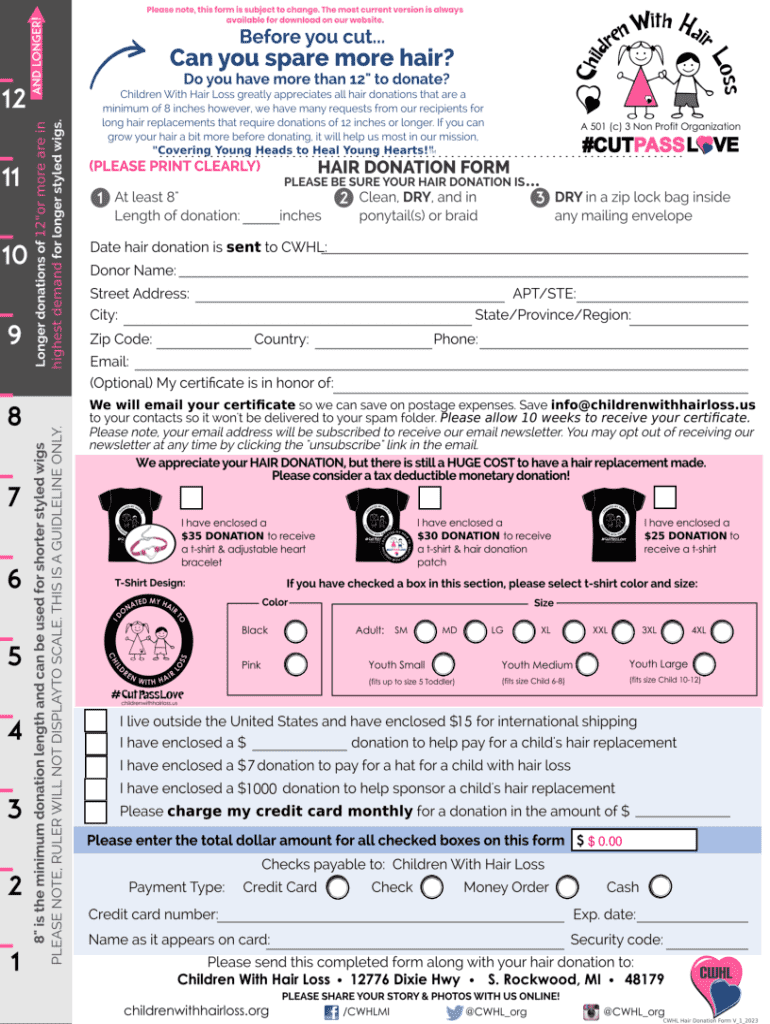







Understanding "Form Online"
The term "form online" refers to the process of completing, submitting, and managing various types of forms through digital platforms. This approach simplifies many administrative tasks, from filling out applications to filing taxes or registering businesses. Online forms are accessible via the internet, allowing users to interact with them from anywhere, provided they have a connected device.
How to Use the Form Online
Navigating an online form involves a few key steps to ensure accuracy and efficiency:
-
Access the Platform: Begin by accessing the website or application where the form is hosted. Ensure that you are using a compatible browser or mobile app to avoid technical issues.
-
Input Information: Fill in all required fields carefully. Most forms are interactive and may offer dropdown menus, checkboxes, or auto-fill features to streamline the process.
-
Review and Modify: Once the information is entered, review it to ensure accuracy. Use editing features to modify inputs as necessary.
-
Submit the Form: After confirming that all entries are correct, submit the form by clicking the designated button. Ensure receipt of any submission confirmation.
How to Obtain the Form Online
Obtaining a form online involves searching for and accessing the appropriate source:
- Official Websites: Go to official websites related to the form you need. For tax-related forms, refer to the IRS or analogous state websites.
- Business Platforms: For business registration or compliance forms, check state business bureau sites or platforms like DocHub for editable versions.
- Online Services: Use services like DocHub that not only offer form templates but also provide tools for completion and submission.
Steps to Complete the Form Online
Completing an online form involves these crucial steps:
-
Read Instructions: Start by reading any instructions provided alongside the form. Understanding any contextual guidelines can prevent errors.
-
Gather Documentation: Before filling out the form, make sure you have all necessary documentation handy, such as identification or proof of address.
-
Enter Data: Fill out each section methodically, ensuring each field is addressed accurately. Look for cues like asterisks that denote mandatory fields.
-
Attach Files: If the form requires, attach necessary files directly within the form portal. Ensure they meet format and size requirements.
-
Finalize and Submit: Review all inputs and confirm their accuracy before hitting submit. Save or print confirmation receipts when available.
Importance of Using Forms Online
Using forms online offers multiple advantages:
- Efficiency: Completing forms online saves time by automating many of the data verification processes.
- Accessibility: Forms are accessible from any connected device, making it convenient for users to fill them out at their own pace and location.
- Security: Digital platforms often use encryption and other technologies to protect user data, making online forms more secure than paper versions.
Typical Users of Online Forms
Online forms cater to a variety of users:
- Individuals: For tasks such as job applications, tax filings, and registration forms.
- Businesses: Often used for compliance, registration, and internal operations such as employee onboarding.
- Government Entities: Provide online forms for public interaction, data collection, and compliance reporting.
Key Elements of the Form Online
Important elements typically found in online forms include:
- Form Fields: These could be text boxes, checkboxes, radio buttons, and dropdown lists guiding the user through the data entry process.
- Instructional Text: Provides guidance on how to fill out sections of the form properly.
- Validation Features: Alerts users to possible input errors, ensuring data accuracy before submission.
Examples of Using the Form Online
Online forms apply to various real-world scenarios:
- Job Applications: Candidates can apply through employer-hosted platforms by filling out personal and professional details.
- Tax Filings: Taxpayers use platforms like the IRS e-file or state-specific portals to submit tax information electronically.
- Business Registrations: Entrepreneurs can use state-run online platforms to register new businesses or renew licenses.
Legal Use of the Form Online
When using forms online, consider the following legal aspects:
- Compliance with Laws: Ensure forms used comply with relevant legal standards, such as privacy laws and digital signature regulations.
- Authentication: Some forms may require multi-factor authentication or additional verification steps to ensure compliance with legal standards.
By understanding and utilizing online forms effectively, users can streamline their workflows, meet compliance requirements, and enjoy an efficient, secure method for managing essential tasks.




