




01. Edit your form online
Type text, add images, blackout confidential details, add comments, highlights and more.

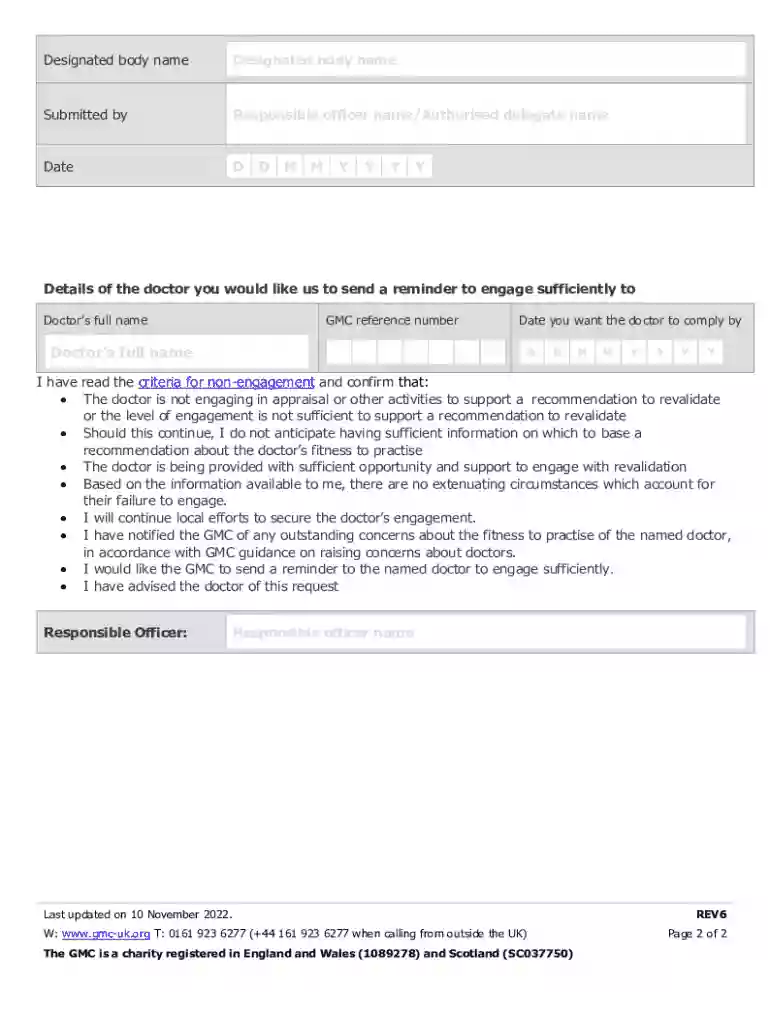
Type text, add images, blackout confidential details, add comments, highlights and more.

Draw your signature, type it, upload its image, or use your mobile device as a signature pad.

Send it via email, link, or fax. You can also download it, export it or print it out.
The term "form online" refers to digital documents that can be accessed, filled out, submitted, and processed through the internet. These forms serve various purposes, including applications, registrations, surveys, and agreements. The shift from paper to online forms has streamlined how individuals and businesses collect and manage information, providing significant time and cost efficiencies. Unlike their paper counterparts, online forms are typically more flexible, allowing for real-time data validation and immediate submission. Key features of online forms include interactive fields, electronic signature capabilities, and the integration of automated workflows.
Using an online form effectively requires a few straightforward steps:
Access the Form: Begin by navigating to the platform or website hosting the form. This is often done through links provided via email or on official websites.
Complete the Information: Enter the required information into the designated fields. This process is often intuitive, with prompts and instructions guiding users through each section.
Review and Edit: Before submission, review all entered data for accuracy. Many platforms allow you to edit any incorrect information or incomplete sections.
Submit the Form: Once all necessary fields are correctly filled, submit the form by clicking the designated button.
Receive Confirmation: After submission, most systems generate a confirmation message or email, verifying that the form has been successfully received.
Obtaining an online form can be accomplished through several methods:
Completing an online form involves a clear, step-by-step process:
Start with Identification: Enter any necessary identification information like name, address, and contact details.
Section Completion: Move through the different sections sequentially, answering all required questions.
Mandatory Fields: Pay special attention to fields marked as mandatory to ensure the form can be submitted without errors.
Use Dropdown Menus: If available, utilize dropdown menus for standardized responses to minimize typing errors.
Attach Necessary Documents: Upload any additional documents if the form requires supplementary information.
Sign Electronically: Use the electronic signature feature to sign the form digitally, ensuring compliance with legal standards.
Submit and Save: Submit the form and save a copy for your records, either electronically or by printing a hard copy.
A diverse range of users can benefit from online forms, including:


Online forms typically include several standard elements:
Online forms provide a variety of submission methods, ensuring flexibility and convenience:
Legal considerations when using online forms include:
We've got more versions of the UK Doctor Revalidation Reminder Form form. Select the right UK Doctor Revalidation Reminder Form version from the list and start editing it straight away!
At DocHub, your data security is our priority. We follow HIPAA, SOC2, GDPR, and other standards, so you can work on your documents with confidence.
Below is a sample reference letter that can be used when asked to write a reference letter for a nursing student or nursing professional.Read more
by A Tazzyman 2019 Cited by 13 This paper examines the implications of revalidation on the structure, governance, and performance management of the medical profession,


