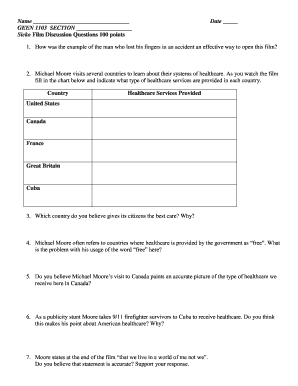
01. Edit your form online
Type text, add images, blackout confidential details, add comments, highlights and more.

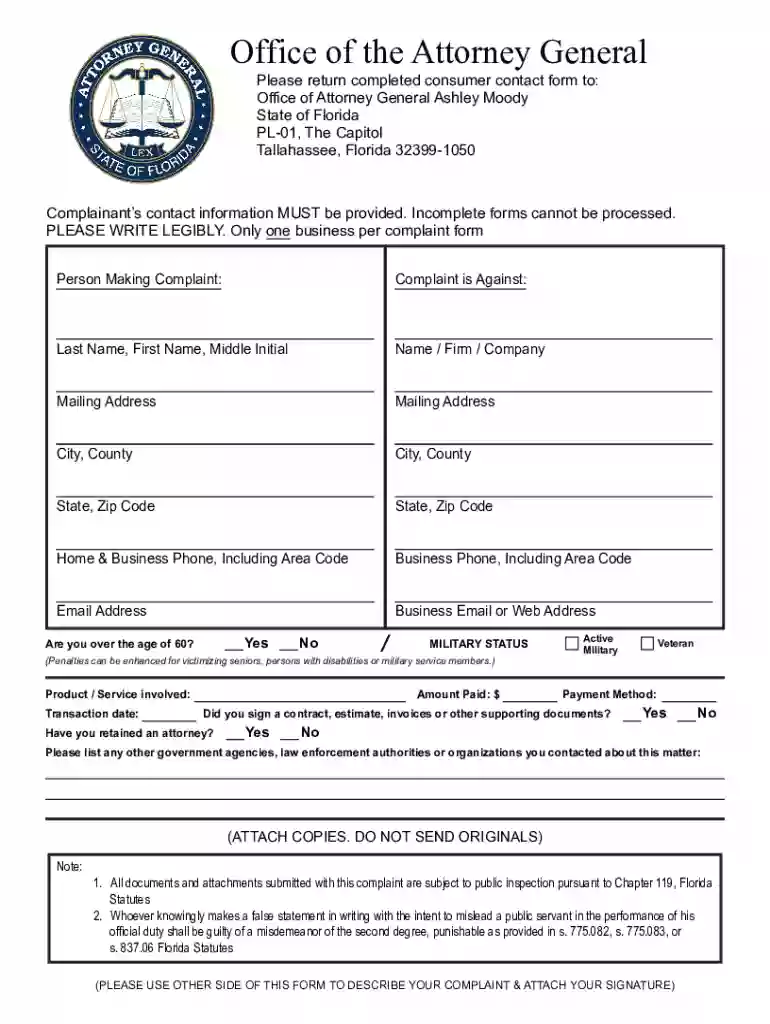
Type text, add images, blackout confidential details, add comments, highlights and more.

Draw your signature, type it, upload its image, or use your mobile device as a signature pad.

Send it via email, link, or fax. You can also download it, export it or print it out.
A "form online" refers to any document or application that is available for completion, submission, or processing through an internet platform. This digital format simplifies interactions by allowing users to fill out forms electronically rather than using traditional paper-based methods. The transition to online forms offers a range of benefits, including enhanced accessibility, automation of data entry, and streamlined submission processes, which are particularly advantageous for both individuals and organizations seeking efficiency.
Using an online form involves a straightforward set of steps, typically designed to be user-friendly. Whether for personal, legal, or business purposes, the process generally follows these stages:
Access the Form: Navigate to the website that hosts the form. In this context, DocHub allows users to access various forms directly from their platform.
Fill Out the Details: Enter the required information in the designated fields. Online forms provide interactive elements like text boxes, checkboxes, and dropdown menus, ensuring precise data entry.
Review and Edit: Double-check the information provided to correct any errors. DocHub's intuitive editing tools enable easy modifications.
Submit or Save: Once completed, users can submit the form directly through the platform or save it for later use. DocHub offers options to store documents securely.
Obtaining an online form can be accomplished through several methods, making it accessible from various platforms:
Direct Website Access: Visit the official website hosting the form, such as government portals or organizational sites.
Cloud Services: Retrieve forms via cloud storage services like Google Drive or Dropbox, often integrated with platforms like DocHub.
Email Attachments: Download forms sent as email attachments and open them in compatible online platforms for completion.
Completing an online form involves a sequential approach to ensure accuracy and completeness:
Read Instructions: Start by reading any instructions or guidelines provided with the form to understand the requirements.
Input Data: Enter personal or requested details, ensuring all mandatory fields are populated.
Attach Supporting Documents: Upload any required documents, such as identification or verification materials, using the form's upload feature.
Electronically Sign: Use DocHub's electronic signature feature to legally sign the document, ensuring compliance with legal standards.
Verify Completeness: Review the entire form to ensure no sections are overlooked or incorrectly filled out.
Submit: Upon completion and verification, submit the form electronically. Platforms like DocHub facilitate direct submission to the relevant authority or organization.
Opting to complete forms online delivers numerous advantages, including:
Convenience: Access and complete forms from any location with internet connectivity, eliminating the need for physical visits.
Efficiency: Reduce time spent on traditional paperwork through automated processes and quick submission capabilities.
Environmental Impact: Minimize paper usage, contributing to eco-friendly practices by adopting digital forms over printed versions.
Security and Accuracy: Platforms like DocHub employ SSL encryption to protect data, while digital entry reduces the risk of human error in transcription.
Understanding certain terminologies is crucial for effective use of online forms:
Fillable Fields: Interactive components of a form allowing input, such as text boxes or checkboxes.
Electronic Signature: Legally binding signature captured electronically via platforms like DocHub.
Encryption: The security measure protecting data integrity during transmission.
Submission: The action of sending completed forms to the intended recipient through electronic means.
Online forms, particularly those processed through platforms like DocHub, adhere to legal standards, ensuring their use is compliant with relevant regulations:
ESIGN Act Compliance: Electronic signatures gathered through DocHub are legally recognized under the ESIGN Act, making them valid in contractual agreements.
Data Protection: Online forms use encryption to comply with data protection laws, safeguarding user information.
An effective online form typically includes:
Form Fields: Sections requiring user input, designed to guide and capture accurate data.
Instructions: Clear guidelines accompanying the form to assist with proper completion.
Navigation Options: Tools that facilitate easy movement between sections of lengthy forms.
Submission Confirmation: Acknowledgment provided upon successful form submission, often via email notification.
Help Resources: Access to customer support or FAQs for assistance in case of difficulties during form completion.
We've got more versions of the Florida Consumer Complaint Form form. Select the right Florida Consumer Complaint Form version from the list and start editing it straight away!
At DocHub, your data security is our priority. We follow HIPAA, SOC2, GDPR, and other standards, so you can work on your documents with confidence.