




01. Edit your matriculation form online
Type text, add images, blackout confidential details, add comments, highlights and more.

Type text, add images, blackout confidential details, add comments, highlights and more.

Draw your signature, type it, upload its image, or use your mobile device as a signature pad.

Send matriculation form via email, link, or fax. You can also download it, export it or print it out.
The matriculation form is a vital document often used within educational institutions to facilitate various enrollment processes. It primarily serves students in transitioning into courses or changing their academic status within an institution, such as the UP Open University. This form is not only used for course registration but also assists in making official requests for adjustments like adding or dropping courses. It is integral in maintaining a structured record of student enrollment activities and ensuring that students are formally recognized as part of the institution's academic program.
Navigating a matriculation form requires careful attention to detail to ensure all required information is completed accurately. Users should begin by filling in personal details such as student identification numbers and contact information. Next, the form typically asks for specifics on courses to be added or removed, necessitating clear identification and submission of course codes, titles, and relevant academic periods. It's crucial to adhere to institutional guidelines for completing this form to avoid any delays or errors in processing.
The acquisition of a matriculation form is usually straightforward. Most institutions provide these forms in their administrative offices or through their official websites for download. For ease of access, educational platforms such as DocHub support functionality for importing digital forms directly from cloud services like Google Drive and Dropbox, ensuring both ease of access and compatibility across various devices. This digitization facilitates a seamless user experience, allowing students to start and finish the form-filling process online without unnecessary logistical hurdles.
Primarily, the matriculation form is utilized by students who need to adjust their academic course load or enrollment status within a university setting. However, support staff members, such as registrars or learning center coordinators, also frequently engage with these forms to verify and approve the changes initiated by the students. Additionally, university administrators may use this form to monitor enrollment trends and make necessary adjustments to course offerings.


Several key terms are associated with the matriculation form, providing a framework for understanding its purpose and usage:
A comprehensive matriculation form incorporates several critical components to ensure a complete and effective application:
With advancements in digital tools, many institutions offer an electronic version of the matriculation form alongside traditional paper versions. The digital format enhances accessibility and convenience, eliminating the need for physical submission. Platforms like DocHub facilitate easy editing and signing of these digital forms, allowing students to complete them from any location. This contrasts with paper versions, which may require in-person submission and can be prone to physical loss or damage. The digital option supports broader integration and rapid processing efficiency, aligning with contemporary technological expectations.
At DocHub, your data security is our priority. We follow HIPAA, SOC2, GDPR, and other standards, so you can work on your documents with confidence.

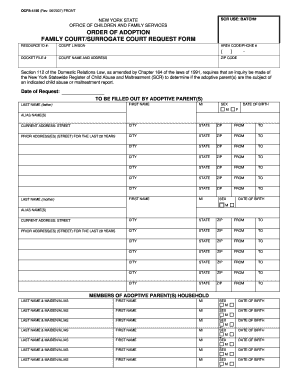
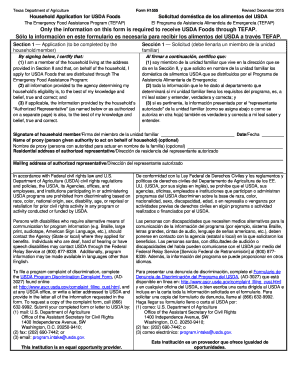
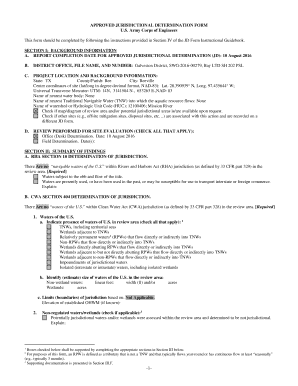
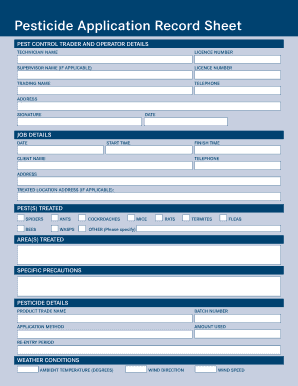
Below are links to forms commonly used by students. you will find information on enrollment, access important forms, and stay up-to-date with crucial deadlines.
This form may only be filled out and submitted by a Certification Officer or Dean of the School of Education. Submission of this form by applicants will not beRead more


