






Definition and Meaning
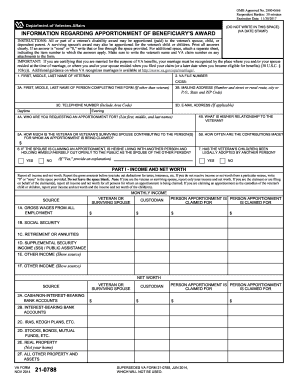
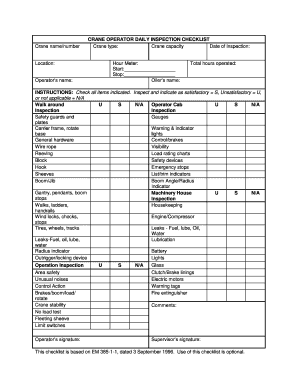
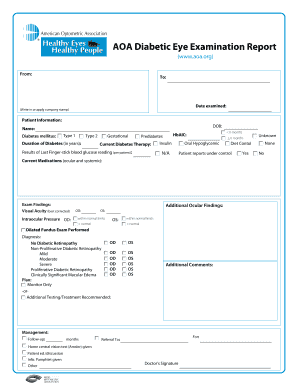
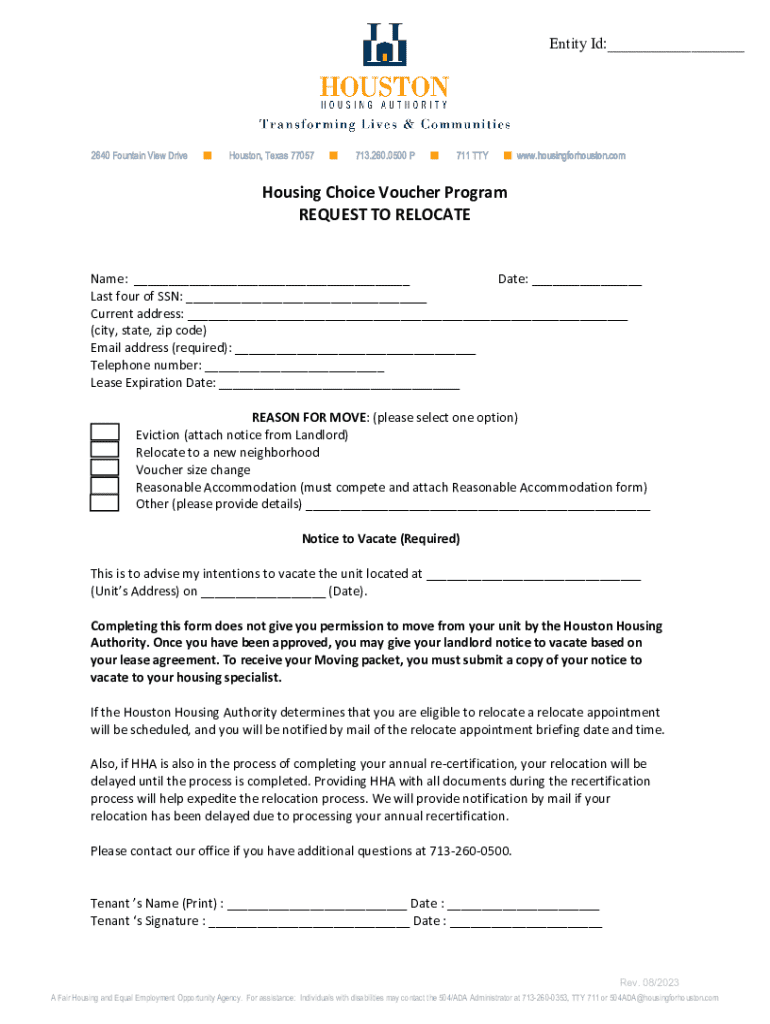
The term "form online" refers to a document or digital tool that allows users to complete and submit forms via the internet. These digital forms can encompass a wide range of types, from applications and surveys to official legal and financial documents. By facilitating online completion and submission, "form online" eliminates the need for physical paperwork, streamlining processes and reducing errors associated with manual entries.
Digital forms offer flexibility, convenience, and speed, making them highly appealing for both individual users and organizations. The ability to access, fill, and send these forms from any internet-enabled device ensures that users can manage their administrative tasks efficiently, without geographical constraints.
How to Use the Form Online
To effectively use a form online, follow these general steps:
-
Find the Necessary Form: Determine the specific form you need. This may require visiting the issuing entity's website or using a form library like DocHub.
-
Understand the Requirements: Before filling out the form, review the instructions and requirements to ensure you have all the necessary information and documents.
-
Fill Out the Form: Use the online platform’s tools to enter information directly into the form fields. Pay careful attention to mandatory fields and ensure accuracy in your inputs.
-
Add Attachments if Needed: Some forms may require supporting documents. Use the upload function to attach any required files.
-
Review Your Inputs: Check each section for completeness and correctness. Correct any errors before submission.
-
Submit the Form: Finalize the process by submitting the form online. Ensure you receive a confirmation of submission for your records.
Steps to Complete the Form Online
Completing a form online typically involves several straightforward steps:
-
Access the Form Platform: Open your preferred web browser and navigate to the form hosting service or the issuing body’s website.
-
Create or Log Into an Account: Many services require users to create an account or log in to access and submit forms.
-
Select the Appropriate Form: Browse the available forms or use a search function to locate the specific form you need.
-
Fill in the Required Information: Enter the requested details into the designated fields. Make sure to provide accurate and honest information.
-
Verify Before Submission: Review your entries to confirm that all required fields are completed correctly.
-
Submit Electronically: Follow the prompts to electronically submit your form. Look for a confirmation message or email verifying receipt.
Required Documents
Submitting forms online often necessitates the inclusion of various supporting documents. These might include:
-
Identification Proofs: Such as a driver's license or passport.
-
Financial Documentation: W-2 forms, pay stubs, or bank statements, particularly relevant for tax-related forms.
-
Legal Documents: Contracts, previous agreements, or relevant legal documents, especially for legal or real estate forms.
-
Supplementary Forms: Any additional forms that might be requested, especially if the form has multiple sections or stages.
Ensure these documents are ready in digital format for seamless uploading during the form submission process.
Software Compatibility
Online forms must be compatible with commonly used software platforms to ensure ease of access and use:
-
Document Editing Tools: Programs like DocHub should integrate well with PDF and document editors, allowing users to modify, fill, and manage forms easily.
-
Cloud Storage Services: Compatibility with services like Google Drive and Dropbox enables users to import and export documents directly.
-
Digital Signature Software: Systems that support digital signature functionality are vital for any legally binding documents processed online.
Ensuring the form platform's compatibility with these utilities can enhance user experience and workflow efficiency.
Legal Use of the Form Online
Utilizing forms online carries legal implications, particularly for documents requiring signatures or involving sensitive information. Legal standards include:
-
Compliance with Legislation: Observance of laws such as the ESIGN Act is critical for forms requiring electronic signatures. This ensures that digital signatures are valid and enforceable.
-
Data Protection: Platforms must adhere to data protection regulations, like GDPR or HIPAA, ensuring user data is secure and private.
-
Authenticity Verifications: For certain forms, users may need to verify their identity to a legal standard to prevent fraud.
Understanding these nuances ensures that forms are used correctly and legally online.
Key Elements of the Form Online
An effective online form consists of several key elements:
-
User-Friendly Interface: Clear design and intuitive navigation guides users through the form completion process.
-
Responsive Design: Compatibility with various devices ensures that the form can be accessed and completed on desktops, tablets, and smartphones.
-
Dynamic Fields: Features such as conditional logic can tailor the form to display relevant questions based on previous responses.
-
Accessibility Features: Compliance with accessibility standards guarantees that forms are usable by individuals with disabilities.
These components are vital in creating an efficient, inclusive, and comprehensive online form experience.
Examples of Using the Form Online
Real-world applications of online forms vary widely across different contexts and industries:
-
Job Applications: Candidates can complete job applications through online portals, streamlining the recruitment process.
-
Government Services: Citizens use online forms to apply for benefits, permits, or licenses, saving time and resources.
-
Educational Admissions: Universities manage student applications and enrollment processes through digital forms, enabling broader access.
These use cases demonstrate the versatility and utility of online forms in modern administrative processes.