
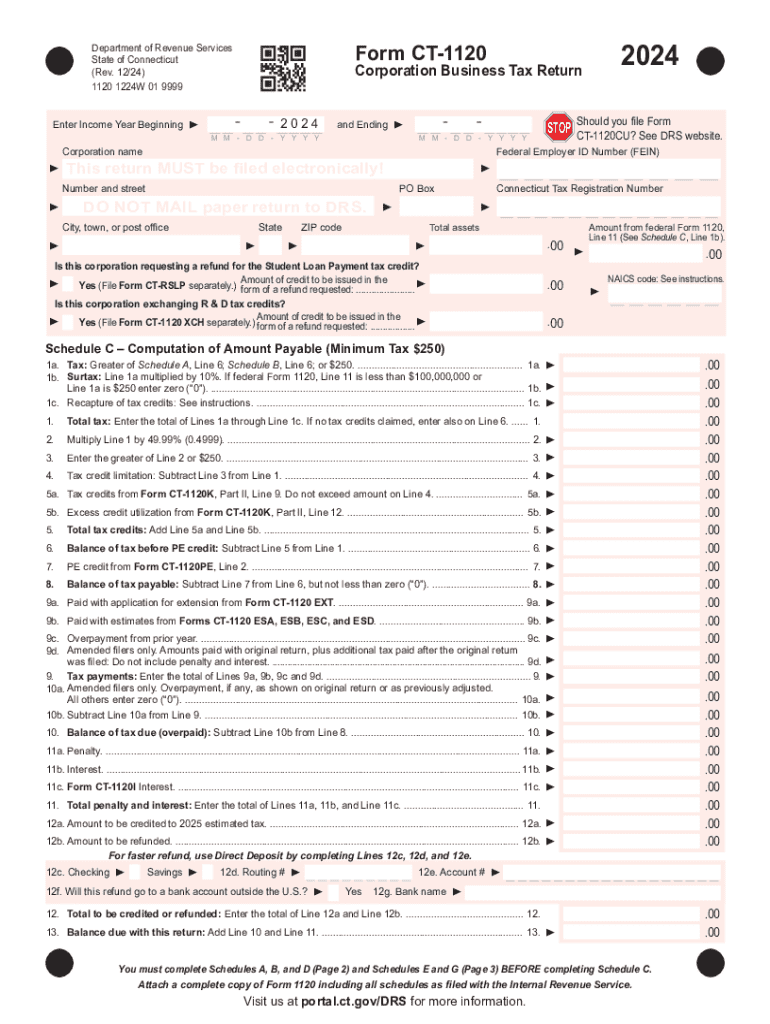







Definition and Meaning
"Form online" refers to the digital transformation of traditional paper forms into electronic formats that can be accessed, completed, and submitted using the internet. These forms provide convenience and efficiency for users by enabling them to fill out necessary information without the need to print physical copies. In the context of document management platforms like DocHub, form online functionality allows users to convert existing documents into fillable forms, ensuring a streamlined process for data collection and submission. Users can easily insert form fields and make existing documents interactive for better user engagement.
Key Features
- Editable Fields: Enable text boxes, checkboxes, dropdown menus, and signature fields.
- Compatibility: Support for multiple file formats including PDF, DOC, PPT, and XLS.
- Accessibility: Available on both desktop and mobile platforms for flexibility.
- Security: Ensure data protection through advanced encryption and authentication protocols.
How to Use the Form Online
Using forms online with DocHub involves a series of straightforward steps that facilitate completing, sharing, and managing digital forms. The user-friendly interface provides several tools to ensure the forms are tailored to specific requirements.
Step-by-Step Process
- Upload or Create: Begin by uploading a document or creating a new form directly within DocHub.
- Insert Fields: Use the Form Fields manager to add necessary fillable sections such as text fields and signature boxes.
- Customize: Adjust field properties such as making them required or assigning them to specific recipients.
- Finalize and Share: Once the form is set up, share it with others via email for completion or collect electronically signed documents directly through the platform.
Tips for Efficiency
- Use Templates: Leverage existing templates to speed up the creation process.
- Real-Time Edits: Collaborate with others in real-time to ensure all changes are up to date.
- Enable Notifications: Set up email alerts for when forms are completed or need attention.
Steps to Complete the Form Online
Completing an online form typically demands attention to detail to ensure that all necessary fields are accurately filled out. With platforms like DocHub, this process becomes intuitive and efficient.
Steps for Form Completion
- Access the Form: Open the document within DocHub from cloud storage or your inbox.
- Fill Required Fields: Navigate through the form and provide the necessary data in specified sections.
- Attach Files: If additional documents are needed, attach them using the provided tools within the form interface.
- Review and Submit: Double-check all information for accuracy before finalizing your submission. Use the 'Submit' button to complete the process.
Best Practices
- Check Field Requirements: Ensure that all mandatory fields are completed.
- Save Progress: Regularly save your progress within lengthy forms to avoid data loss.
- Preview Before Submission: Utilize the preview functionality to review the entire document before finalizing.
Why You Should Form Online
Adopting an online form system offers numerous advantages that can significantly improve efficiency and accuracy in data management processes.
Advantages
- Convenience: Reduce time spent on manual data entry and achieve seamless data integration with digital systems.
- Cost-Effective: Eliminate the need for physical paper and associated distribution costs.
- Accuracy: Minimize errors by using defined fields that prompt accurate data entry from users.
- Environmental Impact: Contribute to a reduction in paper use, supporting environmentally sustainable practices.
Case Study
Consider a medium-sized enterprise that transitioned from paper forms to online forms. They reported a 30% reduction in data processing time and a 20% increase in form submission accuracy, leading to overall operational improvements.
Legal Use of the Form Online
Utilizing forms online involves specific legal considerations, particularly when electronic signatures are included. Platforms like DocHub provide compliance with legal frameworks.
Compliance and Security
- ESIGN Act Adherence: Electronic signatures created are legally binding in the United States.
- Secure Access: Document access is governed through strict encryption methods and user authentication protocols.
- Audit Trails: Maintain detailed logs of form access and modifications to support legal compliance.
Considerations
- User Consent: Ensure all parties involved consent to electronic form submission and digital signatures.
- Confidentiality Agreements: Implement additional security measures for sensitive information, such as NDA forms requiring online signatures.
State-Specific Rules for the Form Online
While forms online provide universal benefits, certain states may impose unique rules or requirements for electronic documents.
Regional Variations
- California: Includes specific privacy requirements for online data collection.
- New York: Provides guidelines for the use of electronic signatures in legal documents.
- Texas: Mandates compliance with local e-signature regulations for government documentation.
Adjustments and Adaptations
- Monitor State Updates: Stay informed of any regulatory changes affecting online forms.
- Customize Forms: Adapt fields and processes to align with specific state requirements.
Examples of Using the Form Online
Various sectors make use of form online functionalities to optimize their workflows. Here are some examples illustrating practical application.
Use Cases
- HR Departments: Manage employee data through digital onboarding forms and performance reviews.
- Healthcare Providers: Collect patient consent forms and medical histories efficiently before consultations.
- Educational Institutions: Streamline student registration and feedback collection processes.
Real-World Scenarios
An educational institution saved hours of administrative work per semester by transitioning to online forms for course enrollments, ultimately increasing staff productivity.
Who Typically Uses the Form Online
Understanding who benefits most from completing forms online can provide insight into its widespread applicability.


Common Users
- Businesses: Employ online forms to streamline processes such as invoices and contracts.
- Individuals: Use online forms for personal applications like job submissions or school admissions.
- Governmental Agencies: Facilitate easier access to public services through digitized forms.

Business Applications
- SMEs: Small and medium enterprises leverage online forms for agility in business operations.
- Corporations: Large firms use forms to coordinate complex transactions between departments globally.
Digital vs. Paper Version
The evolution of forms from paper to digital formats offers distinct benefits that address the limitations inherent to physical documents.
Comparative Analysis
- Accessibility: Digital forms can be accessed from nearly any device with an internet connection, whereas paper forms require physical presence.
- Efficiency: Saved and sent in real-time, digital forms streamline workflows against slower snail-mail facilitated paper forms.
- Scalability: Digital platforms make it easier to duplicate, distribute, and collect forms for large audiences without logistic challenges.
Operating Preferences
Organizations often choose the digital route to maximize scope and maintain competitiveness in today's fast-paced environment.
Required Documents
Completing forms online may necessitate additional supporting documents to verify information or provide context.
Commonly Needed Documents
- Identification Proof: Such as a passport or driver's license.
- Financial Statements: For forms related to business transactions or applications.
- Medical Records: For healthcare-related form submissions.
Organized Preparation
Ensure that all required documents are scanned and accessible digitally to facilitate a smooth form completion process, thereby reducing delays and increasing efficiency.




