




01. Edit your form online
Type text, add images, blackout confidential details, add comments, highlights and more.

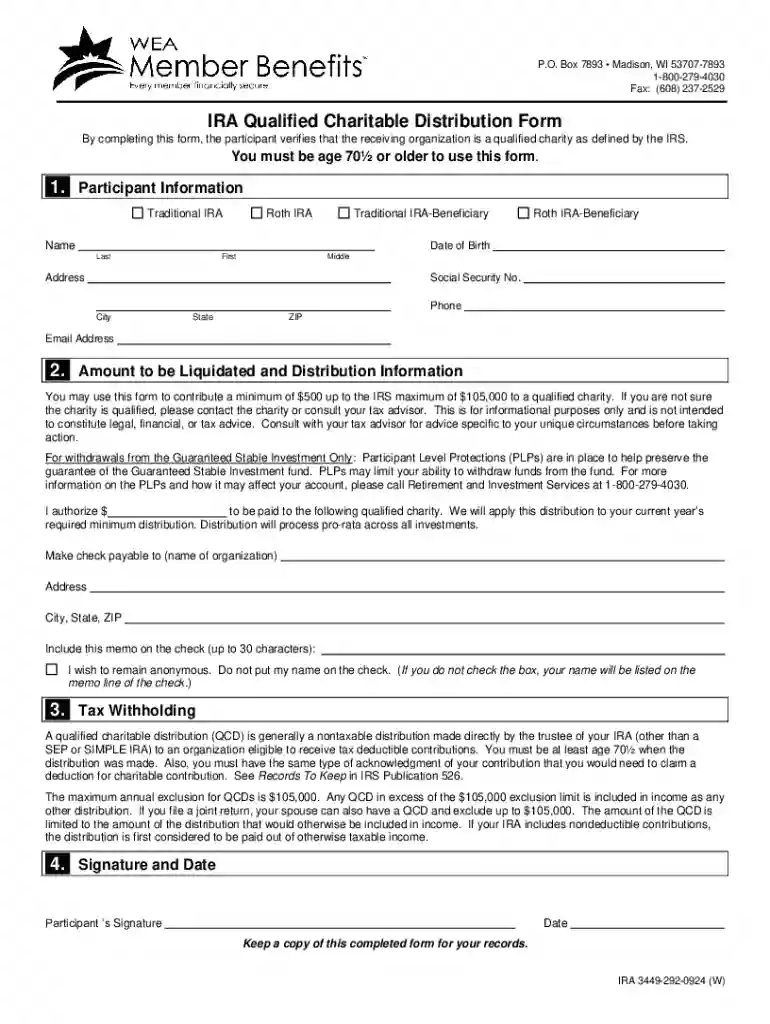
Type text, add images, blackout confidential details, add comments, highlights and more.

Draw your signature, type it, upload its image, or use your mobile device as a signature pad.

Send it via email, link, or fax. You can also download it, export it or print it out.
Form online refers to the process of creating, filling out, and managing forms via the internet rather than on paper. This approach provides a digital framework for users to interact with forms, whether for personal, business, or governmental purposes. An example would be individuals using online tax forms to map out their financial obligations or businesses employing digital forms for client onboarding processes. This method not only offers convenience by allowing easy access and edits but also streamlines data storage and retrieval, making it a preferred option in numerous fields.
Online forms encompass a wide range of documents, from IRS tax forms, legal applications, to customer feedback surveys. In essence, an online form integrates fields where users enter required data, which can then be processed, analyzed, or stored electronically.
Using a form online involves several steps to ensure accurate data input and seamless submission. First, access the specific form needed via the appropriate website, such as DocHub, and review the instructions provided. Next, fill out the form by entering data into the designated fields, which may include text boxes, drop-down menus, or checkboxes.
Once completed, you can submit the form directly through the platform or download it for further use. Ensure that any required digital signatures are affixed if the form is to be used for legal or official purposes.
Switching to online forms offers several advantages over traditional methods. Primarily, it enhances efficiency and accuracy, significantly reducing the time spent on manual entry and paper management. For businesses, this means streamlined workflows and improved data integrity due to digital verification processes.
Online forms also offer a degree of flexibility and accessibility not found in paper forms. Users can access and complete forms from anywhere with an internet connection, facilitating timely submissions. This feature is particularly beneficial for remote work scenarios and organizations with widespread teams.
The use of electronic signatures on online forms provides a legally binding alternative to traditional handwritten signatures. These signatures comply with legal standards such as the ESIGN Act, adding a layer of security and authenticity to digital documents. Different methods can be utilized for creating electronic signatures, including:
For legal validity, it’s crucial to ensure the electronic signature process incorporates security measures such as unique user ID verification.
Platforms like DocHub offer robust tools for creating fillable forms online. These digital forms can be customized with:
This ability to dynamically engage with forms makes them suitable for collecting structured data in various applications, from applications to surveys.
A diverse range of users adopts online forms for their operations. Businesses utilize them for internal processes like employee onboarding or customer feedback collection. Government agencies offer online forms to facilitate citizen services such as tax submissions or license renewals.
Non-profit organizations leverage digital forms for membership applications and donations while educational institutions apply them for enrollment and academic records collection. The accessibility and customizable nature of online forms make them invaluable across sectors.


When dealing with forms online, several key terms are crucial for understanding and navigating the process effectively:
These terms highlight the integral components and functionality required to manage forms efficiently in a digital context. Understanding these elements can significantly enhance user experience when interacting with online forms.
We've got more versions of the IRA Qualified Charitable Distribution Form form. Select the right IRA Qualified Charitable Distribution Form version from the list and start editing it straight away!
At DocHub, your data security is our priority. We follow HIPAA, SOC2, GDPR, and other standards, so you can work on your documents with confidence.
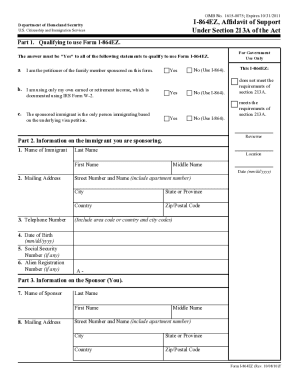




Qualified Charitable Distribution (QCD) allows IRA holders, age 70 12 or older, to donate to a qualified charity from their Traditional or Roth IRA (including
Our Planned Giving Seminar will teach you how to redirect thousands in tax dollars to charitable contributions and still retain as much wealthif not morein


