




01. Edit your form online
Type text, add images, blackout confidential details, add comments, highlights and more.

Type text, add images, blackout confidential details, add comments, highlights and more.

Draw your signature, type it, upload its image, or use your mobile device as a signature pad.

Send it via email, link, or fax. You can also download it, export it or print it out.
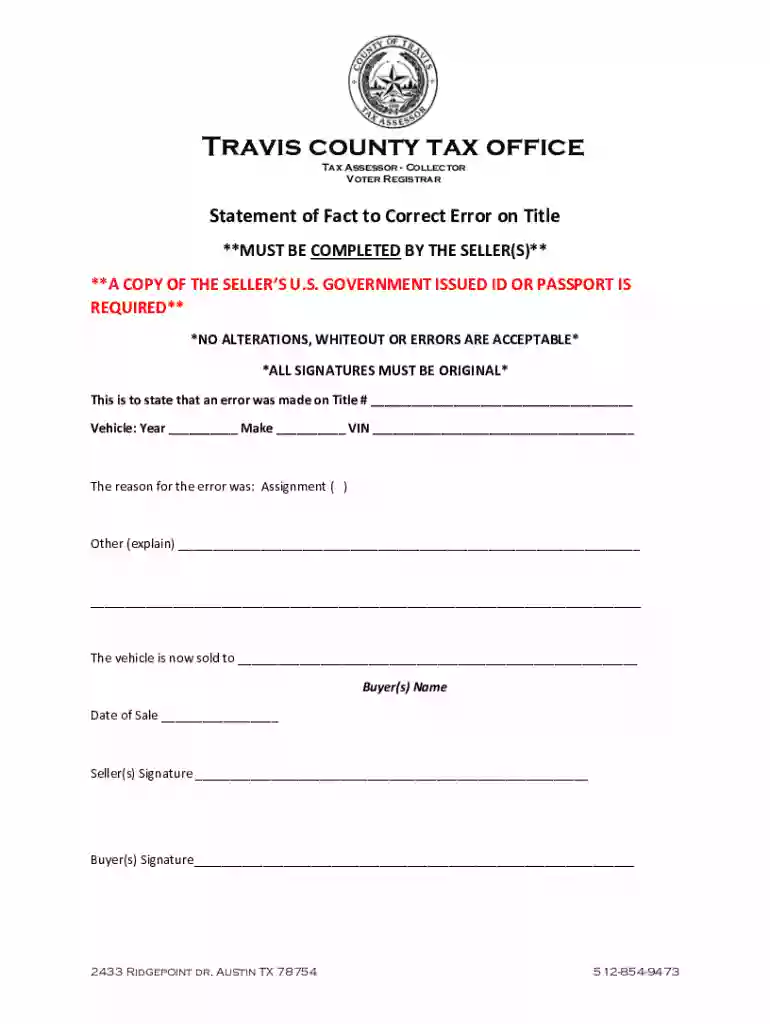
Navigating online forms can be straightforward when you understand the process. Start by identifying the specific form you need to fill. For instance, when correcting an error on a vehicle title in Travis County, ensure you're using the appropriate document from the tax office. Access the desired form by visiting relevant websites or online platforms like DocHub, where such forms are commonly hosted. Upon locating the form, you can directly fill in the fields online, ensuring all information is accurate before submission. Using an online editor allows for real-time updates and corrections as needed.
Completing online forms involves several stages designed to ensure data accuracy and compliance. Start by reviewing the form’s instructions, which typically accompany the document. Identify the sections that require your attention, such as personal information, vehicle details, and the nature of the error needing correction. Sequentially complete each section, using the platform's annotation tools to fill fields accurately. Validate your entries to minimize errors and ensure all mandatory fields are completed.
Online forms serve various purposes depending on user needs. For example, businesses might use them to correct transaction errors or update client records. A practical case involves using the form for updating a vehicle title post-purchase. Another scenario might involve inputting legal changes like name corrections due to marriage or personal preference. Each case highlights the utility of online forms in managing and rectifying official documents conveniently from any location.
Successful electronic form completion often requires specific supporting documents. For vehicle title corrections, a government-issued ID verifying the owner’s identity is essential. Additional documentation might include proof of payment or other financial statements if financial changes are involved. Collect all necessary materials beforehand to ensure a smooth submission process.
Forms available online cater to diverse users depending on their objectives. Private individuals needing corrections on personal records frequently use them. Businesses seeking efficient ways to manage tedious paperwork processes also benefit significantly. For example, corporate entities might use such forms for correcting employee information or updating business licenses. Each user group demonstrates the versatility and adaptability of online forms for administrative tasks.


Adhering to legal guidelines is crucial in using online forms correctly. Each form must comply with federal and state regulations governing document corrections or updates. For documents like vehicle titles, legality encompasses authenticating the changes with appropriate signatures and requisite legal documentation. Ensure all legal stipulations are met to avoid potential compliance issues.
Important aspects of the form feature fields requiring specific data, such as personal identification numbers or vehicle details. Understanding these key elements ahead of time streamlines the completion process. Clarity in the form’s layout and instructions empowers users to provide accurate information, reducing submission errors.
We've got more versions of the Texas Statement of Fact to Correct Error on Title form. Select the right Texas Statement of Fact to Correct Error on Title version from the list and start editing it straight away!
At DocHub, your data security is our priority. We follow HIPAA, SOC2, GDPR, and other standards, so you can work on your documents with confidence.
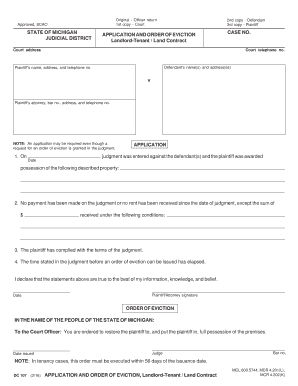
Statement of fact--A written declaration that supports an application for a title, that clarifies an error made on a title or other negotiable evidence of
Forms Title/Keyword Form. Statement (VTR-267) Certified Copy of a Texas Nonrepairable or Salvage Vehicle Title (VTR-34-S) Certified Copy of Title (VTR-34)


