




01. Edit your unit form online
Type text, add images, blackout confidential details, add comments, highlights and more.

Type text, add images, blackout confidential details, add comments, highlights and more.

Draw your signature, type it, upload its image, or use your mobile device as a signature pad.

Send nhsn denominator form via email, link, or fax. You can also download it, export it or print it out.

Start using our platform today to streamline your form completion process for free!
At DocHub, your data security is our priority. We follow HIPAA, SOC2, GDPR, and other standards, so you can work on your documents with confidence.
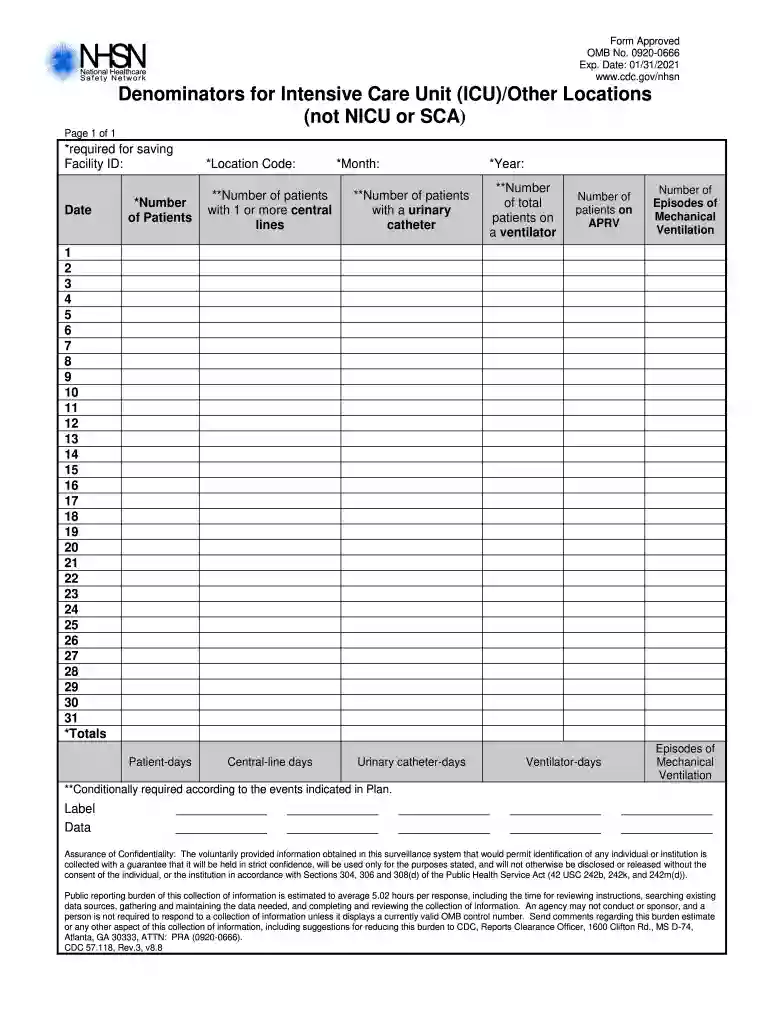
NOTES: To ensure the accuracy of estimated denominator data obtained by sampling, only ICU and ward location types with an average of 75 or more.Read more
Apr 4, 2019 The focus on the numerator of sepsis by critical care specialists who do not understand the vast denominator of conditions that would triggerRead more


