01. Edit your form online
Type text, add images, blackout confidential details, add comments, highlights and more.

Type text, add images, blackout confidential details, add comments, highlights and more.

Draw your signature, type it, upload its image, or use your mobile device as a signature pad.

Send it via email, link, or fax. You can also download it, export it or print it out.
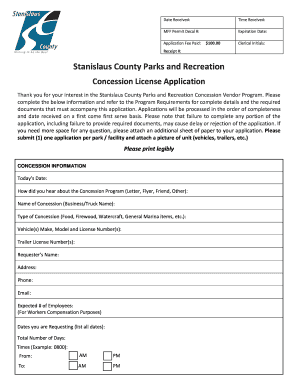
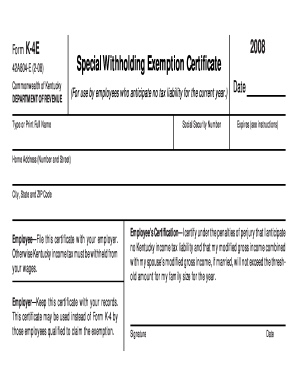
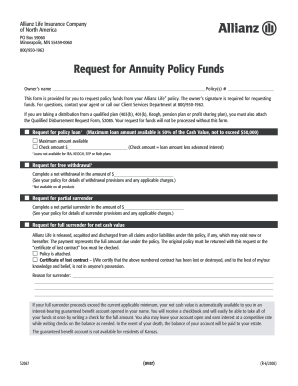
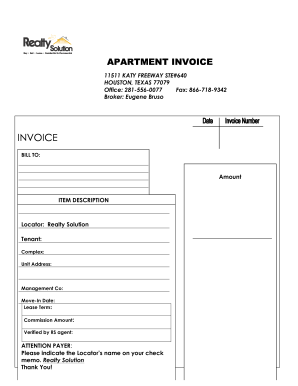
The term "form online" refers to electronic versions of traditional paper forms that can be filled out and submitted via the internet. This digital approach provides a streamlined way for individuals and businesses to manage and process important documents quickly and securely. Online forms can range from tax documents and legal agreements to applications and surveys. They are designed to capture data efficiently, ensuring that users can complete them at their convenience without the need for physical paperwork.
Online forms are often associated with platforms that enable the creation and management of interactive forms, like DocHub. These platforms allow users to build forms from scratch, convert existing documents into forms, and include fillable fields such as text boxes and signature areas. By using such tools, users can ensure that the collected information is accurate and complete, fulfilling the requirements of various administrative, legal, or personal processes.
Access the Platform: Start by logging into a secure online platform like DocHub. This step is crucial as it offers a central location for creating, editing, and submitting forms.
Select or Upload Document: Choose an existing template or upload a document from your computer or cloud storage service. This document will form the basis of your online form.
Insert Form Fields: Utilize fillable fields such as text boxes, checkboxes, and dropdown menus. This step ensures that the form can collect the required information effectively.
Assign Fields to Recipients: Designate specific sections to be filled out by different parties if necessary. This feature is especially useful for forms needing multilayer input.
Verify Completeness: Before finalizing, double-check that all required fields are present and that there's no missing information. You can set mandatory fields to prevent submission without complete data.
Submit or Share: Once completed, submit the form directly through the platform, or share it via email with the intended recipients for their inputs or signatures.
Using online forms offers numerous advantages over traditional paper-based methods:
Efficiency: Filling out forms digitally can significantly reduce time spent on data entry and minimizes the risk of errors associated with manual entry.
Accessibility: Forms can be accessed from any device with internet connectivity, providing flexibility to users to complete tasks at their convenience.
Environmentally Friendly: It reduces paper usage and the need for physical storage, supporting eco-friendly practices.
Streamlined Workflow: Online forms streamline the process of data collection and management, allowing for automatic data entry into databases or spreadsheets.
Security: With platforms like DocHub, data is encrypted during transfer and storage, ensuring sensitive information remains confidential and secure.
Online forms are characterized by specific elements that make them versatile and efficient:
Interactive Fields: Includes text boxes, checkboxes, radio buttons, and dropdown menus to capture various types of information.
Validation Rules: Implement validation checks to ensure data integrity, such as email format verification or numerical range checks.
Automated Calculations: Some fields can be set up to perform automatic calculations, further enhancing form utility, especially in settings like financial reporting.
Design Customization: Tools allow users to customize the form's appearance to better align with branding requirements or improve aesthetics.
Accessibility Features: Adhering to web content accessibility guidelines (WCAG) ensures that forms are accessible to users with disabilities.
Online forms hold significant legal weight when they meet certain criteria:
Compliance: Ensuring compliance with relevant laws, such as the ESIGN Act, confirms the validity of electronic documents and signatures.
Audit Trails: Platforms often provide detailed logging features that track every interaction with the document, from viewing to signing, which is crucial for legal compliance and audits.
Signature Authentication: Electronic signatures facilitated by platforms like DocHub are legally recognized and can be authenticated through detailed tracking and verification processes.
Password Protection: Adding layers of security, such as password protection for sensitive forms, enhances the legal integrity of the information being collected and shared.
Certain forms may be subject to state-specific regulations:
State Variations: Forms such as tax documents or legal contracts might have different requirements or formats depending on the state.
Local Compliance: Businesses and individuals must ensure that online forms comply with relevant local laws and regulations to avoid penalties or rejections.
Guidelines and Updates: Staying informed about state updates and guidelines is essential for maintaining compliance when processing online forms.
Online forms often require compatibility with various software applications for streamlined processes:
Integration Capabilities: Forms can be integrated with accounting software like QuickBooks or tax software like TurboTax, allowing seamless data transfer and processing.
File Format Support: Platforms should support a range of file formats, including PDF, DOC, and XLS, to ensure information can be imported or exported without conversion issues.
Collaborative Features: Integration with project management and communication tools enhances collaboration among teams managing the forms.
Timeliness is crucial in form submission:
Automated Reminders: Platforms often feature automated notifications to alert users of upcoming deadlines or required follow-ups.
Expiration Settings: Setting expiration dates on e-sign requests ensures that processes are completed promptly.
Access to Calendars: Users may sync the platform with their calendars to track important dates related to form submissions.
By leveraging these elements, DocHub allows users to effectively manage their documents, enhancing productivity and ensuring compliance across various applications where forms are required.
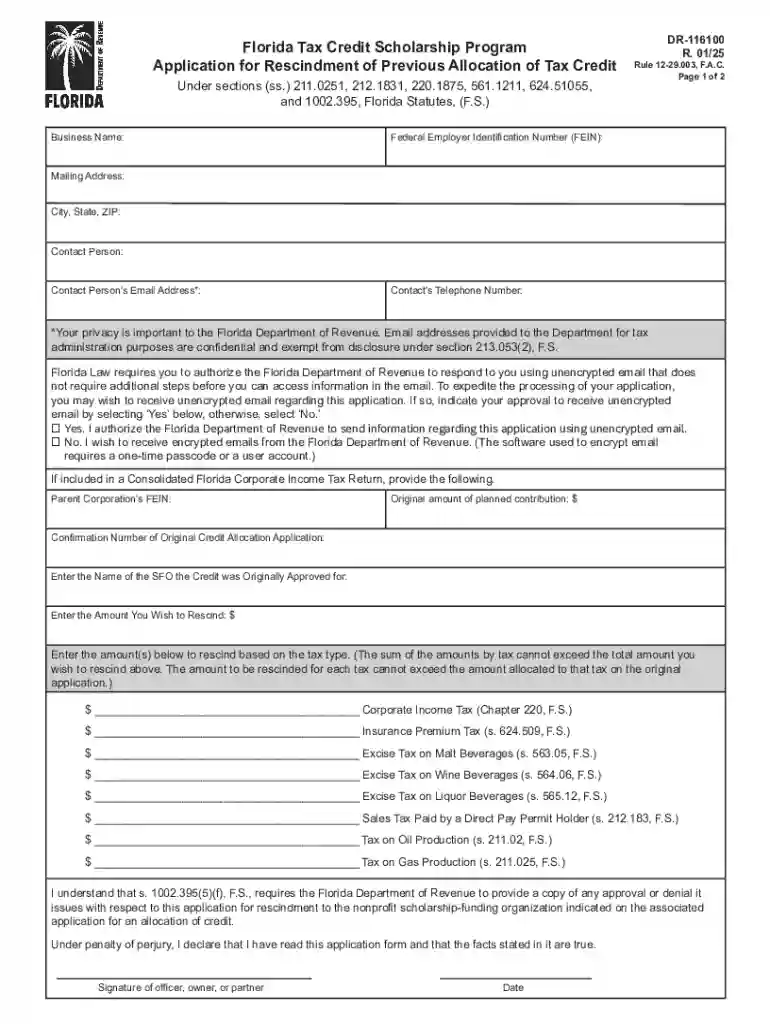
We've got more versions of the Florida Tax Credit Scholarship Program DR-116100 form. Select the right Florida Tax Credit Scholarship Program DR-116100 version from the list and start editing it straight away!
At DocHub, your data security is our priority. We follow HIPAA, SOC2, GDPR, and other standards, so you can work on your documents with confidence.