




01. Edit your declaratory judgment online
Type text, add images, blackout confidential details, add comments, highlights and more.

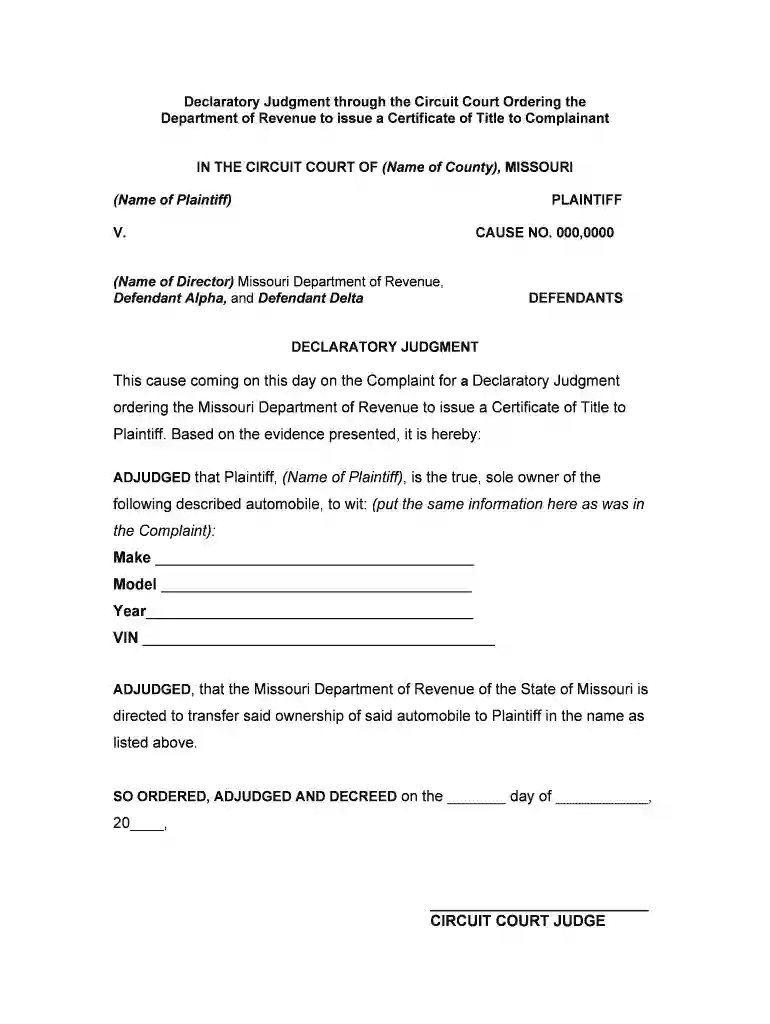
Type text, add images, blackout confidential details, add comments, highlights and more.

Draw your signature, type it, upload its image, or use your mobile device as a signature pad.

Send declaratory judgement via email, link, or fax. You can also download it, export it or print it out.

Start using our platform today to easily complete your Missouri Declaratory Judgment form online for free!
At DocHub, your data security is our priority. We follow HIPAA, SOC2, GDPR, and other standards, so you can work on your documents with confidence.
The Uniform Declaratory Judgment Act was enacted into law in Missouri on June 22, 1935,1 thus becoming the sixth Uniform. Act to be adopted in Missouri: theRead more
(1974) Held that declaratory judgment is proper procedure for determining parentage and legal status of a child with regard to a natural or adoptive parent.Read more
Apr 24, 2013 enter a declaratory judgment on liability for response costs or damages that will be binding on any subsequent action or ac- tions toRead more


