




01. Edit your form online
Type text, add images, blackout confidential details, add comments, highlights and more.

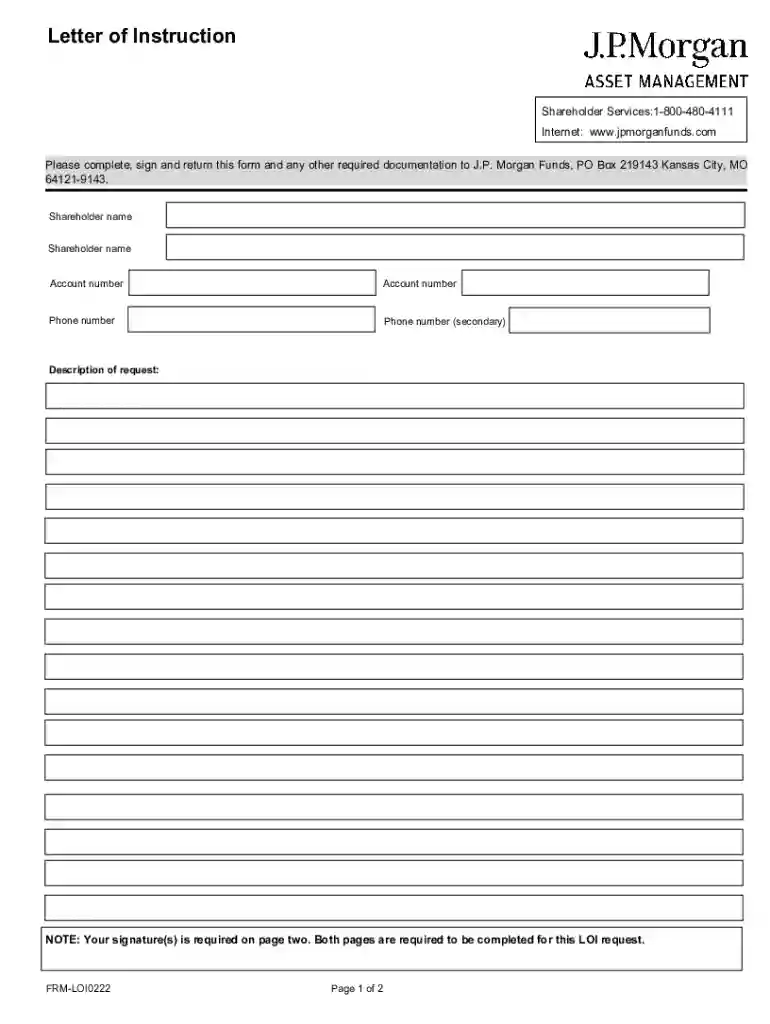
Type text, add images, blackout confidential details, add comments, highlights and more.

Draw your signature, type it, upload its image, or use your mobile device as a signature pad.

Send it via email, link, or fax. You can also download it, export it or print it out.
When discussing the form online, it typically refers to a document that users can complete digitally via a web-based platform like DocHub. This format allows individuals and businesses to fill out, manage, and submit forms electronically without needing physical copies. The primary advantage of creating forms online is the convenience it offers, as it eliminates the need for physical handling and mailing of documents. It also ensures that data can be processed and recorded more efficiently. Forms online can include a wide range of types such as tax submissions, applications, and informational requests.
To obtain a form online, users can either visit docHub.com directly or access the form through links provided by government or business entities. Some forms may also be available through integrations with cloud services like Google Drive. Users can import needed documents to DocHub, either starting with a blank template or uploading a pre-existing form in various compatible formats such as DOC, PDF, or XLS. By providing these diverse options, DocHub ensures that users have a flexible and accessible means of obtaining the correct form for their needs.
Legally, forms completed online hold similar validity to their paper counterparts. In the U.S., laws such as the ESIGN Act ensure that electronic forms and signatures have the same legal effect as traditional written documents. However, for a form to be legally binding, it must adhere to certain criteria such as being completed in full, signed with a compliant electronic signature, and submitted properly. Users should also be mindful of any additional legal requirements or signature guarantees that might apply to specific types of forms, such as financial or governmental documents.
When completing a form online, users may need to provide supporting documents to qualify or verify the data entered. These can include but are not limited to:
Documents should be in compatible formats (such as PDF or JPEG) and uploaded through the platform’s secure file upload feature.
DocHub provides various methods for form submission, ensuring users can choose according to their needs and preferences. Primarily, forms can be submitted online directly through the platform, ensuring immediate processing and zero postal delay. Yet, if particular conditions require it, forms filled online can be downloaded, printed, and sent via traditional mail or delivered in person. This flexibility accommodates requirements where physical submissions are necessary or preferred by certain agencies.
DocHub ensures that its platform is seamlessly integrated with software widely used for document management and filing tasks, such as Google Workspace, which includes Drive and Gmail. This compatibility allows users to import and export forms between these services effortlessly. Furthermore, DocHub often updates its features to maintain compatibility with popular financial software like QuickBooks and TurboTax, crucial for users handling business accounts or tax-related forms online.
The completion and submission of forms online may be subject to state-specific regulations, especially for legal, tax, or operational documents. For example, certain states may have unique data privacy laws or requirements for electronic signatures that differ from federal guidelines. Businesses and individuals should be aware of these variations to ensure compliance and avoid potential penalties. DocHub’s flexibility allows users to adapt their form completion process to meet these regional specifications effectively.
We've got more versions of the J P Morgan Funds Letter of Instruction form. Select the right J P Morgan Funds Letter of Instruction version from the list and start editing it straight away!
At DocHub, your data security is our priority. We follow HIPAA, SOC2, GDPR, and other standards, so you can work on your documents with confidence.

by JPM Chase 2017 This Amendment (the Amendment), made and entered into this 17th day of April 2014, amends and supplements the Domestic Custody Agreement and all theRead more
Morgan Stanley was founded in 1935. Morgan Stanley provides investment banking, securities, investment management and wealth management services.


