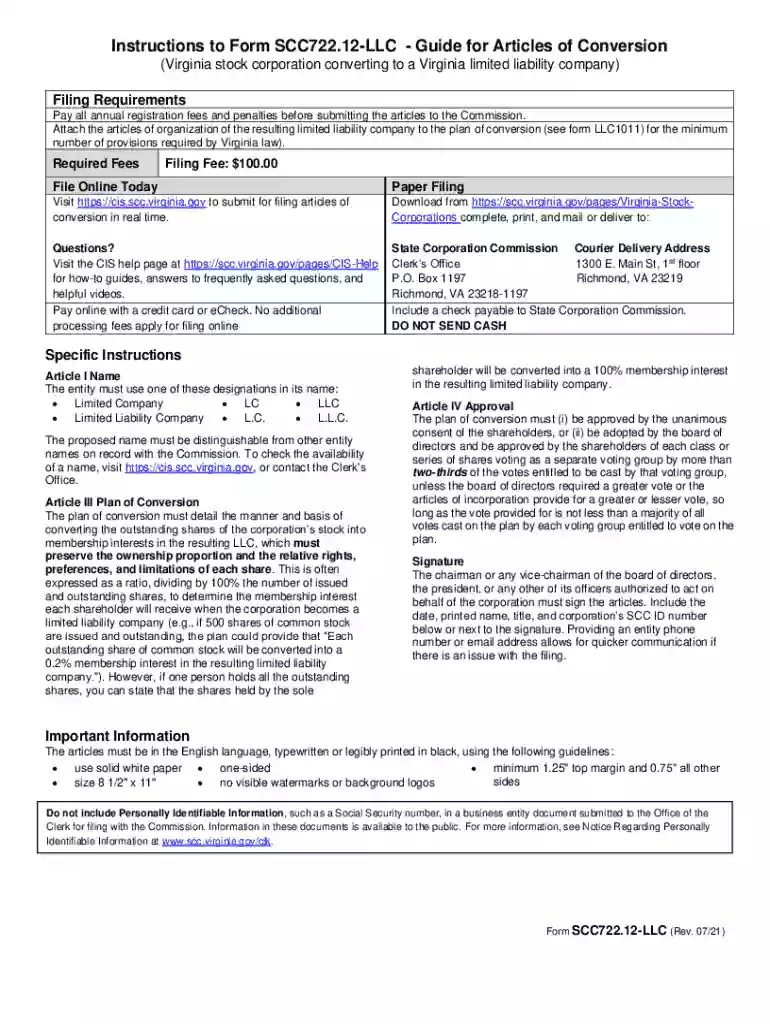
Definition and Meaning of "Form Online"
The concept of "form online" refers to various electronic templates and documents that can be accessed, filled out, and submitted over the internet. These forms are versatile tools used across diverse sectors, like government, business, and personal management. They transform traditional paper forms into digital formats, enhancing accessibility and convenience. Crucial in both simple and complex processes, online forms streamline data collection by allowing users to input information directly within web browsers. In some contexts, this term includes fillable PDFs and interactive web forms that adapt to user inputs, promoting efficient data handling and processing.
How to Use the Form Online Efficiently
Using a form online involves a series of straightforward steps, ensuring users can seamlessly navigate and complete their documents. To begin, identify the specific online form type required, whether for tax, business registration, or personal applications. Once located, users can access it through a dedicated platform like PDF editors or cloud services. Follow these essential steps to maximize efficiency:
- Access the Platform: Navigate to a reliable platform such as DocHub, which provides comprehensive tools for editing and managing online forms.
- Open the Form: Import or open the specific form you need to complete. This can be done by uploading from a device or importing from connected cloud services like Google Drive.
- Fill Out Required Fields: Use the fillable fields to input accurate information. Ensure all mandatory areas are completed to avoid issues during submission.
- Review and Edit: Double-check all entries and make any necessary edits using available tools for text adjustments and annotations.
- Save Your Progress: Periodically save your work to prevent data loss, especially when dealing with extensive forms.
- Submit or Export: Once satisfied with the form, choose to either submit it directly through the platform or export it for future distribution or archival.
Steps to Complete the Form Online
Completing an online form requires attention to detail and careful data entry. By following these steps, users can efficiently finalize their documents:
- Preparation: Gather all necessary information before starting, such as personal details, identification numbers, or business credentials.
- Filling: Begin by entering data into the top section of the form, proceeding systematically to avoid missing fields.
- Validation: Many online forms provide real-time validation. Pay attention to prompts or alerts indicating incorrect or incomplete entries.
- Signature and Verification: If required, add electronic signatures using embedded tools or signature pads that mimic a physical signature process.
- Attachments: Attach any necessary documents as specified within the form's guidelines.
- Final Review: Conduct a thorough review to ensure all sections are correctly filled and match required formats.
- Submission: Submit directly through the online portal, following any specific procedures outlined for completing the submission process.
Key Elements of an Online Form
An online form typically comprises several crucial components, designed to streamline information gathering and ensure clarity:
- Form Title and Description: Provides a clear understanding of the form’s purpose and scope.
- Input Fields: Varied types such as text boxes, checkboxes, radio buttons, and dropdown menus, allowing versatile data entry.
- Instructions and Help Text: Embedded guidance to assist users in accurately completing each section.
- Mandatory vs. Optional Fields: Indicating which fields must be filled to successfully submit the form.
- Progress Indicators: Visual cues showing users their progress through multi-step forms.
- Security Features: Ensures data protection via encryption and secure submission protocols.
Who Typically Uses Online Forms
Online forms cater to a broad spectrum of users spanning various sectors and purposes:
- Individuals: For personal applications such as job submissions, event registrations, or service requests.
- Businesses: Companies utilize them for internal assessments, client data collection, and contract agreements.
- Educational Institutions: Employed in student applications, surveys, and feedback mechanisms.
- Government Agencies: Widely used to facilitate applications for licenses, permits, and other public services.
Software Compatibility and Integration
The efficiency of online forms is enhanced when integrated with widely-used software systems:
- Compatibility with Platforms: Online forms on DocHub integrate smoothly with continuous syncing across Google Workspace, providing seamless data access and management.
- Third-Party Software Solutions: Forms can often be exported and processed using systems like TurboTax or QuickBooks, beneficial for financial data management or tax preparation.
- Cross-Device Functionality: Access via both desktop and mobile devices, ensuring flexibility for users across different environments.
Legal Use of Online Forms
Online forms also have a significant role in legal contexts, providing compliant solutions for multiple legal processes:
- Electronic Signatures: Legally binding nature under laws such as the ESIGN Act, ensuring electronic agreements are recognized equivalent to handwritten signatures.
- Document Security: Enhanced security measures, including encryption and password protection, safeguard sensitive data.
- Audit Trails: Maintain records of form interactions, specifically documenting who accessed or modified the document and when.
Examples of Using the Form Online
Practical applications of online forms encompass various industries and situations:
- Employment Applications: Companies streamline their hiring process through digital applications, avoiding the need for physical paperwork.
- Event Registrations: Organizers collect participant details and preferences efficiently.
- Tax Filings: Many individuals and businesses file taxes via online platforms, simplifying compliance with deadlines.
- Patient Intake Forms: Medical facilities use them to gather patient information before appointments, speeding up the check-in process.