




01. Edit your form online
Type text, add images, blackout confidential details, add comments, highlights and more.

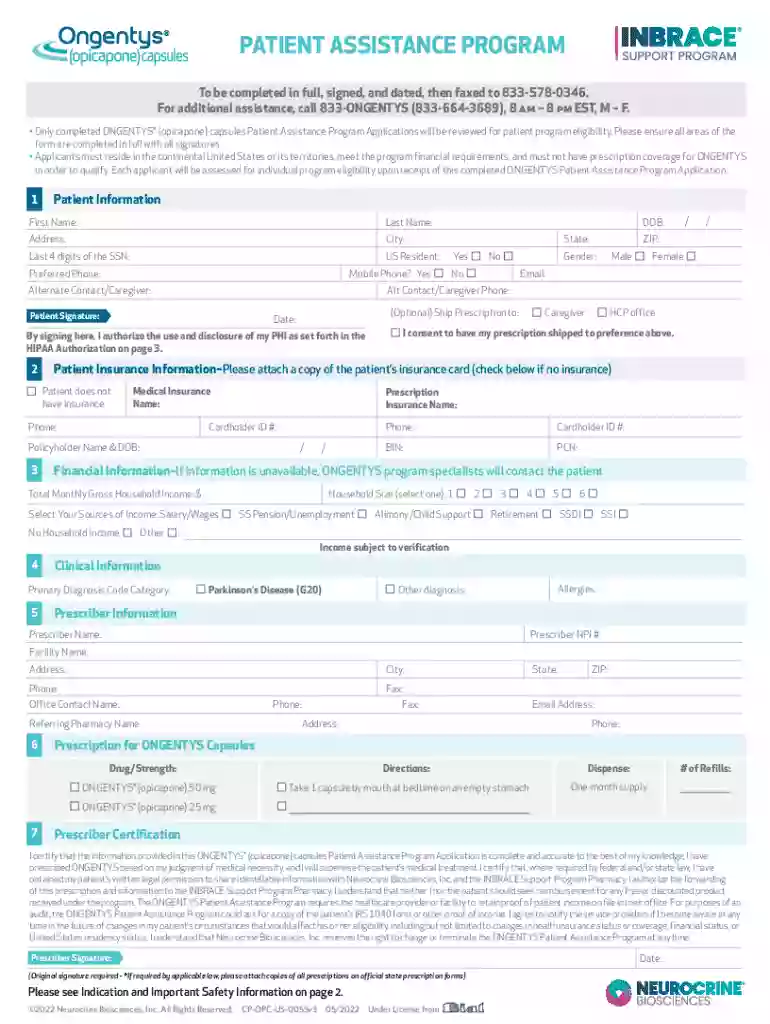
Type text, add images, blackout confidential details, add comments, highlights and more.

Draw your signature, type it, upload its image, or use your mobile device as a signature pad.

Send it via email, link, or fax. You can also download it, export it or print it out.
The form "To be completed in full, signed, and dated, then faxed to" typically refers to a standardized document that requires specific information to be filled out, validated with a signature, and returned via fax. This process underscores the formal nature of the document as it involves completing various fields that might pertain to personal, financial, or legal details. The inclusion of a signature signifies the authenticity and consent of the involved party. Faxing it to the provided number offers a traditional method of ensuring secure document submission.
Gather Required Information: Before filling out the form, ensure you have all necessary information at hand. This may include personal details, identification numbers, or financial information pertinent to the form's purpose.
Fill in All Sections: Carefully complete each section of the form as thoroughly as possible. Ensure that all fields are filled accurately to avoid any delays or the need for resubmission.
Validate with a Signature: At the designated area, provide your signature. This serves as your acknowledgment of the accuracy and truthfulness of the information provided.
Date the Document: Record the date next to your signature. This is crucial for establishing a timeline and can be important for legal or processing purposes.
Review for Accuracy: Double-check all filled sections for any potential errors or omissions that might hinder processing.
Fax to: Using a fax machine, send the completed form to the specified number. Ensure that you receive a confirmation that the fax was sent successfully.
This type of form is commonly utilized by:


The legal importance of completing, signing, and dating such forms accurately cannot be understated. Proper completion signifies consent and agreement to the terms stated within the form, which may have legal ramifications in cases of dispute or verification. Keeping a copy for one's records is advised, as it serves as proof of submission and can be essential if any issues arise.
Different states might have variations regarding the submission and completion of such forms. For instance, certain states might require additional identification verifications or specific notary requirements for the validity of the submissions. It is advisable to check the state-specific guidelines related to the form's subject matter.
Depending on the nature of the form, you might need to attach additional documentation. These could include:
Failing to complete and submit the form accurately and in a timely manner can lead to several consequences depending on the context:
In some cases, forms may be filled digitally using certain compatible software programs:
By understanding the intricacies and requirements of the form "To be completed in full, signed, and dated, then faxed to," users can better navigate the completion and submission processes effectively.
We've got more versions of the To be completed in full, signed, and dated, then faxed to 833-578-0346 form. Select the right To be completed in full, signed, and dated, then faxed to 833-578-0346 version from the list and start editing it straight away!
At DocHub, your data security is our priority. We follow HIPAA, SOC2, GDPR, and other standards, so you can work on your documents with confidence.


