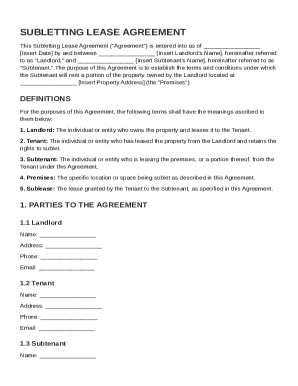
Definition and Meaning of "Form Online"
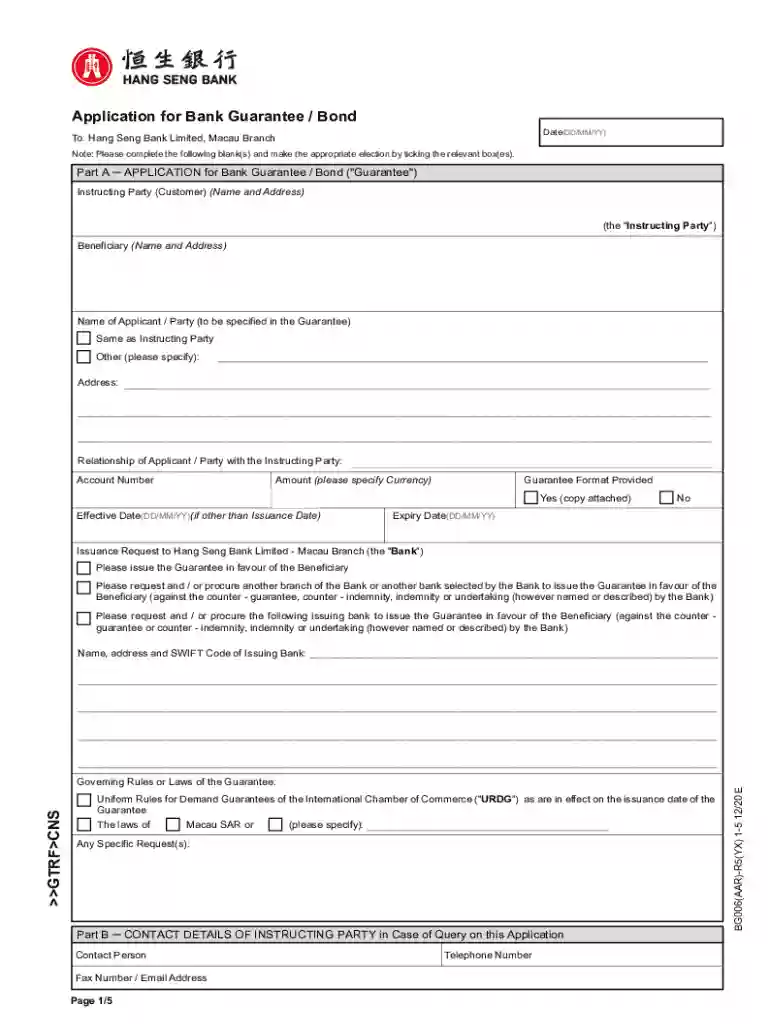
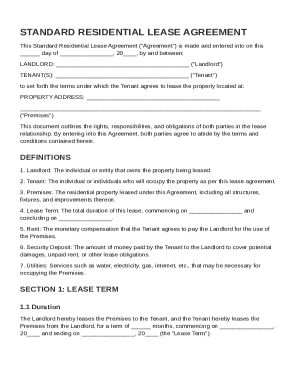
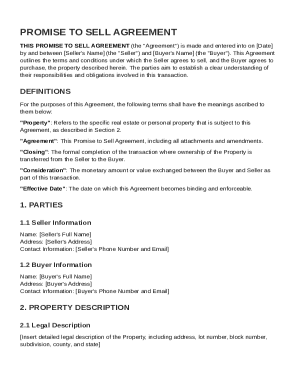
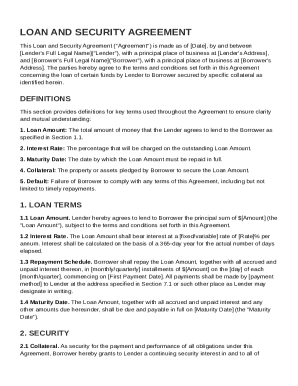
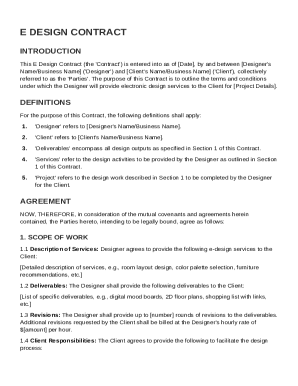
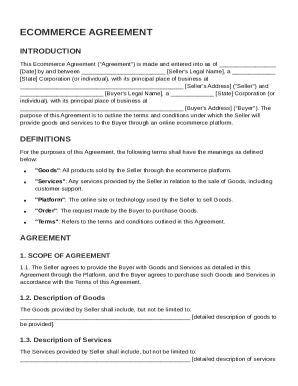
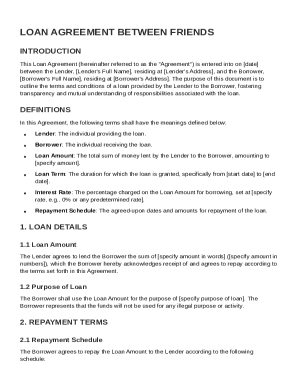
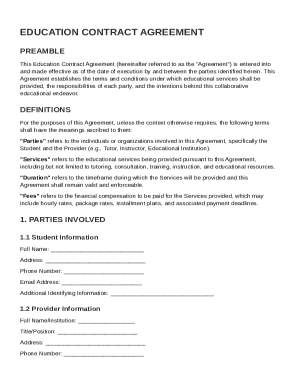
Form online refers to the digital version of a document that users can fill out, submit, and store electronically without the need for physical copies. This type of form is part of a broader trend toward digitizing paperwork, aiming to simplify processes in various contexts, such as business, legal, and personal use. The flexibility offered by online forms allows users to access and complete them from any location, eliminating geographical constraints. These forms are often integrated into platforms like DocHub, which provide tools for editing, signing, and managing documents efficiently.
Advantages Over Traditional Forms
- Accessibility: Users can access online forms from any internet-enabled device, such as computers, tablets, or smartphones.
- Sustainability: Reduces paper usage, contributing to environmental conservation efforts.
- Efficiency: Streamlines data entry and processing by eliminating manual handling and reducing errors associated with physical forms.
Application in Different Domains
- Business: Utilized for applications, registrations, and reporting purposes.
- Legal: Includes contracts and agreements requiring signatures.
- Education: Allows for online submissions of assignments and registration forms.
Steps to Complete the Form Online
Filling out forms online is designed to be straightforward and user-friendly. The following sequence outlines a typical process users can follow:
- Access the Form: Log into a platform like DocHub, where you can either start with a blank form or upload an existing document that you wish to make fillable.
- Add Form Fields: Utilize the form fields manager to insert required fields such as text boxes, checkboxes, and dropdown menus. Ensure sections are clear and logically organized.
- Input Information: Proceed to enter information directly into the designated fields. Some platforms enable automatic data saving, allowing users to start and stop without losing progress.
- Review and Edit: Check for any errors or omissions. Use built-in tools for editing and annotations to make necessary adjustments.
- Submit or Save: Once completed, choose whether to submit the form immediately (if it's integrated with submission protocols) or save it for future submission.
Tips for Effective Completion
- Pre-fill Repetitive Data: Use auto-fill features where available to reduce repetitive typing.
- Mandatory Fields Check: Ensure all required fields are filled to avoid submission errors.
- Validation Features: Utilize built-in validation to identify and correct inconsistencies or mistakes.
How to Obtain the Form Online
Obtaining forms online involves a few simple steps that depend on the source of the form and its intended use:
- Identify the Source: Determine the platform or website offering the form. For government-related forms, visit official sites like IRS.gov or state portals. For business or educational forms, use platforms like DocHub.
- Search and Download: Use the search function to locate the specific form needed. Download it in a format compatible with your document management preferences, such as PDF or DOCX.
- Direct Platform Access: If using a document management platform like DocHub, you can import forms directly from cloud storage or email accounts such as Gmail or Google Drive.
Examples of Platforms for Obtaining Forms
- Government Websites: For tax forms and other legal documents.
- Business Platforms: For internal documents, such as HR forms or client onboarding.
- Educational Portals: For admission applications, scholarship forms, etc.
Why Should You Form Online
Transitioning to online forms offers numerous advantages over traditional paper formats:
- Enhanced Accuracy: Online forms often include validation checks to ensure data accuracy and completeness.
- Time Efficiency: Submitting forms online saves time associated with physical mailing or in-person drop-offs.
- Data Security: Platforms like DocHub use advanced encryption to protect sensitive information during submission and storage.
Scenarios Favoring Online Forms
- Remote Work Environments: Facilitates seamless processes without the need for physical presence.
- Fast Response Requirements: Ideal for scenarios where quick turnaround times are essential, such as emergency permits or last-minute application corrections.
Key Elements of the Form Online
Online forms can vary based on their purpose, but they generally contain specific common elements to ensure they are functional and user-friendly:
- Input Fields: Sections where users enter data, including text boxes for open-ended information and fields for specific data types with dropdown or checkbox options.
- Instructions and Guidelines: Clear directions on how to fill each section, especially for complex forms that require detailed responses.
- Validation and Submission Buttons: Features like “Submit” or “Save” to finalize the process, often accompanied by validation processes that highlight errors or incomplete sections.
Additional Components
- Digital Signature Fields: Necessary for securing legally binding agreements.
- Optional and Mandatory Indicators: Helps users identify which fields are critical to complete and which are not.
Benefits for Common User Types
- For Businesses: Improves efficiency and reduces administrative burdens.
- For Individuals: Offers convenience and flexibility in personal and professional dealings.
- For Legal Professionals: Ensures compliance with electronic document standards, reducing the turnaround time for legal documentation.
Legally Binding Electronic Signatures
DocHub provides tools for generating legally binding electronic signatures, crucial for executing formal documents online. The compliance with the ESIGN Act ensures that electronic signatures are recognized as valid and enforceable.
Options for Creating Signatures
- Drawn Signatures: Users can use a mouse or trackpad to draw their signature.
- Typed Signatures: Creating a signature by typing and choosing a preferred font style.
- Uploaded Images: Allows for the use of scanned or photographed handwritten signatures.
Collection of Signatures
- Sequential Signing: Specify an order for multiple signers and send requests accordingly.
- Tracking and Reminders: Features to monitor who has signed and generate automatic reminders for signers who have not completed the process.
Integration with Other Software
Compatibility with software solutions is crucial for maximizing the utility of online forms. DocHub, for instance, integrates seamlessly with Google Workspace, streamlining workflows for users involved in the extensive use of Google applications.
Software Compatibility
- Integration with Google Products: Direct import and export functionality with Google Drive and Gmail for smooth document management.
- Third-Party Software: Tools like TurboTax or QuickBooks can be linked, allowing for easy importation and exportation of financial data relevant to forms.
Benefits of Integration
- Reduced Manual Entry: Automatically fill fields using information from connected software, decreasing the risk of errors.
- Streamlined Collaboration: Real-time updates facilitate better teamwork and quicker feedback cycles.
State-Specific Rules for the Form Online
While online forms offer standardization benefits, attention to state-specific regulations is necessary for documents like permits or tax forms. Each state may have distinctive requirements that users need to address.
Examples of State-specific Considerations
- Tax Filing: Different states have varying deductions, credits, and submission deadlines.
- Permitting and Licensing: Procedures and documentation may change based on local jurisdiction requirements.
How Users Can Comply
- Research Required Elements: Access the state site or resources for guidelines.
- Customization Options: Ensure the online form can be tailored to meet state-specific criteria during the filling process.
In conclusion, the ability to form online introduces a versatile and convenient solution for document management across diverse sectors. By leveraging platforms like DocHub, users can enhance their productivity, ensure data security, and benefit from streamlined workflows.