
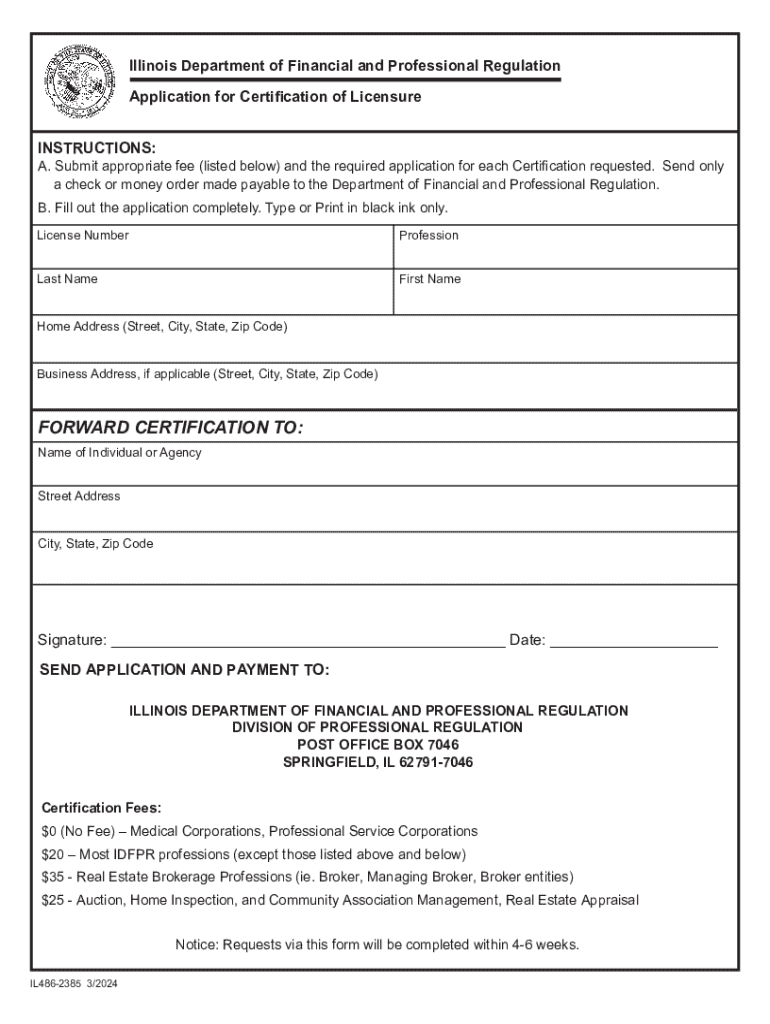







Definition & Meaning of "Form Online"
Forming a document online refers to the digital creation and management of forms through an internet platform like DocHub. This process exclusively utilizes web-based applications that allow users to design, edit, and manage forms entirely online. Online forms broaden accessibility and convenience, providing a versatile method for form completion compared to traditional paper-based methods. These forms often integrate interactive functionalities, enabling multiple users to fill out parts of a document, cite mandatory fields, and validate entries to meet specific data requirements necessary for a seamless document workflow.
How to Use the Form Online
Utilizing a form online involves a straightforward process that enhances efficiency and reduces time spent on administration. First, import the document to the platform via cloud storage services like Google Drive or directly from your device. Next, access editing tools to customize the form by adding text boxes, checkboxes, or dropdown menus as required. These elements guide the respondent to provide structured information succinctly and accurately. Upon configuration, distribute the form to desired recipients for completion. The platform facilitates easy sharing via email while tracking responses to ensure forms are returned on schedule for further processing and eventual approval.
Steps to Complete the Form Online
Completing a form online is streamlined with several key steps. First, open the form using a web browser either on a desktop or mobile device. Review instructions and any required fields. To fill in the form, select text boxes and input your information. Drop-down menus and checkboxes simplify response selection. For forms requiring signatures, use an electronic signature tool—choose to draw, type, or upload your signature. Before submitting, review all data for accuracy and completeness. Finally, follow on-screen prompts to submit the form, ensuring it reaches the appropriate recipient.
- Access the form through your chosen platform or email link.
- Read the form's instructions to understand the required fields and data.
- Input information in designated text boxes and select options in drop-down lists or checkboxes.
- Use the electronic signature tool to sign forms if needed.
- Double-check all entries for correctness.
- Submit the form following the platform's procedure.
Why Should You Form Online
Forming online offers significant advantages over traditional methods, making it a preferred option for diverse industries. The primary benefit is accessibility, as forms can be created, edited, and submitted from any location with internet access. This removes barriers related to geographical distance and office hours. Additionally, online forms reduce the environmental impact by minimizing paper use. They also streamline processes by automating data collection and integration, reducing manual handling, thus lowering the likelihood of errors and delays.
Key Elements of the Form Online
When creating or using an online form, several key elements are integral to ensuring its effectiveness and user-friendliness:
- Interactive Fields: The form should have dynamic elements such as text boxes, checkboxes, and drop-down menus to facilitate correct data input.
- User Guidance: Instructions and tips should be included to help users understand how to fill out the form correctly.
- Mandatory Field Indicators: Required fields need to be clearly marked to ensure users enter all necessary information.
- Validation Checks: The form should include functions that validate entered data to adhere to set parameters (e.g., email format).
- Electronic Signature Capability: Enabling users to sign the form online adds an essential layer of functionality for agreements and approvals.
Legal Use of the Form Online
The legal use of online forms is governed by electronic signature laws and digital transaction regulations, particularly the ESIGN Act within the United States. This ensures that electronic signatures and documents are legally binding, provided they meet certain criteria, such as consumer consent and secure authentication. For sensitive forms, additional legal consideration may involve encryption protocols and privacy policies to protect users' data. Online forms are widely accepted by both governmental and private entities for official purposes, given they adhere to these regulations.
Form Submission Methods: Online, Mail, and In-Person
Document submission methods vary based on convenience, formality, and recipient requirements:
- Online Submission: Popular for its speed and ease; users can submit completed forms through designated platforms or via email.
- Mail Submission: Ideal where original documents or formal hard copies are necessary, although it takes considerable time.
- In-Person Submission: Required for forms needing physical presence or verification by an institution, such as certain government applications.
Online options remain preferred for efficiency and reducing physical paperwork.
Software Compatibility with Online Forms
Online forms generated through platforms like DocHub can integrate smoothly with various software applications that businesses typically use:
- Google Workspace: Direct import and export functions simplify workflows involving Google Docs, Sheets, or PDFs stored in Google Drive.
- Accounting and Financial Tools: For businesses, compatibility with software like QuickBooks may enhance data management for financial forms.
- Document Management Systems: Seamlessly used with tools that prioritize document storage and organization, promoting effective sharing and collaboration.
Ensuring software compatibility further amplifies the accessibility and utility of online forms in professional settings.




