
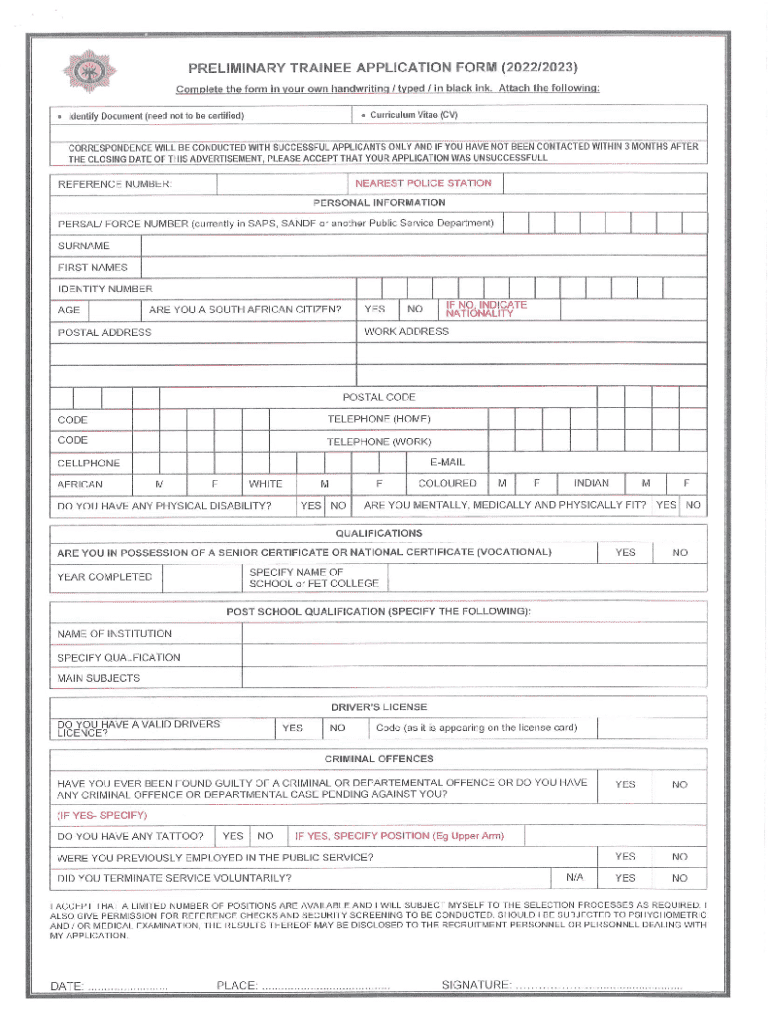







Definition & Meaning
The term "form online" refers to digital documents that can be filled out and submitted over the internet. These forms are used across various sectors such as government, healthcare, education, and business, allowing users to accomplish a variety of tasks like applications, registrations, and feedback submissions. The advantage of using forms online lies in their convenience, eliminating the need for physical paperwork and postage. They also facilitate efficient data collection and record-keeping.
How to Use the Form Online
Using an online form typically involves accessing a specific website or platform, filling in the required information, and submitting it. Here’s a step-by-step guide:
-
Access the Form: Navigate to the website hosting the form. This can be a government portal, a corporate dashboard, or a service like DocHub, which helps in managing and editing documents online.
-
Enter Information: Fill out the form by typing directly into the fields provided. This may include personal details, choices from dropdown menus, or answers to specific questions.
-
Review and Confirm: Before submission, review the form to ensure all information is accurate and complete.
-
Submit the Form: Once satisfied, submit the form by clicking the designated button. Confirmation emails or on-screen notifications typically follow submission.
-
Download or Print: You can often download a copy or print the filled form for your records.
How to Obtain the Form Online
Forms are typically available through organization-specific websites or document management platforms like DocHub. To obtain one:
-
Government Forms: Visit the official government site relevant to your needs. For example, IRS forms are found at irs.gov.
-
Business and Employment Forms: Access corporate websites or employee portals. Businesses often provide internal forms digitally to streamline operations.
-
Educational Forms: Schools and universities offer forms via their student information systems.
-
Document Platforms: Platforms like DocHub allow users to access and create forms from scratch or modify existing documents.
Steps to Complete the Form Online
Completing an online form involves several clear steps:
-
Log In or Sign Up: Depending on the platform, you may need to create an account or log in to access the form.
-
Follow Guided Instructions: Platforms like DocHub often provide instructions to guide users through each section of the form.
-
Insert Necessary Information: Forms may require text inputs, dates, checkbox selections, or the uploading of documents.
-
Utilize Autofill Options: Many browsers or platforms offer autofill features to expedite the process by automatically entering stored information.
-
Verify Entries: Double-check each entry for accuracy, especially required fields to ensure all essential information is correct.
-
Submit and Save: Confirm submission and keep a digital or physical copy for your files.
Why Should You Form Online
Utilizing online forms offers several advantages:
- Time Efficiency: Reduces time spent on mailing or physically delivering documents, streamlining workflow processes.
- Cost-Effective: Eliminates paper use and postage costs.
- Accessibility: Access forms from anywhere with an internet connection, providing flexibility and convenience.
- Environmentally Friendly: Decreases paper usage, contributing to environmental conservation.
- Data Accuracy: Drop-down lists and auto-correct features help minimize errors in data entry.
Who Typically Uses the Form Online
Various individuals and groups utilize forms online, including:
-
Individuals: For personal applications like job applications or tax submissions.
-
Businesses: For client intake forms, order forms, or employee evaluations to streamline business operations.
-
Educational Institutions: For enrollment, student assessments, and administrative purposes.
-
Government Agencies: For services requiring public interaction and documentation, such as social services applications or permits.


Important Terms Related to Form Online
Understanding common terminology can greatly enhance form usage:
- Field: A space where information is input.
- Dropdown Menu: A selectable list of options.
- Radio Button: Options where only one selection is allowed.
- Checkbox: Boxes that allow multiple selections related to different statements.
- Digital Signature: An electronic signature to verify the signer’s identity.
Form Submission Methods
Online forms can be submitted in various ways tailored to the user's needs:
-
Online Submission: Directly submit through a website platform, which is the most common method.
-
Email Submission: Some forms allow downloading and sending via email as an attachment.
-
Automated Document Services: Platforms like DocHub facilitate submission directly through integrations with services like Google Drive or Dropbox.
Legal Use of the Form Online
When using online forms, legal considerations include:
- Compliance: Ensure forms comply with relevant legal standards, such as privacy laws or sector-specific regulations.
- Electronic Signatures: Recognized as legally binding under acts like the Electronic Signatures in Global and National Commerce (ESIGN) Act.
- Data Protection: Forms must ensure the protection of personal information in compliance with laws like the GDPR or data protection acts.
Digital vs. Paper Version
Comparing digital to paper forms highlights clear advantages:
- Ease of Access: Digital forms can be accessed anytime, anywhere, unlike paper forms requiring physical presence.
- Editability: Easy to edit, amend, or revise information on digital forms, unlike paper forms that require a fresh sheet for corrections.
- Storage: Digital forms provide easy storage and retrieval, reducing clutter and the risk of losing documents.
Online forms streamline processes and enhance accessibility, making them a preferred option for both individuals and organizations looking for efficient document management solutions.




