
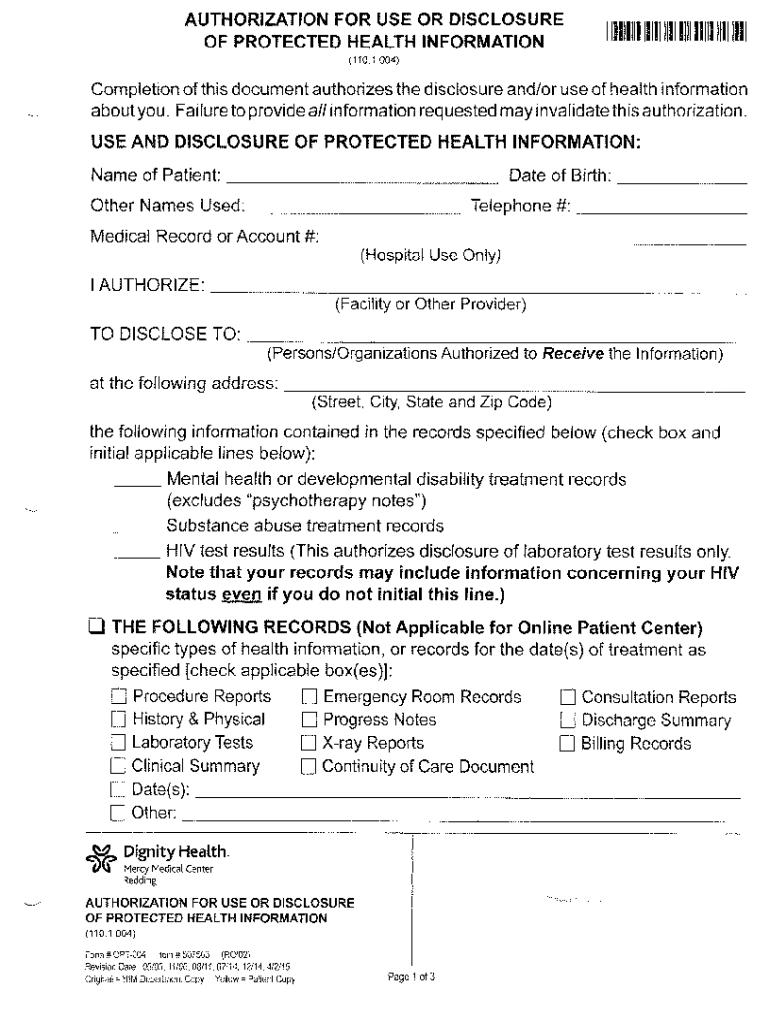







Definition and Meaning of Form Online
Form online refers to electronic versions of documents that can be filled out, submitted, and processed via the internet. This digital approach replaces the traditional paper-based method, enhancing convenience and efficiency. Online forms are widely used across various sectors, including government agencies, educational institutions, and businesses, to collect information, conduct surveys, or complete applications. This method is designed to streamline operations, reduce errors, and improve data management by facilitating seamless interactions between users and service providers.
How to Use Form Online Effectively
Using forms online involves a few fundamental steps to ensure efficiency and accuracy:
- Accessing the Form: Forms can be accessed through specific websites or platforms, such as DocHub. Ensure compatibility with your device, be it a computer or smartphone.
- Filling Out the Form: Input necessary details into the designated fields. Utilize the text boxes, checkboxes, or dropdown menus provided to enter information accurately.
- Reviewing and Editing: Before submission, carefully review the data for errors. Platforms like DocHub allow easy editing or annotation to correct any mistakes.
- Submitting the Form: Once satisfied, follow instructions on the platform to submit the form. Some platforms might send a confirmation or receipt note via email.
By leveraging online forms, users can achieve accurate data input with greater ease than traditional paper forms.
Steps to Complete the Form Online
Completing an online form typically involves the following process:
- Preparation: Gather all necessary information and documents beforehand. This ensures a smooth entry without interruptions.
- Filling Information: Enter data into required fields, following precise instructions for formatting, such as date formats or numerical entries.
- Inserting Additional Elements: Some forms allow the addition of electronic signatures, images, or other attachments. Use tools to incorporate these elements correctly.
- Validation: Utilize any form validation tools provided to check for incomplete sections or incorrect entries.
- Submission Confirmation: After submitting the form, verify that you receive a confirmation message confirming successful submission.
These steps are crucial for ensuring complete and error-free online form submissions.
Key Elements of Form Online
Online forms comprise several essential elements that streamline the user experience:
- Text Fields: Areas where users input text data such as names and addresses.
- Checkboxes: Options that allow users to select multiple preferences or agreements.
- Radio Buttons: Used for selecting a single option among several choices.
- Dropdown Menus: Space-saving feature for choosing one option from a list.
- Signature Fields: For electronically signing the document to validate identity or acceptance.
- Submit Button: For finalizing and sending the completed form to the intended recipient.
These components collectively facilitate efficient data collection and processing.
Legal Use of Form Online in the U.S.
In the United States, the use of online forms is governed by laws such as the ESIGN Act, which ensures that electronic signatures and records are legally recognized. This means that documents signed and submitted online carry the same legal weight as their paper counterparts. For businesses and institutions, this legal backing facilitates streamlined approvals and transactions without the physical exchange of documents. It is crucial, however, to ensure that the platforms used for form submissions comply with these legal standards to maintain the validity of the agreements or data captured through these forms.
State-Specific Rules for Form Online
Different states within the U.S. may have specific rules or guidelines regarding the use of online forms, particularly for legal and governmental purposes. These rules could affect how electronic submissions are handled or processed by state agencies or courts. Users should verify any state-specific requirements or variations when completing forms related to state taxes, legal filings, or other matters governed by state law. Understanding these nuances is essential to ensure compliance and avoid legal complications.
Who Typically Uses Form Online
Online forms are utilized by a diverse range of individuals and organizations:
- Businesses: For customer feedback, employee onboarding, and contract management.
- Educational Institutions: In student enrollment, course registration, and feedback collection.
- Government Agencies: For tax filings, public service applications, and benefits claims.
- Healthcare Providers: To collect patient information, consent forms, and scheduling appointments.
- Non-profits: In surveys, donation processes, and volunteer registrations.
The ease of use and accessibility online forms offer make them a preferred choice across different sectors.
Digital vs. Paper Version
The choice between digital and paper forms involves weighing the benefits and limitations of each:
Advantages of Digital Forms
- Efficiency: Faster completion and submission process.
- Accessibility: Available from any location with an internet connection.
- Data Management: Easier to organize, store, and retrieve data.
- Environmental Impact: Reduces paper waste.
Limitations of Digital Forms
- Technical Challenges: Requires access to digital devices and internet.
- Privacy Concerns: Potential risks of data breaches require secure handling protocols.
Paper forms, while traditional, often result in slower processing times and higher resource use. Conversely, digital forms offer streamlined procedures, especially suitable in today's fast-paced, digital-oriented environment.




