




01. Edit your form online
Type text, add images, blackout confidential details, add comments, highlights and more.

Type text, add images, blackout confidential details, add comments, highlights and more.

Draw your signature, type it, upload its image, or use your mobile device as a signature pad.

Send it via email, link, or fax. You can also download it, export it or print it out.

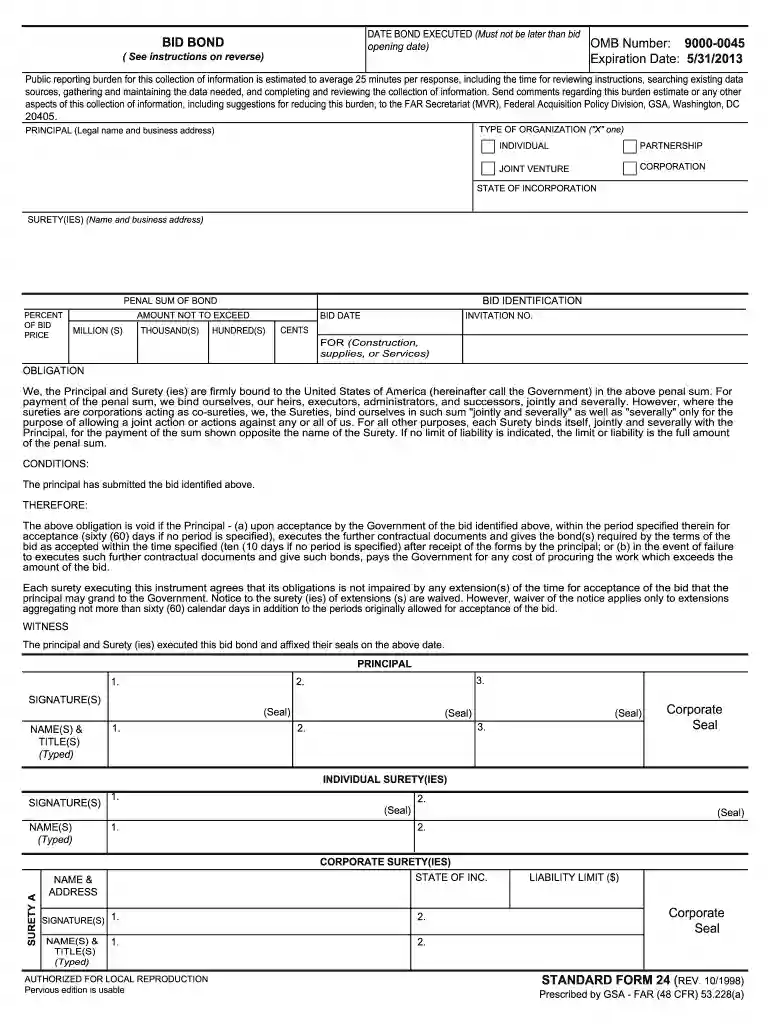
Start using our platform today to fill out your standard form 24 bid bond online for free!
At DocHub, your data security is our priority. We follow HIPAA, SOC2, GDPR, and other standards, so you can work on your documents with confidence.
The Principal and Surety(ies) executed this bid bond and affixed their seals on the above date. STANDARD FORM 24 (REV. 10/2023) PAGE 2. Page 3. STANDARD FORM 24Read more
Jan 5, 2026 Public-private partnerships ➜ Definition meaning ✔️ Implementation action plan ✔️ Drivers barriers ✔️ Examples case studies ✔️ Read
The bond forms shall be used as indicated in the instruction portion of each form. (a) SF 24, Bid Bond (see 28.101). (b) SF 25, Performance Bond (see 28.102Read more


