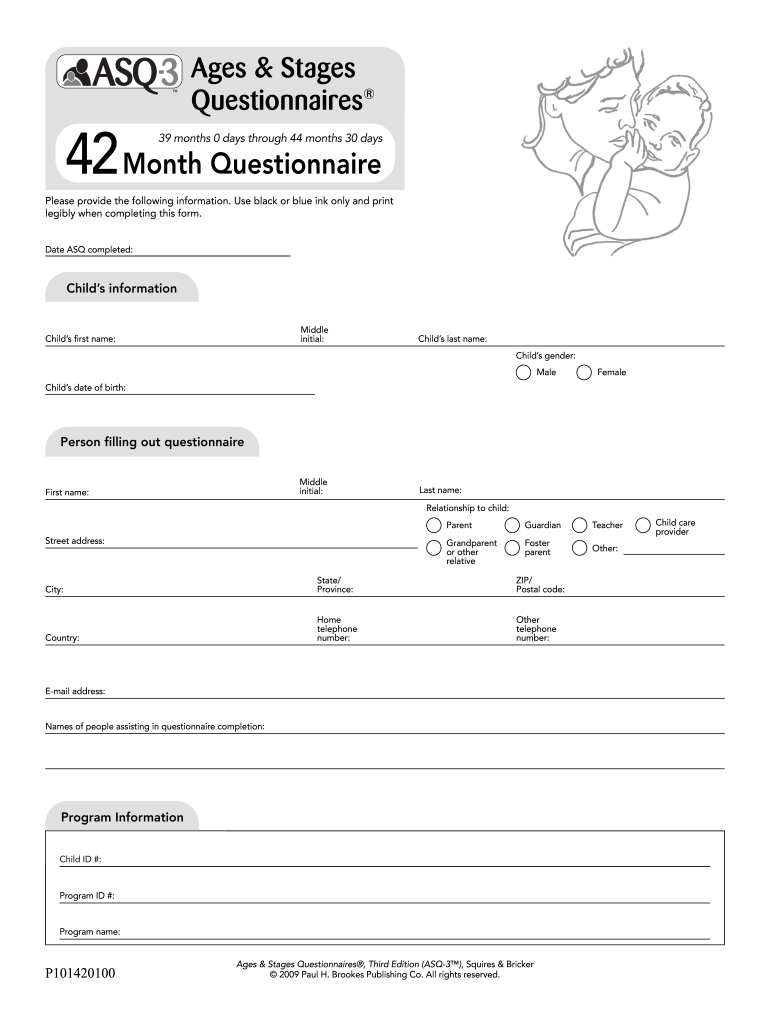
Asq 39 months 2025

Get Form
asq 39 months Preview on Page 1

Here's how it works

01. Edit your asq 39 months online
Type text, add images, blackout confidential details, add comments, highlights and more.
02. Sign it in a few clicks
Draw your signature, type it, upload its image, or use your mobile device as a signature pad.
03. Share your form with others
Send 39 month asq via email, link, or fax. You can also download it, export it or print it out.

How to change Asq 39 months online

Form edit decoration
9.5
Ease of Setup
DocHub User Ratings on G2
9.0
Ease of Use
DocHub User Ratings on G2

With DocHub, making changes to your paperwork takes only a few simple clicks. Follow these fast steps to change the PDF Asq 39 months online for free:

  1. Sign up and log in to your account. Sign in to the editor with your credentials or click on Create free account to evaluate the tool’s features.
  2. Add the Asq 39 months for redacting. Click the New Document option above, then drag and drop the sample to the upload area, import it from the cloud, or via a link.
  3. Adjust your template. Make any changes needed: insert text and photos to your Asq 39 months, underline information that matters, remove sections of content and substitute them with new ones, and insert symbols, checkmarks, and fields for filling out.
  4. Complete redacting the template. Save the updated document on your device, export it to the cloud, print it right from the editor, or share it with all the people involved.

Our editor is very intuitive and effective. Give it a try now!

be ready to get more

Complete this form in 5 minutes or less

Get form

Got questions?

We have answers to the most popular questions from our customers. If you can't find an answer to your question, please contact us.
Contact us

Of course, it is possible with DocHub. This trustworthy and compliant online solution has a phone-based signing option. After you log in to your DocHub account and add your 36 month asq score sheet to our editor, complete all required fields and use the Sign feature on the upper barf. Click on Create your signature and choose Phone from the available options. Here, you scan a QR code with your smartphone and draw your signature on your phone display, as you usually do when signing hard copies. If you access DocHub right from your mobile device, you can electronically sign your template by drawing your eSignature, uploading its photo, or simply with a typed name.

If your go-to electronic mail service is Gmail, you can easily integrate your DocHub editor in your work. Edit your asq 38 months with DocHub tools and connect it to your drafts in Gmail. See how effortless it can be to exchange papers and work together with a swift PDF editing solution at hand.

be ready to get more

Complete this form in 5 minutes or less

Get form