
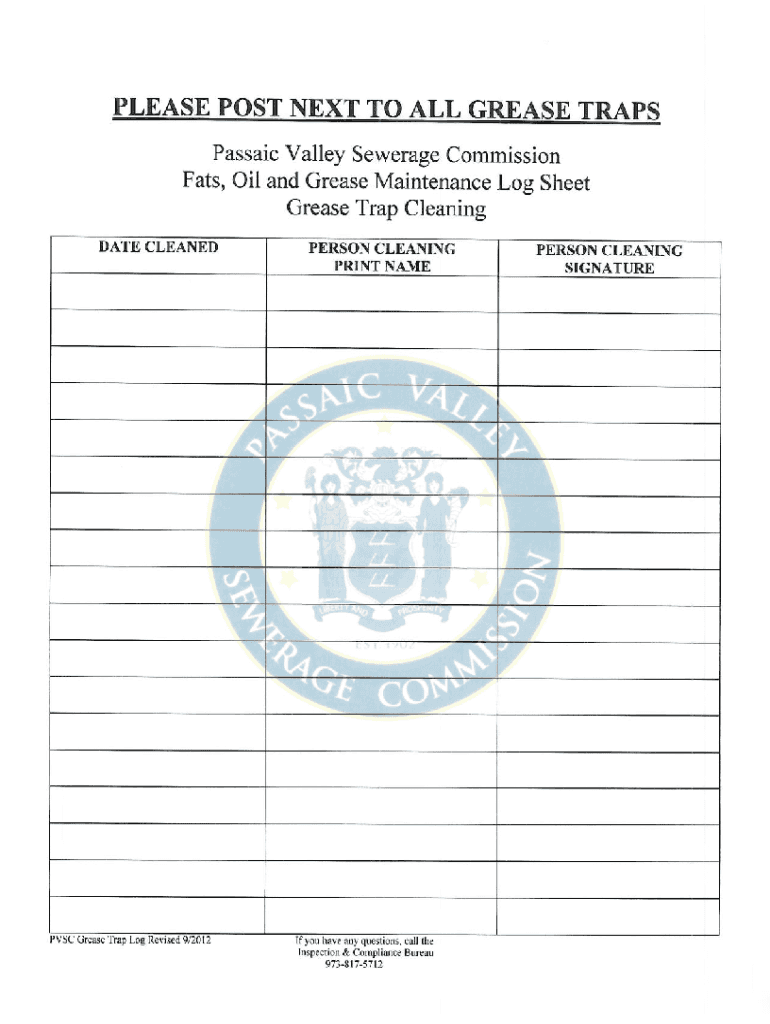







Definition and Meaning of "Form Online"
Forms online refer to digital documents that allow users to collect, input, or submit information electronically. They come in various types, including application forms, tax forms, and legal documents. The advancements in online form technology have enabled easy accessibility, reducing the dependency on paper-based methods. These forms serve as effective tools for individuals and businesses to streamline communication and data gathering.
Types of Online Forms
- Application Forms: Used for job applications, school admissions, and grant applications.
- Tax Forms: Used for filing taxes, such as the IRS Form 1040.
- Legal Documents: Online agreements and contracts that require digital signatures.
Online forms maintain the integrity and functionality of their paper counterparts while offering the conveniences of digital access and submission.
How to Use the Form Online
Using forms online typically involves accessing a website where the form is hosted, such as government portals or business websites. The process usually includes filling out necessary fields, often supported by guidance prompts or tooltips, to ensure accurate completion.
Steps to Fill Out an Online Form
- Access the Form: Navigate to the website hosting the form and locate it via the search function or menu.
- Review Instructions: Carefully read any instructions provided before starting.
- Enter Required Information: Fill in text boxes, select dropdown options, and check boxes as specified.
- Attach Documents: Upload any required supporting documents if applicable.
- Review and Submit: Double-check all input data and submit the form by clicking the relevant button.
How to Obtain the Form Online
Securing an online form requires access to a website or platform that provides it, such as government agencies, businesses, or educational institutions. Typically, forms are available as downloadable PDFs, fillable web forms, or accessible through specific platforms like DocHub.
Obtaining a Form Through Different Channels
- Government Websites: Many official forms can be directly downloaded or filled out online through government sites.
- Corporate Websites: Companies may host application or feedback forms on their own URLs.
- Educational Platforms: Schools and universities often provide enrollment forms through their respective platforms.
Steps to Complete the Form Online
Completing a form online is often straightforward, but understanding each section helps ensure accuracy.
Detailed Steps
- Authenticate (if needed): Some forms require logging in with credentials.
- Fill Out Personal Details: Include names, dates, addresses, and other personal data as required.
- Input Specific Information: Enter detailed responses to questions or scenario-based queries relevant to the form’s purpose.
- Add Digital Signatures: If required, sign electronically using tools provided, ensuring authenticity through platforms like DocHub.
Benefits of Using Online Forms
Online forms offer numerous advantages over traditional paper-based forms, significantly enhancing efficiency and convenience.
Key Advantages
- Accessibility: Accessible from any device with internet connectivity.
- Cost-Effective: Reduces the need for printing and physical storage.
- Real-Time Feedback: Some forms offer instant validation, alerting users to errors before submission.
- Data Management: Allows for easy data collection and analysis without manual data entry errors.
Necessary Documents Required for Online Forms
Depending on the form type, different supporting documents may be required, varying from identification to specific certifications or proofs.
Commonly Required Documents
- Identification: Scans of government-issued IDs such as a driver's license or passport.
- Proof of Address: Utility bills or lease agreements.
- Financial Documents: Tax returns or employment income statements.
- Educational Certificates: Diplomas or transcripts for academic purposes.
Form Submission Methods
Submitting forms online usually features one or more convenient methods, allowing flexibility for users.
Primary Submission Methods
- Email Submission: Some forms may be required to be sent via email after completion.
- Direct Upload: Upload directly into a system resembling platforms like DocHub.
- Integrated Platforms: Use platforms that integrate with services like Google Workspace to administer submission.
Legal Use of Online Forms
The legal standing of online forms is reinforced through compliance with digital signature laws and protocols ensuring authenticity and confidentiality.
Ensuring Legality
- Digital Signatures: Ensure that any required electronic signatures comply with regulations like the ESIGN Act.
- Encryption Standards: Platforms often use SSL encryption to protect data integrity and privacy.
- Regulatory Compliance: The use of online forms typically adheres to relevant national and state laws, ensuring they are considered legally binding.
Adherence to these factors helps ensure that online forms are usable in official capacities, providing trust and reliability to users.




