




01. Edit your afp id application form legal beneficiaries online
Type text, add images, blackout confidential details, add comments, highlights and more.

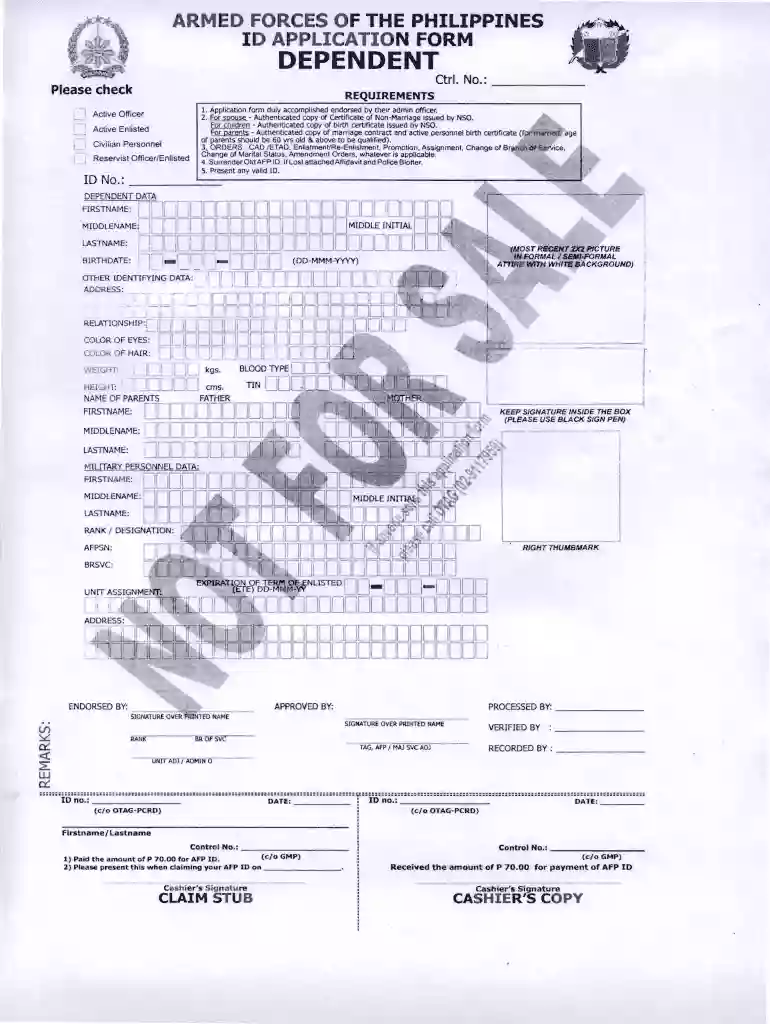
Type text, add images, blackout confidential details, add comments, highlights and more.

Draw your signature, type it, upload its image, or use your mobile device as a signature pad.

Send afp id via email, link, or fax. You can also download it, export it or print it out.

Start using our platform today to fill out your afp id application form easily and for free!
If you frequently work with documents stored in your Google Drive, DocHub is a superb option for you to easily and quickly complete, edit, and sign them. This editor integrates well with Google apps, so you can export your afp id application form from your Google Drive to the editor without the need of downloading and re-uploading it. Right-click on your document, select Open With → DocHub PDF Sign and Edit. In our editor, add and assign Signature Fields for all parties involved, then click on the Menu button above → Send → select how you want to share your form.
If you store your paperwork in Google Drive, there is no need to download your afp beneficiary id on the computer and upload it back to our editor. A much simpler way is to set up a browser extension created by DocHub to simplify this flow. The extension allows editing PDFs in your web browser. Alternatively, you may integrate your DocHub and Gmail accounts for more efficient modifying.
At DocHub, your data security is our priority. We follow HIPAA, SOC2, GDPR, and other standards, so you can work on your documents with confidence.
Jul 18, 2024 Content and Form of Application Submission (AFP) is to support programs that provide for the acquisition of AT devices and servicesRead more
Violation of the. Standards may subject the member to disciplinary sanctions, including expulsion, as provided in the AFP Ethics Enforcement Procedures.Read more


