




01. Edit your school work permit online
Type text, add images, blackout confidential details, add comments, highlights and more.

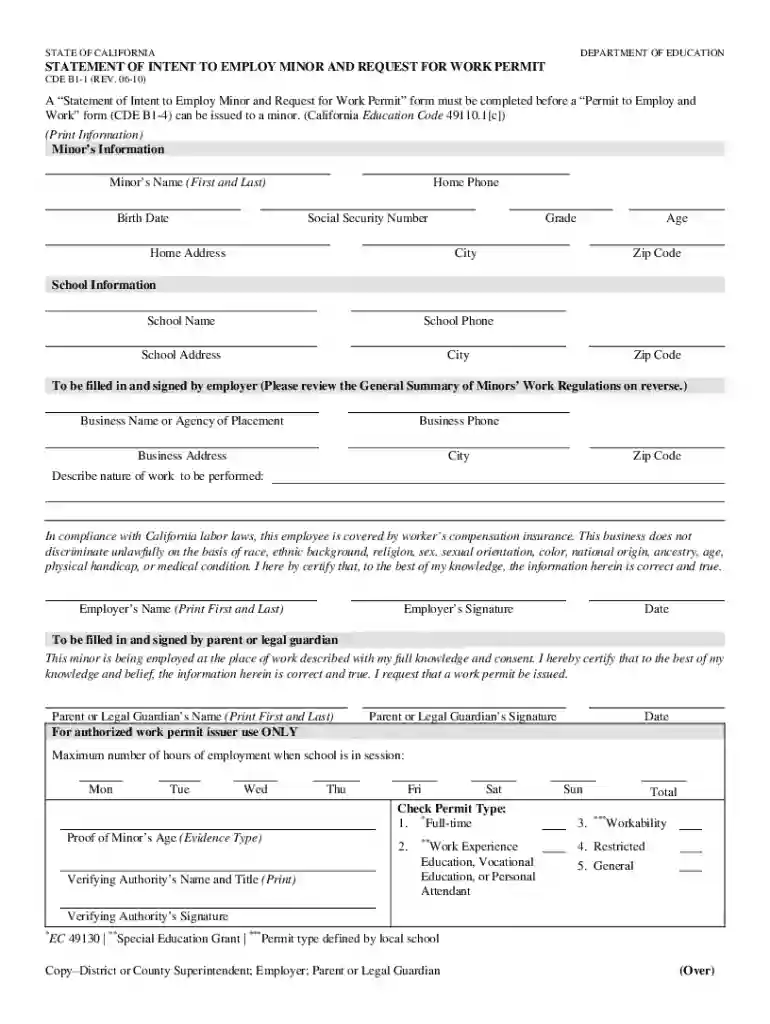
Type text, add images, blackout confidential details, add comments, highlights and more.

Draw your signature, type it, upload its image, or use your mobile device as a signature pad.

Send work permit from school via email, link, or fax. You can also download it, export it or print it out.

Start filling out your work permit application online for free today!
At DocHub, your data security is our priority. We follow HIPAA, SOC2, GDPR, and other standards, so you can work on your documents with confidence.
The permits, which is the first step to get the operations approved, were okayed by the California Division of Oil, Gas and Geothermal. Kern County. Kern CountyRead more
All students under 18 years of age MUST possess a valid Work Permit when employed. 2. Work permits must be renewed the first week of school. 3. Students mustRead more
Mar 3, 2026 Minors employed in the state of California must have a Permit to Employ and Work (commonly referred to as a work permit).Read more


