




01. Edit your employer ein online
Type text, add images, blackout confidential details, add comments, highlights and more.

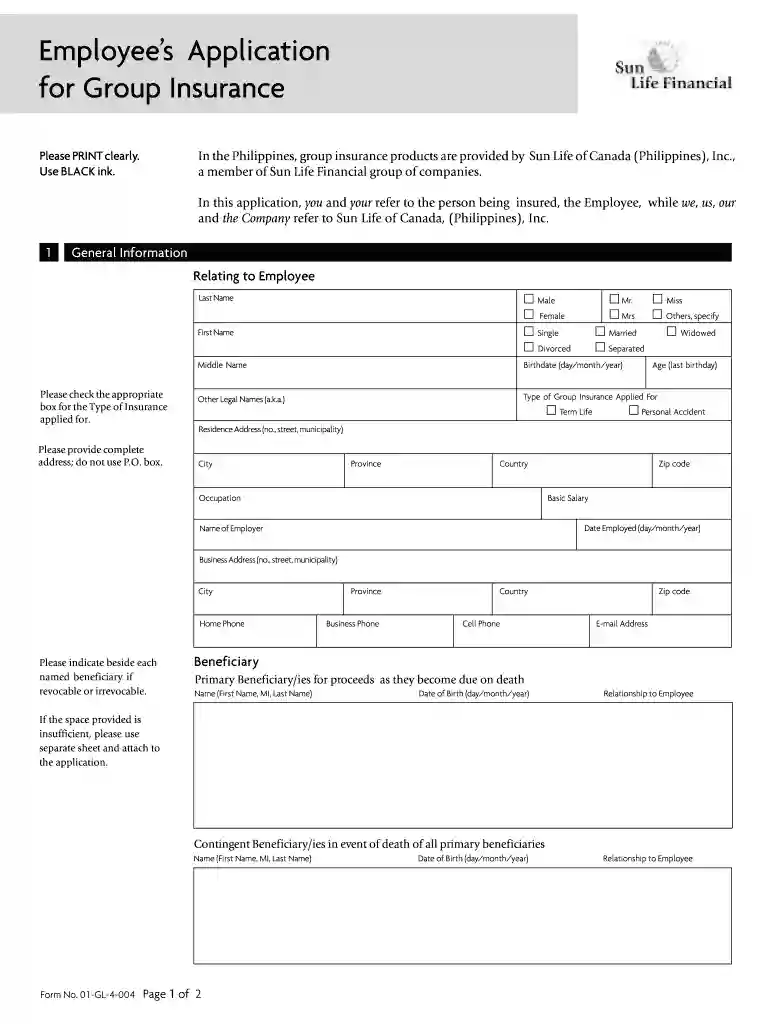
Type text, add images, blackout confidential details, add comments, highlights and more.

Draw your signature, type it, upload its image, or use your mobile device as a signature pad.

Send it via email, link, or fax. You can also download it, export it or print it out.

Start filling out form gl 4 today for free on our platform!
At DocHub, your data security is our priority. We follow HIPAA, SOC2, GDPR, and other standards, so you can work on your documents with confidence.
We recently sent you Reject and/or Error Referral Listings generated from a report recently submitted by your company. To date, we have not received eitherRead more
by DW Farmer 2012 Cited by 18 We describe a practical method for finding an L-function without first finding the associated underlying object. The procedure involves using the Euler productRead more


