




01. Edit your course catalog susquehanna university online
Type text, add images, blackout confidential details, add comments, highlights and more.

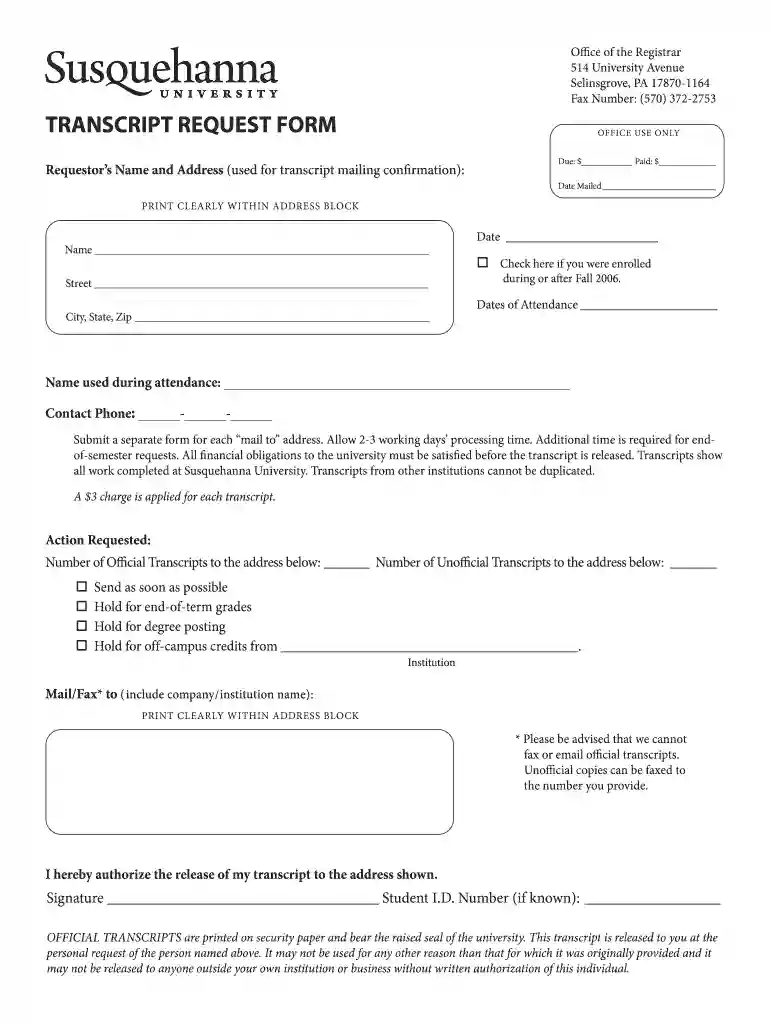
Type text, add images, blackout confidential details, add comments, highlights and more.

Draw your signature, type it, upload its image, or use your mobile device as a signature pad.

Send lvc final exam schedule via email, link, or fax. You can also download it, export it or print it out.

Start using our platform today to streamline your transcript request process for free!
At DocHub, your data security is our priority. We follow HIPAA, SOC2, GDPR, and other standards, so you can work on your documents with confidence.
There is a $5.40 fee for each transcript. Four different transcript types are available depending on your type of coursework at Susquehanna. Undergraduate ForRead more
Request an official transcript. To properly transfer credit back to your home institution, you must request an official transcript be sent from the transferRead more


