Type text, add images, blackout confidential details, add comments, highlights and more.

02. Sign it in a few clicks
Draw your signature, type it, upload its image, or use your mobile device as a signature pad.

03. Share your form with others
Send jams access login via email, link, or fax. You can also download it, export it or print it out.

How to use or fill out jams forms with our platform
Ease of Setup
DocHub User Ratings on G2
Ease of Use
DocHub User Ratings on G2
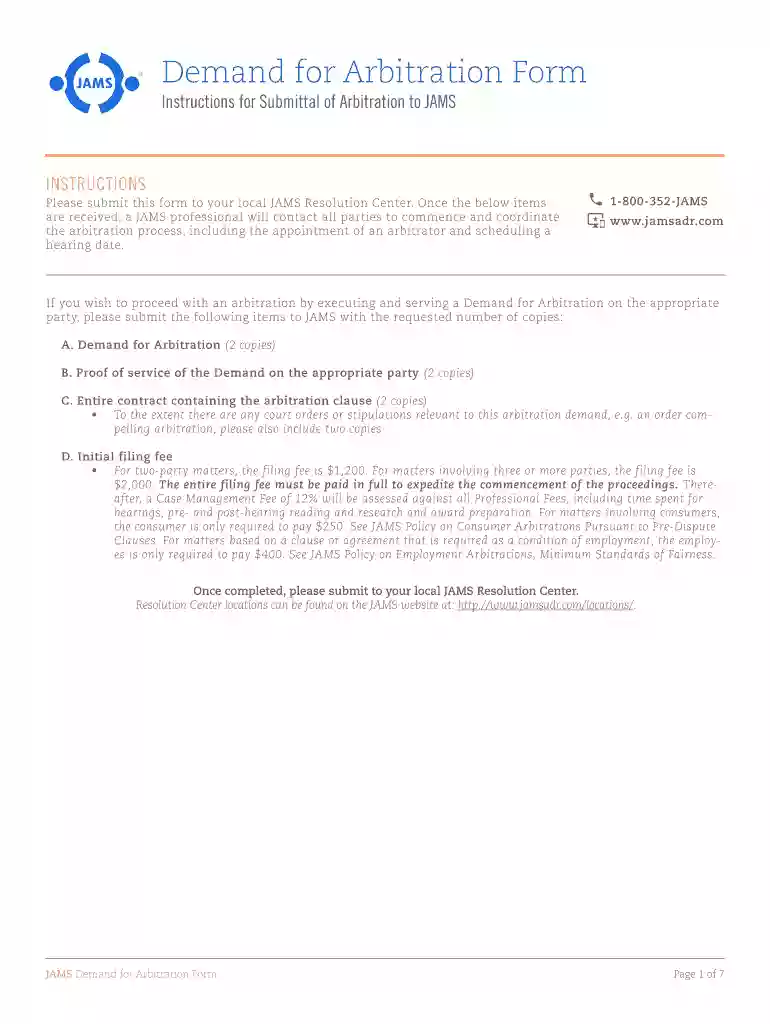
Click ‘Get Form’ to open the Demand for Arbitration form in the editor.
Begin by filling out the Respondent's information, including name, address, phone number, and email. Ensure accuracy as this will be used for communication.
Next, provide your details as the Claimant. Include your name, address, and contact information in the designated fields.
In the 'Nature of Dispute / Claims & Relief Sought' section, clearly outline your claims. You may attach a more detailed statement if necessary.
Indicate whether this arbitration is a consumer arbitration by checking the appropriate box and providing any required details.
Complete the signature section at the end of the form, ensuring you include your printed name and date.
Once all sections are filled out correctly, save your document and submit it to your local JAMS Resolution Center as instructed.
Start using our platform today to streamline your jams forms completion for free!
A Visual novel jam, or VN jam, is a type of game jam, an event in which participants try to make a game from scratch within a limited duration of time.
Cookie consent notice
This site uses cookies to enhance site navigation and personalize your experience.
By using this site you agree to our use of cookies as described in our Privacy Notice.
You can modify your selections by visiting our Cookie and Advertising Notice.