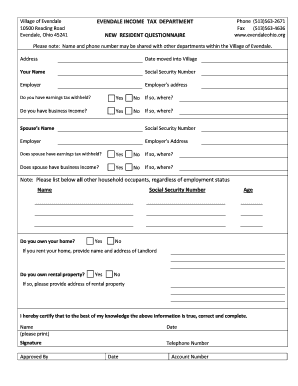
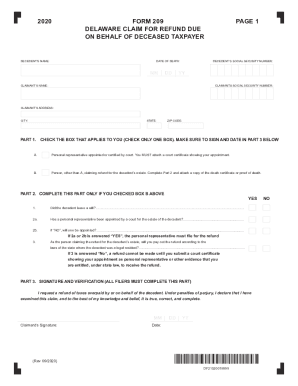
Pd filler 2026

Get Form
editpd Preview on Page 1

Here's how it works

01. Edit your editpd online
Type text, add images, blackout confidential details, add comments, highlights and more.
02. Sign it in a few clicks
Draw your signature, type it, upload its image, or use your mobile device as a signature pad.
03. Share your form with others
Send pd filler via email, link, or fax. You can also download it, export it or print it out.

How to use or fill out pd filler with our platform

Form edit decoration
9.5
Ease of Setup
DocHub User Ratings on G2
9.0
Ease of Use
DocHub User Ratings on G2
  1. Click ‘Get Form’ to open the pd filler in the editor.
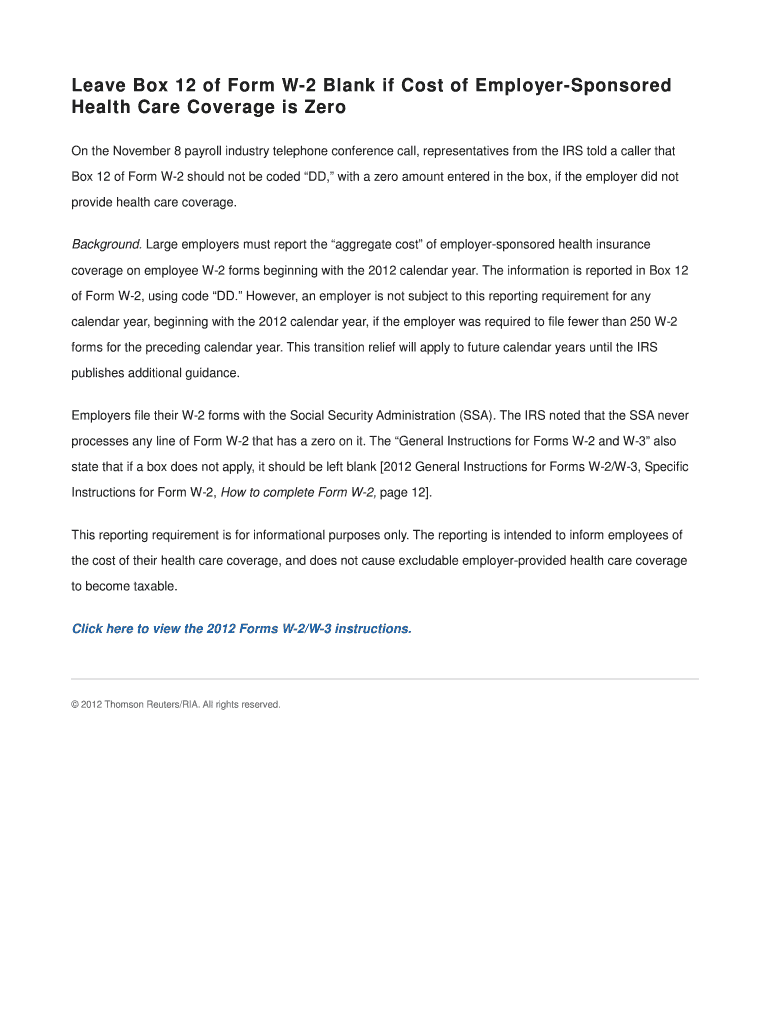
  2. Review the sections of the form carefully. Ensure you understand which fields are required and which can be left blank, particularly Box 12 regarding employer-sponsored health care coverage.
  3. If your employer did not provide health care coverage, leave Box 12 blank as instructed. Do not enter a zero amount or code 'DD' in this box.
  4. Complete any other relevant sections of the pd filler, ensuring all necessary information is accurately filled out according to your employment details.
  5. Once all fields are completed, review your entries for accuracy before saving or exporting the document.

Start using our platform today to effortlessly fill out your pd filler and streamline your document processes!

be ready to get more

Complete this form in 5 minutes or less

Get form

Got questions?

We have answers to the most popular questions from our customers. If you can't find an answer to your question, please contact us.
Contact us
Please follow the below steps: 1. Log into your account. 2. Click on ``My Account. 3. Select ``Manage My Subscription. 4. Click the ``Cancel Subscription button. 5. Confirm the cancellation and follow the on-screen instructions. 6. Check your email for a cancellation confirmation.
Experts say these security measures are strong and compare well to other top PDF tools. They believe s focus on security makes it a trustworthy choice for handling sensitive documents.
, which keeps your information safe very seriously, is safe to use. knows how important security is to their users. Eugene Gorelik, who is in charge of making sure works well, says that from the start, they focused on protecting user data.
provides a 30-day free trial for all its paid plans, allowing users to explore the platform and its features without any initial cost. However, does not offer a completely free tier that provides ongoing access to its services.
Try our free and document signer tool Form filling is quick and easy with the Adobe Acrobat Fill Sign tool. Upload a file, then add text, checkmarks, lines, and more.

Security and compliance

At DocHub, your data security is our priority. We follow HIPAA, SOC2, GDPR, and other standards, so you can work on your documents with confidence.

Learn more
ccpa2
pci-dss
gdpr-compliance
hipaa
soc-compliance
be ready to get more

Complete this form in 5 minutes or less

Get form

People also ask

Your access to our services will continue until the end of your paid / trial period. No refund will be issued when you cancel. Please make sure to export all your documents from your account before canceling. If you dont, you have 30 days after cancellation to contact our Support Team to download them.

Related links