




01. Edit your da form 11 2 online
Type text, add images, blackout confidential details, add comments, highlights and more.

Type text, add images, blackout confidential details, add comments, highlights and more.

Draw your signature, type it, upload its image, or use your mobile device as a signature pad.

Send da 11 2 via email, link, or fax. You can also download it, export it or print it out.

Start using our platform today for free to streamline your document editing and form completion!
At DocHub, your data security is our priority. We follow HIPAA, SOC2, GDPR, and other standards, so you can work on your documents with confidence.
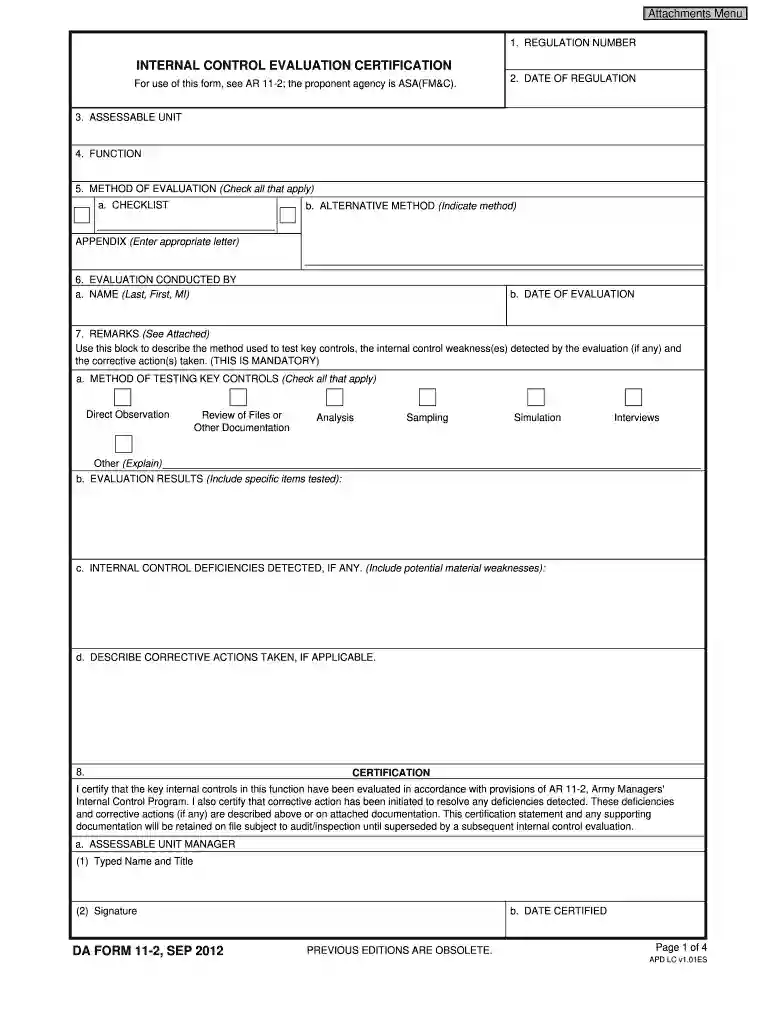
I DocHub that the key internal controls in this function have been evaluated in accordance with provisions of AR 11-2, Army Managers.Read more
Feb 12, 2005 Respondents should be aware that notwithstanding any other provision of law, no person shall be subject to any penalty for failing to complyRead more
Specify evaluators, methods, criteria, and evidence requirements (e.g., DA Form 11-2). Review and update the ICEP annually to reflect evolving risk. ModuleRead more


