




01. Edit your citrus county permit search online
Type text, add images, blackout confidential details, add comments, highlights and more.

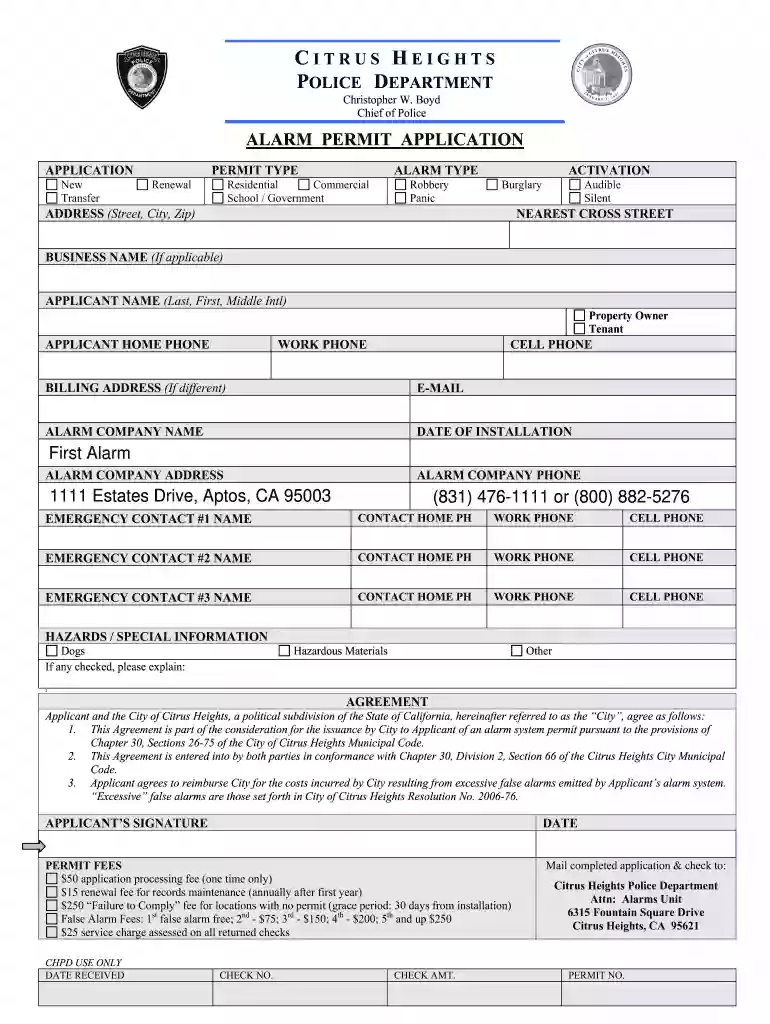
Type text, add images, blackout confidential details, add comments, highlights and more.

Draw your signature, type it, upload its image, or use your mobile device as a signature pad.

Send it via email, link, or fax. You can also download it, export it or print it out.

Start filling out your alarm permit citrus today for free using our platform!
At DocHub, your data security is our priority. We follow HIPAA, SOC2, GDPR, and other standards, so you can work on your documents with confidence.
Online Step 1.Check your eligibility Step 2.Gather your necessary materials Step 3.Review the false alarm fee structure Step 4.Register your alarm system.Read more
IN CASE OF EMERGENCY. Remain calm and call campus safety at extension 8611 or (626) 914-8611. Campus safety has direct access to local first responders whoRead more
The following label is affixed either to the smoke alarm or on the ceiling near the smoke alarm. DO NOT use citrus based cleaners on polycarbonate finishes.Read more


