




01. Edit your cris crash login online
Type text, add images, blackout confidential details, add comments, highlights and more.

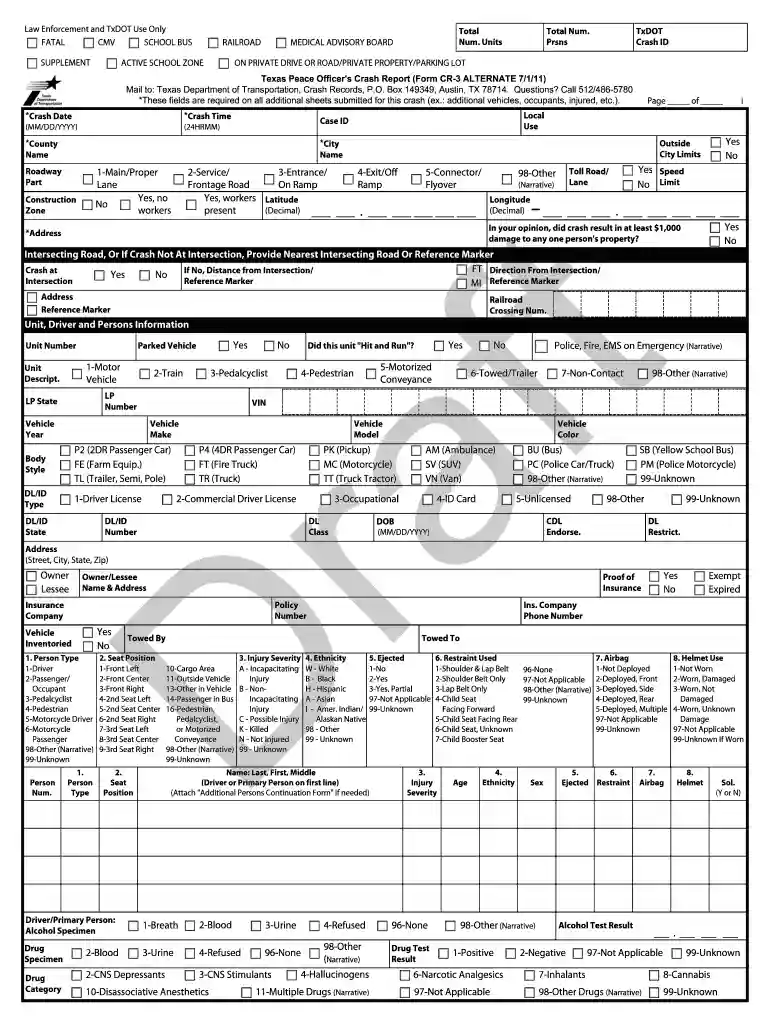
Type text, add images, blackout confidential details, add comments, highlights and more.

Draw your signature, type it, upload its image, or use your mobile device as a signature pad.

Send cris crash report login via email, link, or fax. You can also download it, export it or print it out.

Start using our editor today to fill out your CR-3 police report quickly and efficiently!
At DocHub, your data security is our priority. We follow HIPAA, SOC2, GDPR, and other standards, so you can work on your documents with confidence.
Filling out the Texas CR-3 Crash Report accurately and completely. Check out the roll call videos, tip cards, and other resources below for crash reportingRead more
MOTOR VEHICLE. CRASH REPORT. INSTRUCTIONS GUIDE. Page 2. TABLE OF CONTENTS. ARKANSAS MOTOR VEHICLE CRASH REPORT. Report Page 1.Read more
Texas Peace Officers Crash Report (Form CR-3 4/1/2023). Refer to the attached code sheet for numbered fields. Questions? Call 844/274-7457.Read more


