South carolina health care power of attorney 2026

Get Form
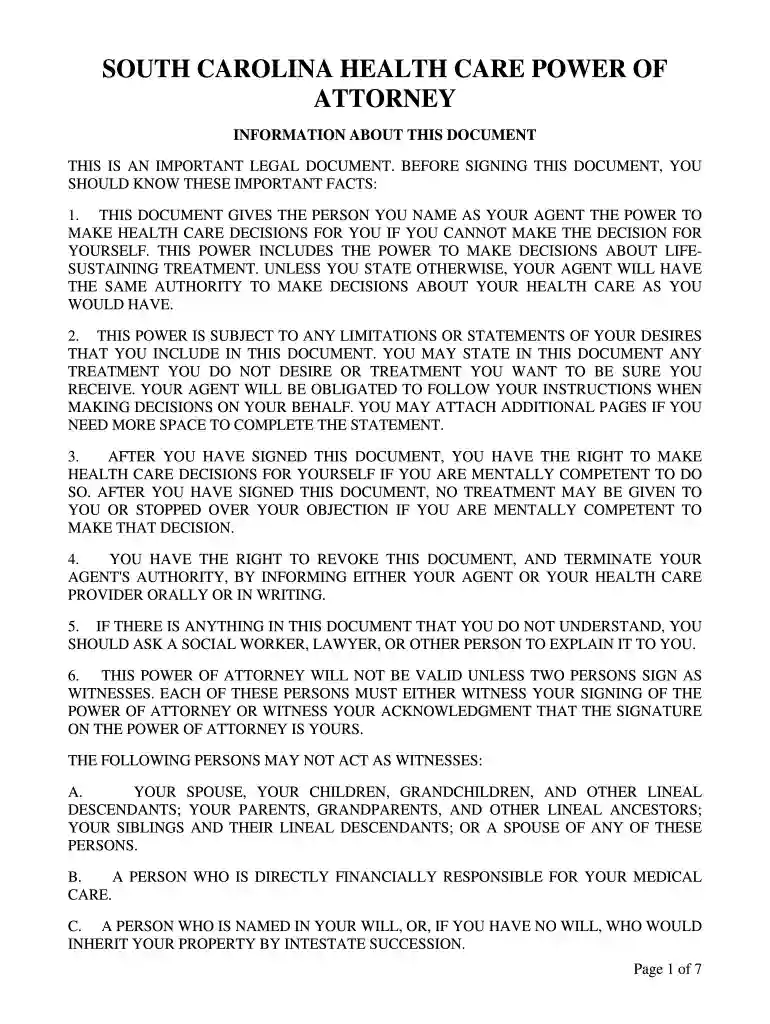
power of attorney for south carolina Preview on Page 1

Here's how it works

01. Edit your power of attorney for south carolina online
Type text, add images, blackout confidential details, add comments, highlights and more.

02. Sign it in a few clicks
Draw your signature, type it, upload its image, or use your mobile device as a signature pad.

03. Share your form with others
Send medical power via email, link, or fax. You can also download it, export it or print it out.

How to use or fill out South Carolina Health Care Power of Attorney with our platform

Form edit decoration
9.5
Ease of Setup
DocHub User Ratings on G2
9.0
Ease of Use
DocHub User Ratings on G2
  1. Click ‘Get Form’ to open the South Carolina Health Care Power of Attorney in the editor.
  2. Begin by filling in your name as the Principal at the top of the form. This identifies you as the person granting authority.
  3. Next, designate your Health Care Agent by entering their name and address. Ensure this person is someone you trust to make health care decisions on your behalf.
  4. If applicable, list any successor agents who can step in if your primary agent is unavailable. Provide their contact information for easy reference.
  5. Review and complete the sections regarding your wishes for life-sustaining treatment and tube feeding. Initial next to your preferences to ensure clarity.
  6. Finally, sign and date the document in front of two witnesses who meet the requirements outlined in the form. Ensure they also sign to validate your document.

Start using our platform today to easily complete your South Carolina Health Care Power of Attorney for free!

be ready to get more

Complete this form in 5 minutes or less

Get form

Got questions?

We have answers to the most popular questions from our customers. If you can't find an answer to your question, please contact us.
Contact us
Q: Does SC Health Care Power of Attorney need to be docHubd? A: Yes, your health care power of attorney needs to be docHubd according to SC state laws. It will also require the signature of two witnesses with the notary present at the time of signing.
A health care proxy specifically grants authority for someone to make health care decisions on your behalf, while a power of attorney grants authority for someone to handle your financial matters and make decisions on your behalf.
Here are the steps to create a legally binding medical power of attorney: Get a medical power of attorney form. Select your healthcare agent. Determine which medical decisions your agent can make on your behalf. Complete the form, and sign and witness it according to the laws in your state.
In most states, a Healthcare Power of Attorney does not need to be docHubd to be valid. However, many states do require witnesses when signing a Healthcare POA. Some states, like Florida and Texas, require either notarization or two witnesses for the document to be enforceable.
The Cons of a Healthcare Power of Attorney Develop a new health condition that changes which types of treatment you want or need to receive. Have a falling out with the person to whom you designated power of attorney or otherwise decide that you no longer want them to have that power.

Security and compliance

At DocHub, your data security is our priority. We follow HIPAA, SOC2, GDPR, and other standards, so you can work on your documents with confidence.
Learn more
ccpa2
pci-dss
gdpr-compliance
hipaa
soc-compliance