Eticket 2026

Get Form
e ticket immigration Preview on Page 1

Here's how it works

01. Edit your e ticket immigration online
Type text, add images, blackout confidential details, add comments, highlights and more.

02. Sign it in a few clicks
Draw your signature, type it, upload its image, or use your mobile device as a signature pad.

03. Share your form with others
Send eticket immigration via email, link, or fax. You can also download it, export it or print it out.

How to use or fill out eticket with our platform

Form edit decoration
9.5
Ease of Setup
DocHub User Ratings on G2
9.0
Ease of Use
DocHub User Ratings on G2
  1. Click ‘Get Form’ to open the eticket in the editor.
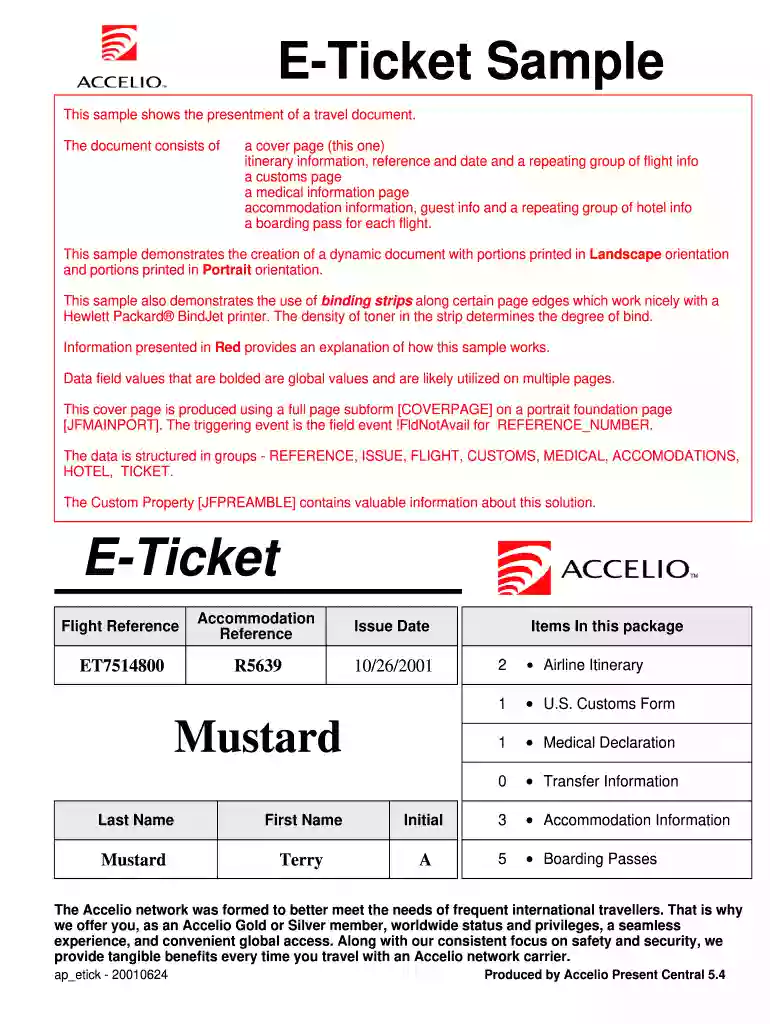
  2. Begin with the cover page, ensuring your flight reference and issue date are correctly filled in. This information is crucial for identifying your ticket.
  3. Proceed to the itinerary section. Here, input your flight details including departure and arrival times, airline names, and gate information. Make sure all fields are accurately completed.
  4. Next, fill out the customs declaration page. Provide your family name, first name, country of citizenship, and other required personal details.
  5. Complete the medical information section by entering relevant health details as prompted.
  6. In the accommodations section, enter guest information along with hotel details such as reservation numbers and addresses.
  7. Finally, review all entries for accuracy before saving or exporting your completed eticket.

Start using our platform today to streamline your eticket filling process for free!

be ready to get more

Complete this form in 5 minutes or less

Get form

Got questions?

We have answers to the most popular questions from our customers. If you can't find an answer to your question, please contact us.
Contact us
An e-ticket is a digital record in the airlines computer database, eliminating the need for a traditional paper airline ticket. It is an individual record stored in the airlines booking system and contains all the details of the flight, the itinerary, the passenger travelling and the payment made.
An e-ticket is a ticket in electronic form rather than one printed on paper. E-ticket is an abbreviation for electronic ticket. Your e-ticket is attached to this email. Select the synonym for: exactly.
Is there a tourist tax in the Dominican Republic? All tourist taxes are included in your ticket or when you are getting a VISA you will pay these taxes. At the airport, you do not need to pay anything like that. If you travel by land or sea, you will pay $10.00 for a touristic card.
If you chose etickets as the method for getting your tickets, you can access them directly from the My tickets tab list of tickets or from the Ticket details screen. You can then add the eticket to your Apple Wallet, using the button in the top right of the eticket screen.
The departure tax is US$20.

Security and compliance

At DocHub, your data security is our priority. We follow HIPAA, SOC2, GDPR, and other standards, so you can work on your documents with confidence.

Learn more
ccpa2
pci-dss
gdpr-compliance
hipaa
soc-compliance

People also ask

This form must be filled out by all passengers, whether Dominican or foreign, entering or leaving the Dominican Republic.. When does the physical form disappear? As of April 1st, 2021, the physical forms can no longer be used; digital filling will be mandatory from this date onward.
All passengers are required to fill out an E-Ticket or paper form when entering or exiting the Dominican Republic. If using E-Ticket, a new form is required for each entry and exit and the code generated upon form completion can be presented at the airport on a digital device.

e ticket immigration login