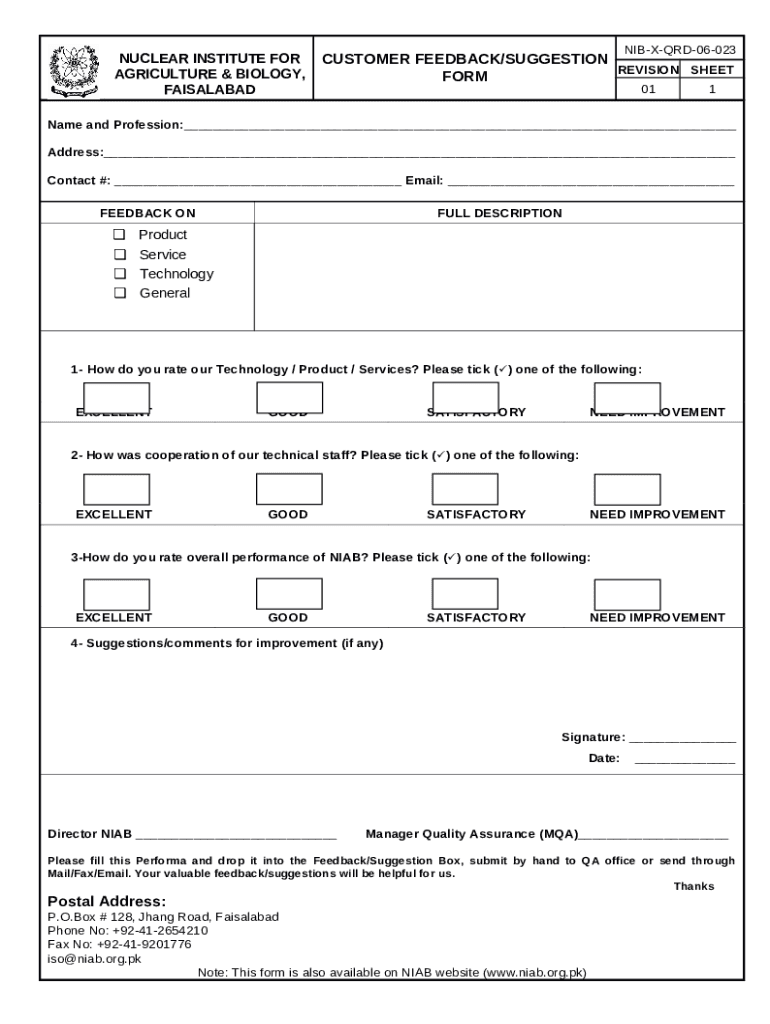
Start filling out your Feedback Form today using our platform for a seamless experience!
Most eSignature solutions require users to have a paid subscription. With DocHub, there are two ways for you to add an electronic signature to your Feedback FormJean Tyson Child Development Study Center at no cost:
The second option, though, has limitations on the number of signatures, sign requests, emails, and forms for adjusting available per month. You can check for full details here.
If you go for analog methods of completing your Feedback FormJean Tyson Child Development Study Center, it is simple to download your file for printing. Search DocHub’s Forms & Templates catalog to locate the exact document template you need and open it for editing or download it on your device in the format of your choice. It is easy to complete your form electronically and put your handwritten signature on it after printing or eSign your document with DocHub.
At DocHub, your data security is our priority. We follow HIPAA, SOC2, GDPR, and other standards, so you can work on your documents with confidence.
Learn more