




01. Edit your form online
Type text, add images, blackout confidential details, add comments, highlights and more.

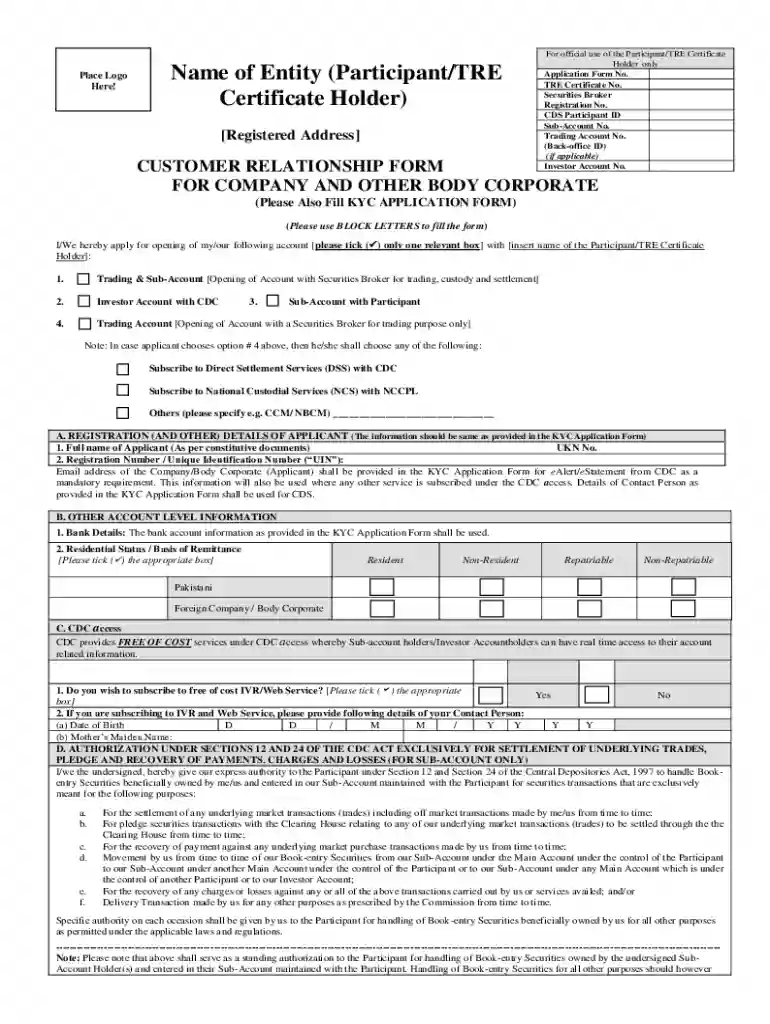
Type text, add images, blackout confidential details, add comments, highlights and more.

Draw your signature, type it, upload its image, or use your mobile device as a signature pad.

Send it via email, link, or fax. You can also download it, export it or print it out.

Start using our platform today to streamline your document editing and signing process for free!
You need to use only trusted software solutions with strong security compliance to sign your paperwork electronically. DocHub is just the type of editor you need! It stores data on Amazon Web Servers and complies with all necessary security standards and eSignature laws, so it’s a trusted way to electronically sign your Name of Entity (Participant TRE Place Logo Certificate or other forms using this tool.
In addition to an extensive toolset for editing PDFs on mobile phones, DocHub allows you to sign your Name of Entity (Participant TRE Place Logo Certificate along the way. Open our editor in your browser, make modifications using DocHub’s toolset, and finish your editing by eSigning the finished form.
At DocHub, your data security is our priority. We follow HIPAA, SOC2, GDPR, and other standards, so you can work on your documents with confidence.
Participants should always be prepared to provide officials with a copy of their program participation certificate. Tennessee States Tri-Star Logo Secretary
Oct 5, 2018 To provide protections for certain sports medicine professionals, to reauthorize Fed- eral aviation programs, to improve aircraft safetyRead more
is individually referred to as the Entity), an Entity, a member of an Entitys medical or health care staff, or a participating provider of an Entity.


