




Here's how it works
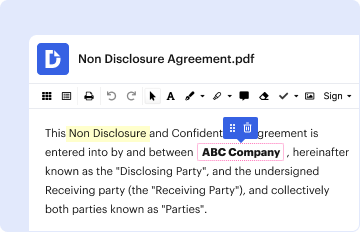
01. Edit your form online
Type text, add images, blackout confidential details, add comments, highlights and more.
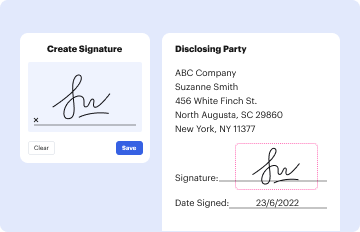
02. Sign it in a few clicks
Draw your signature, type it, upload its image, or use your mobile device as a signature pad.
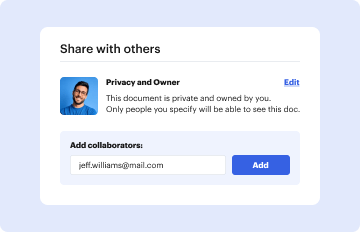
03. Share your form with others
Send it via email, link, or fax. You can also download it, export it or print it out.
How to use or fill out College of Veterinary Medicine, Washington State University with our platform

- Click ‘Get Form’ to open the Accession Form for General Diagnostics in the editor.
- Begin by entering the Veterinarian or Case Coordinator's name in the designated fields. Ensure you provide both first and last names clearly.
- Fill in the clinic's mailing address, including street address, city, state, phone number, fax number, and email. This information is crucial for communication regarding test results.
- Provide details about the animal owner or guardian. If the owner is under 18, include their guardian's name as well.
- Indicate if this is a first-time submission by checking 'Yes' or 'No'. Complete the billing information as required.
- List all specimens submitted and tests requested. Be sure to include dates collected and shipped for accurate tracking.
- Complete additional sections regarding animal identification, location of lesions, species, breed, age, and any relevant medical history.
- Finally, ensure that an accredited veterinarian signs off on the form to certify that all information provided is accurate.
Start using our platform today to streamline your document editing and submission process for free!
Fill out College of Veterinary Medicine, Washington State University online
It's free
It's free
Security and compliance
At DocHub, your data security is our priority. We follow HIPAA, SOC2, GDPR, and other standards, so you can work on your documents with confidence.
Learn more


