WVRHITEC Participation Agreement doc 2026

Get Form
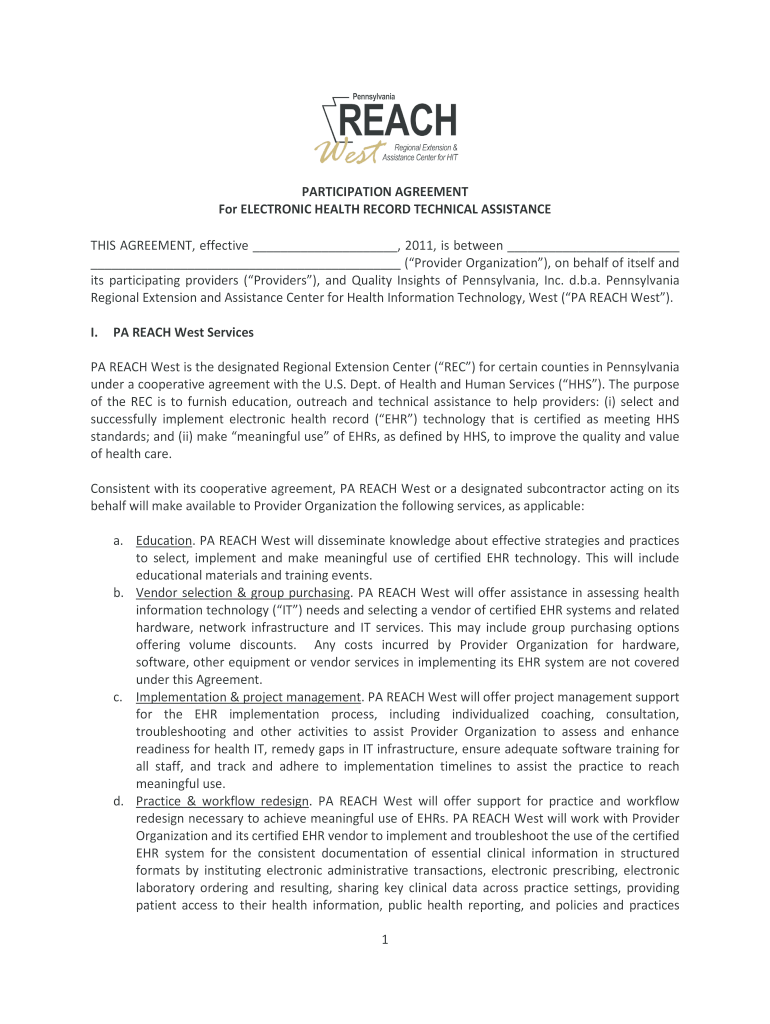
WVRHITEC Participation Agreement doc Preview on Page 1

Here's how it works

01. Edit your form online
Type text, add images, blackout confidential details, add comments, highlights and more.
02. Sign it in a few clicks
Draw your signature, type it, upload its image, or use your mobile device as a signature pad.
03. Share your form with others
Send it via email, link, or fax. You can also download it, export it or print it out.

How to use or fill out WVRHITEC Participation Agreement doc with our platform

Form edit decoration
9.5
Ease of Setup
DocHub User Ratings on G2
9.0
Ease of Use
DocHub User Ratings on G2
  1. Click ‘Get Form’ to open the WVRHITEC Participation Agreement in the editor.
  2. Begin by filling in the effective date at the top of the document. This is crucial for establishing when the agreement takes effect.
  3. In Section I, PA REACH West Services, review and ensure that all services listed are applicable to your organization. You may highlight or annotate any specific services you wish to discuss further.
  4. Proceed to Section II, Provider Organization Responsibilities. Fill in your organization’s demographic information as required in Exhibit A. Ensure accuracy for compliance purposes.
  5. In Exhibit B, document time spent by your administrative staff and providers working with PA REACH West. This is essential for meeting federal requirements.
  6. Finally, review all sections for completeness and accuracy before signing. Use our platform's commenting feature to collaborate with team members if needed.

Start using our platform today to streamline your document editing and signing process for free!

be ready to get more

Complete this form in 5 minutes or less

Get form

Got questions?

We have answers to the most popular questions from our customers. If you can't find an answer to your question, please contact us.
Contact us

Sure, a typed name is accepted as a legitimate electronic signature when you create it on your paperwork using a compliant solution like DocHub. Simply upload your WVRHITEC Participation Agreement doc to our editor, click Sign in the top tool pane → Create your signature → Type your name in the proper tab, and choose how it will look on your document.

It is a no-brainer on a computer or via a mobile device to fill out a WVRHITEC Participation Agreement doc with DocHub. All you need to do is open any installed internet browser on your smartphone and go to the DocHub website. Once authenticated, add your file and open it in editing mode. Use our toolbar to make your edits and save modifications. Optionally, keep your document in your files or send it to a recipient on the spot.

Participations are more flexible than assignments because they can be structured to accommodate the specific needs and preferences of a Lender of Record and Participant through the participation agreement, whereas assignments typically involve a complete transfer of the loan interest, often pursuant to a prescribed
So, under a true sale participation the grantor sells a beneficial interest in the loan to the participant, and under the collateral annex the grantor takes back a security interest in the participation, as well as the collateral.
The Participation Agreement grants a license to the participant to use listings in accordance with the MLS rules and regulations and subject to payment of fees. The Participation Agreement identifies rights to intellectual property.

Security and compliance

At DocHub, your data security is our priority. We follow HIPAA, SOC2, GDPR, and other standards, so you can work on your documents with confidence.

Learn more
ccpa2
pci-dss
gdpr-compliance
hipaa
soc-compliance
be ready to get more

Complete this form in 5 minutes or less

Get form

People also ask

Common real estate contracts are purchase agreements, lease/rental agreements, assignment contracts, and power of attorney.
To establish the rights and obligations of the members of the company as a group and as individuals, and those of the company. The principal reasons for a participation agreement are: to provide certainty of the steps and decisions to be taken in the enfranchisement.
How to draft a contract in 13 simple steps Start with a contract template. Understand the purpose and requirements. Identify all parties involved. Outline key terms and conditions. Define deliverables and milestones. Establish payment terms. Add termination conditions. Incorporate dispute resolution.

Related links