




01. Edit your form online
Type text, add images, blackout confidential details, add comments, highlights and more.

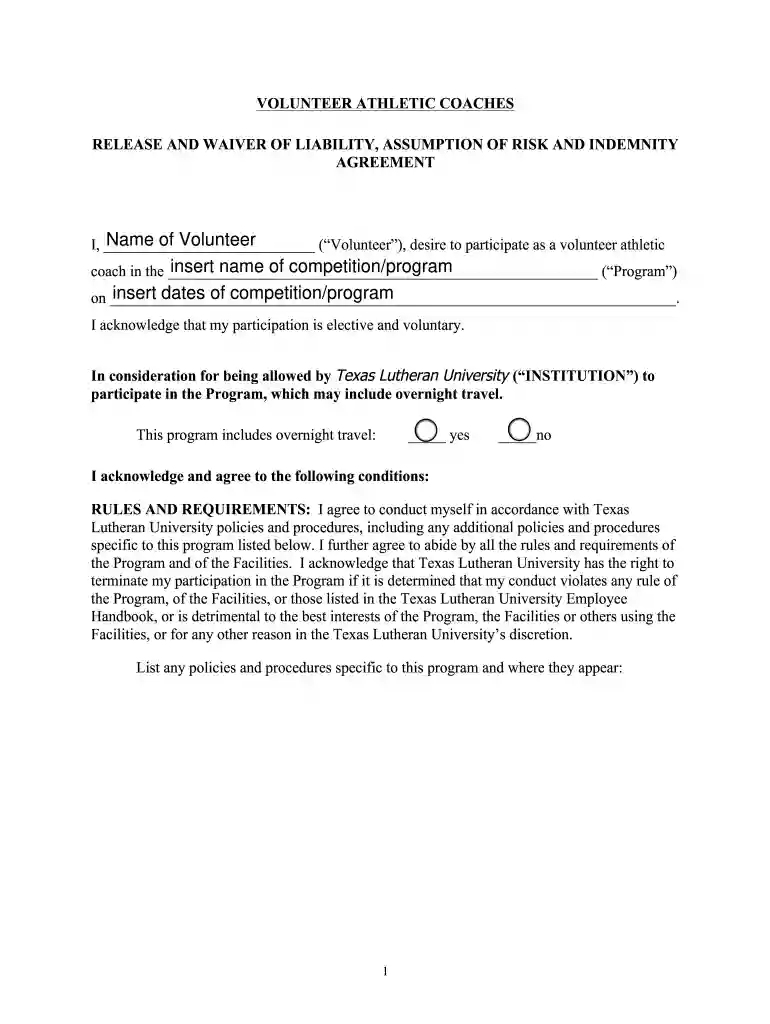
Type text, add images, blackout confidential details, add comments, highlights and more.

Draw your signature, type it, upload its image, or use your mobile device as a signature pad.

Send it via email, link, or fax. You can also download it, export it or print it out.

Start using our platform today to easily fill out and manage your documents for free!
Sure, a typed name is recognized as a valid electronic signature when you create it on your document utilizing a compliant solution like DocHub. Simply upload your WAIVER-Non-Employee-Athletic-Coaches-edited doc to our editor, click Sign in the top tool pane → Create your signature → Type your name in the proper tab, and choose how it will look on your document.
Document editing with DocHub is equally convenient on desktop and mobile devices. You only need an internet browser to edit your WAIVER-Non-Employee-Athletic-Coaches-edited doc on Android. Open our website and sign in to access the instruments you need. Add your file and introduce your intended changes. After that, you can keep your form in your file storage or send it out instantly.
At DocHub, your data security is our priority. We follow HIPAA, SOC2, GDPR, and other standards, so you can work on your documents with confidence.
Jan 1, 2024 This Performance and Evaluation Document contains seven (7) sections for consideration in the assessment of Non-Faculty Athletic Coaches.
May 18, 2026 Non-staff chaperones should sign a waiver provided by the school and are encouraged to purchase personal insurance if they do not already have
Sep 13, 2023 The Equity in Athletics Disclosure Act (EADA) was designed to make prospective students and prospective student-athletes aware of anRead more


