




Here's how it works



How to use or fill out SW 8971 Graduate Field Practicum II Clinical and PP&A with our platform

- Click ‘Get Form’ to open the SW 8971 Graduate Field Practicum II Clinical and PP&A in the editor.
- Begin by filling out your personal information in the designated fields, including your name, program details, and contact information. Ensure accuracy as this will be used for official records.
- Review the Standards of Conduct section carefully. Acknowledge your understanding by electronically signing where indicated. This is crucial for compliance with university policies.
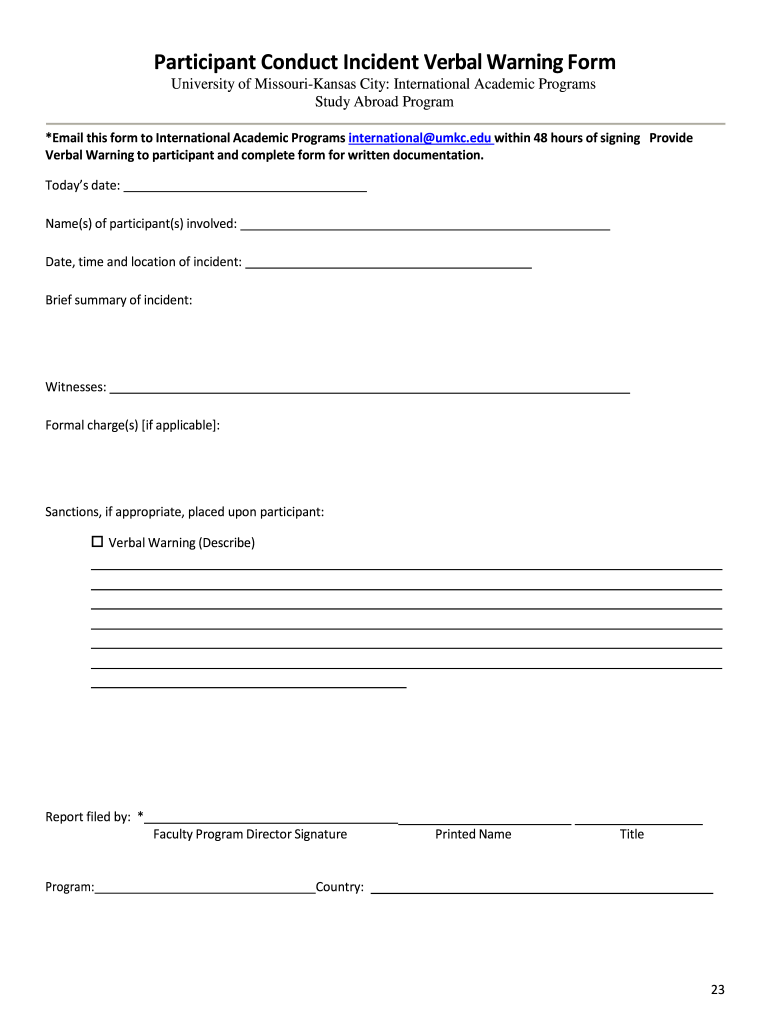
- If applicable, complete the Participant Conduct Incident forms as needed. Each form requires specific details about incidents, including dates, summaries, and witness information. Make sure to provide thorough documentation.
- Once all sections are completed, utilize our platform’s features to save your progress or submit the form directly via email to International Academic Programs at international@umkc.edu.
Start using our platform today for free to streamline your document editing and submission process!
It's free
Got questions?
How do I sign my SW 8971 Graduate Field Practicum II Clinical and PP&A online?
Sign in to your DocHub account and import your SW 8971 Graduate Field Practicum II Clinical and PP&A to our editor using one of its upload options - from your device, cloud storage, secure URL, or your DocHub folders if you have already processed your form before. Open our editor, click the Sign button in the top toolbar, and choose your signing method. You can upload a picture of your handwritten signature, draw it, enter your name, or use a QR code instead.
How do you complete SW 8971 Graduate Field Practicum II Clinical and PP&A on Android?
It is a no-brainer on a computer or via a mobile device to fill out a SW 8971 Graduate Field Practicum II Clinical and PP&A with DocHub. All you need to do is open any installed browser on your smartphone and proceed to the DocHub site. Once authenticated, add your document and open it in editing mode. Use our toolbar to make your edits and save adjustments. Optionally, keep your file in your files or send it to a recipient on the spot.
Security and compliance
At DocHub, your data security is our priority. We follow HIPAA, SOC2, GDPR, and other standards, so you can work on your documents with confidence.
Learn more




