




01. Edit your new penn bill of lading online
Type text, add images, blackout confidential details, add comments, highlights and more.

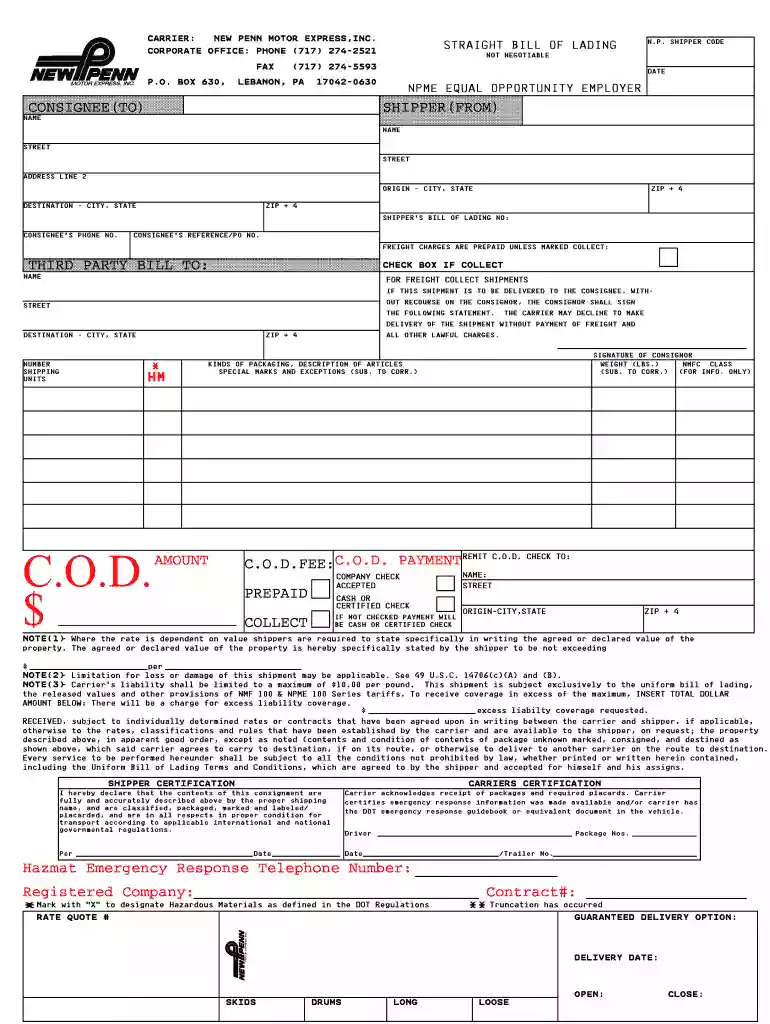
Type text, add images, blackout confidential details, add comments, highlights and more.

Draw your signature, type it, upload its image, or use your mobile device as a signature pad.

Send new penn bol pdf via email, link, or fax. You can also download it, export it or print it out.

Start using our platform today to effortlessly complete your new penn bol PDF online for free!
Most eSignature solutions require users to have a paid subscription. With DocHub, there are two ways for you to add an electronic signature to your new penn bol pdf free of charge:
The second option, however, has restrictions on the number of signatures, sign requests, emails, and forms for editing available per month. You can check for full details here.
Having a swift editing system like DocHub, you do not require anything but a web browser and connection to the internet to modify your new penn bol pdf on the internet easily. Upload your file or get the relevant form in DocHub’s catalog, open our editor with one click, and complete it electronically. To revise your forms at any time, register a free account with DocHub.
At DocHub, your data security is our priority. We follow HIPAA, SOC2, GDPR, and other standards, so you can work on your documents with confidence.
Bill of Lading. Jun 3, 2020 | Phishing. The dropbox link will download a malware laden file to your machine. Do not click any link in this message.Read more
This notice is to inform you of an update to the Pennsylvania Department of Health,. Bureau of Laboratories (BOL) specimen acceptance hours. Updated SpecimenRead more
to expand operations in new fields, explore new businesses, and conduct MA activities. This office will aid us in creating the new businesses that willRead more


