




01. Edit your form online
Type text, add images, blackout confidential details, add comments, highlights and more.

Type text, add images, blackout confidential details, add comments, highlights and more.

Draw your signature, type it, upload its image, or use your mobile device as a signature pad.

Send it via email, link, or fax. You can also download it, export it or print it out.

Start filling out your Grievance Complaint Form Level 1 today for free using our platform!
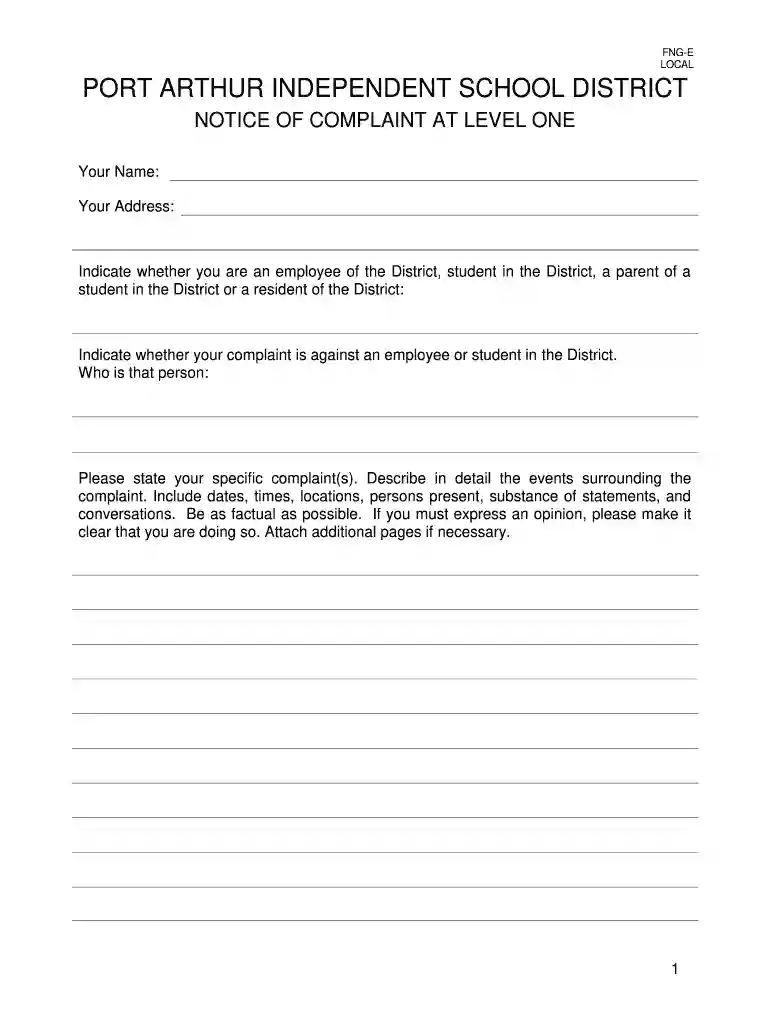
Yes, and it’s really easy! DocHub is an online PDF editor with advanced document processing features that allow you rapidly edit your forms, complete blank fields and drop new ones for others to fill out, and create electronic signatures in several ways. Upload your Grievance Complaint Form Level 1 - Port Arthur ISD, provide information as required, and choose how you want to eSign your document - by typing your name, drawing your signature, uploading its picture, or utilizing a QR code.
If you are searching for a state-specific Grievance Complaint Form Level 1 - Port Arthur ISD sample, you will find it in our DocHub Forms & Templates catalog. Use the search field, key in your form’s name, and search through the results for your state. You can also filter out irrelevant results while exploring our catalog by categories.
At DocHub, your data security is our priority. We follow HIPAA, SOC2, GDPR, and other standards, so you can work on your documents with confidence.
PROMPT assures that all levels of management get the information they need, when they need it, so that any problem can be quickly and efficiently corrected.Read more
1. Technical Course(s): Students applying for Dual Enrollment course(s) intending to pursue a Level 1 Certificate are not required to be TSI complete.


