




01. Edit your nfta pal login online
Type text, add images, blackout confidential details, add comments, highlights and more.

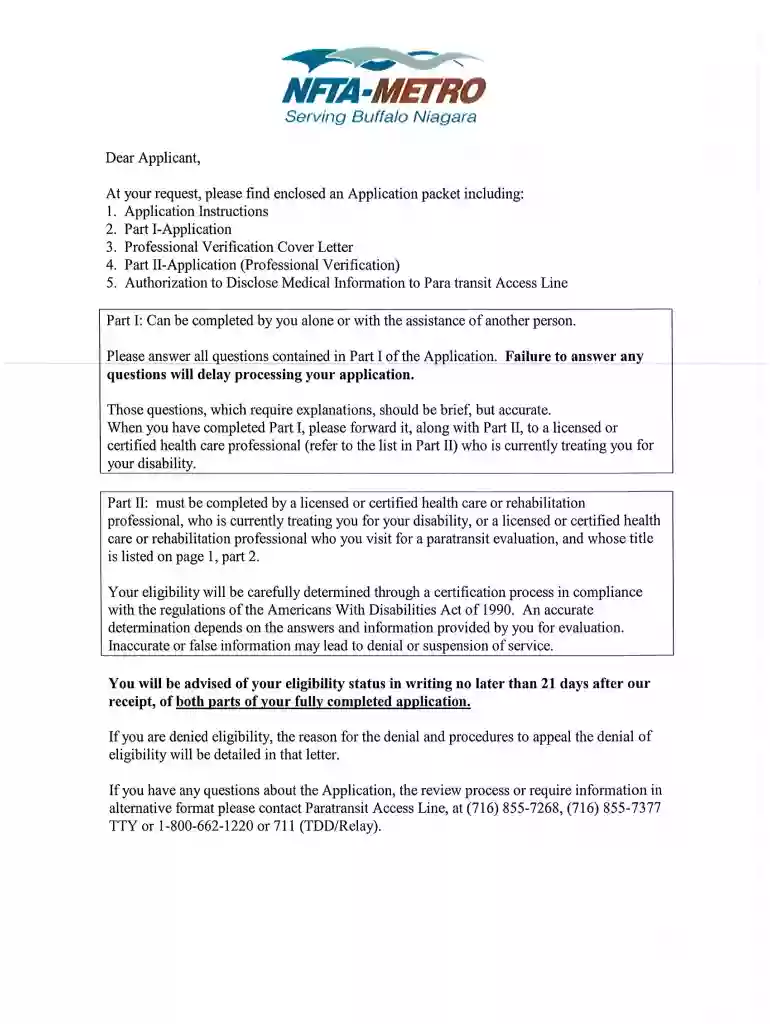
Type text, add images, blackout confidential details, add comments, highlights and more.

Draw your signature, type it, upload its image, or use your mobile device as a signature pad.

Send pal direct login via email, link, or fax. You can also download it, export it or print it out.

Start filling out your nfta paratransit application today for free on our platform!
At DocHub, your data security is our priority. We follow HIPAA, SOC2, GDPR, and other standards, so you can work on your documents with confidence.
Does the MetGo card work for Paratransit? From the NFTA website: Paratransit customers must use the MetGo PAL ID card. The MetGo ID is needed to confirmRead more
NFTA, 89006100, 0. 12, CDTA, CDTA Flex Commuter Service, 0, Calculations from Westchester Paratransit Suburban Paratransit. 174, YATES, Yates County PublicRead more


