




01. Edit your form online
Type text, add images, blackout confidential details, add comments, highlights and more.

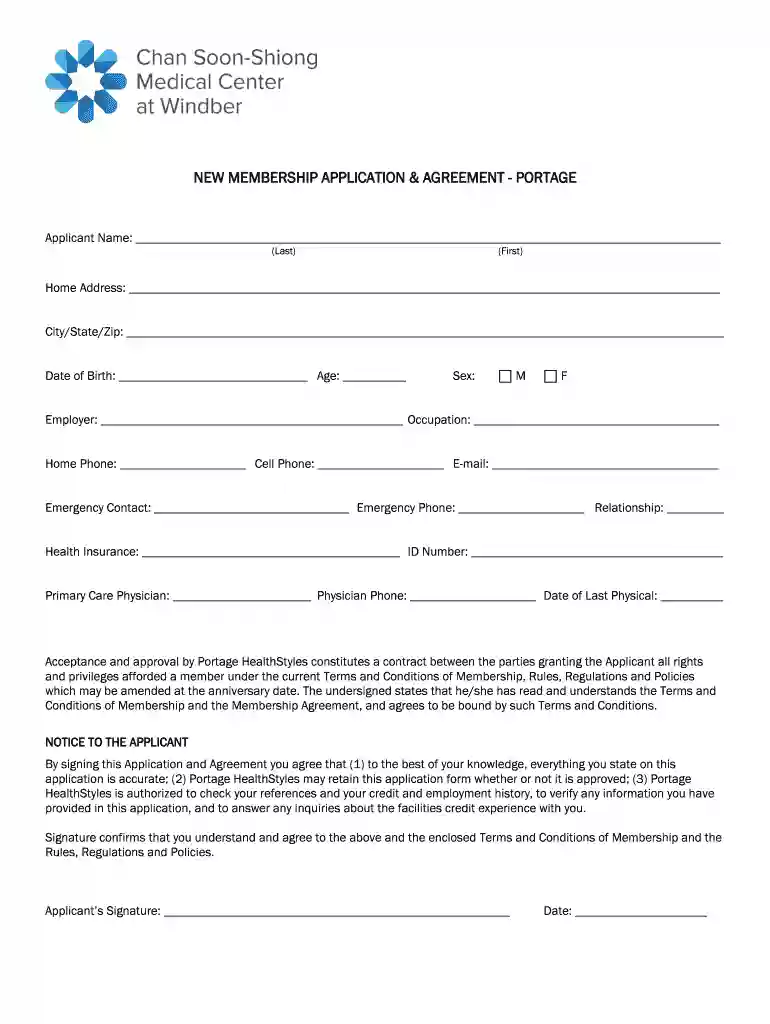
Type text, add images, blackout confidential details, add comments, highlights and more.

Draw your signature, type it, upload its image, or use your mobile device as a signature pad.

Send it via email, link, or fax. You can also download it, export it or print it out.

Start filling out your Organizational Membership Application today using our platform for a seamless experience!
You need to use only trustworthy software solutions with strong security compliance to sign your documents electronically. DocHub is just the type of software you need! It stores data on Amazon Web Servers and complies with all required security requirements and eSignature regulations, so it’s a trustworthy way to electronically sign your Organizational Membership Application - Citygate Network or other documents using this tool.
When you edit your Organizational Membership Application - Citygate Network with DocHub, you merely need a steady internet connection and virtually any browser installed on your device. No need to set up any third-party software or study guides. Just open a tab with DocHub, drag and drop your file, and modify it on the spot.
At DocHub, your data security is our priority. We follow HIPAA, SOC2, GDPR, and other standards, so you can work on your documents with confidence.
Jan 16, 2024 Name of entity completing this form: Citygate Electrical LLC. E. Entity completing this form (check one):. Individual Employer/Sponsor. Union.Read more
City Vision is the only online college founded out of the Citygate Network, offering a 10% scholarship to staff at all Citygate member organizations.
Titas-Dhaka Gas Pipeline is an operating natural gas pipeline. The pipeline runs from the Titas gas field to the Demra city gate station, Dhaka district.


