




01. Edit your legacy questionnaire online
Type text, add images, blackout confidential details, add comments, highlights and more.

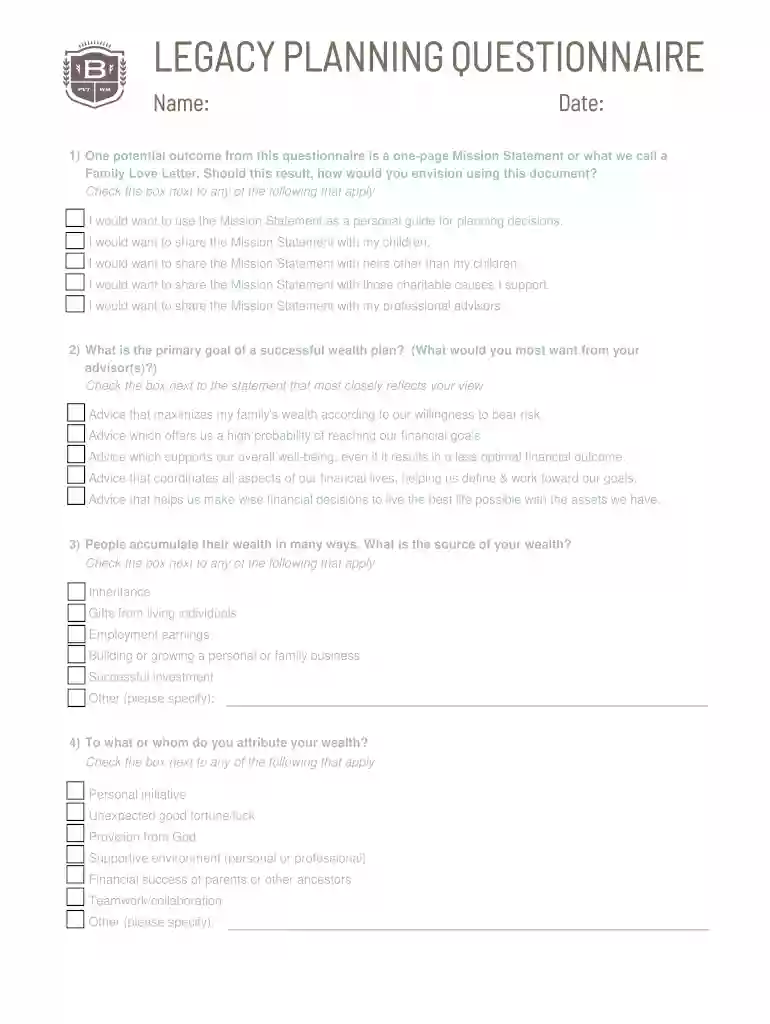
Type text, add images, blackout confidential details, add comments, highlights and more.

Draw your signature, type it, upload its image, or use your mobile device as a signature pad.

Send it via email, link, or fax. You can also download it, export it or print it out.

Start filling out your legacy questionnaire today for free and streamline your planning process!
At DocHub, your data security is our priority. We follow HIPAA, SOC2, GDPR, and other standards, so you can work on your documents with confidence.
by MJ Rossi 2020 Cited by 11 Legacy patient-reported outcome mea`sures lack standardization, resulting in difficulty comparing the results of diverse clinical outcome studies: You
Buyers frequently highlight major time savings on security questionnaires after rollout. Teams call out fast implementation versus legacy questionnaire toolingRead more
White Hispanic or Latina. Black Hispanic or Latina. White non-Hispanic. Black, African-American, or African. Asian-American or Asian.


