




01. Edit your military clause addendum online
Type text, add images, blackout confidential details, add comments, highlights and more.

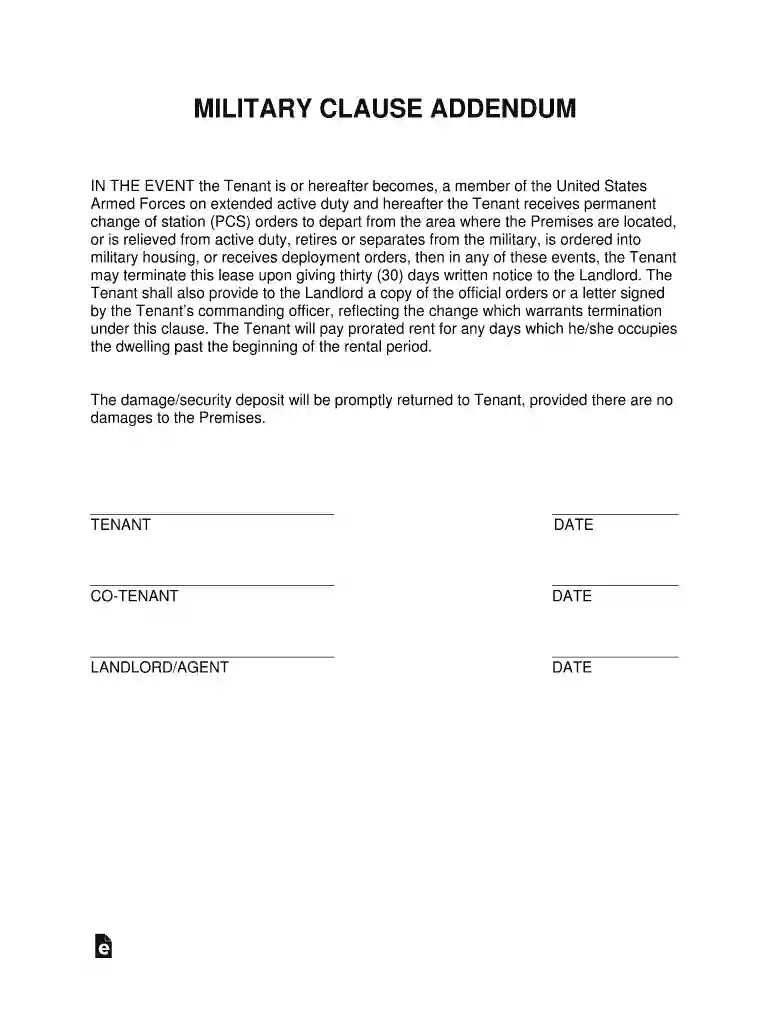
Type text, add images, blackout confidential details, add comments, highlights and more.

Draw your signature, type it, upload its image, or use your mobile device as a signature pad.

Send military addendum via email, link, or fax. You can also download it, export it or print it out.

Start using our platform today to easily complete your military addendum online for free!
At DocHub, your data security is our priority. We follow HIPAA, SOC2, GDPR, and other standards, so you can work on your documents with confidence.
Tenant may terminate this lease if they are released, retired, discharged from military service, recalled to home country, receives order
The Klingon word {raghomquv} is a noun and means High Command. This page has examples and notes on usage.
This form applies to individuals who served in the U.S. armed forces, a reserve unit of the U.S. armed forces or the national guard of any state.


