




01. Edit your what is a pti trailer online
Type text, add images, blackout confidential details, add comments, highlights and more.

Type text, add images, blackout confidential details, add comments, highlights and more.

Draw your signature, type it, upload its image, or use your mobile device as a signature pad.

Send pti trailer via email, link, or fax. You can also download it, export it or print it out.

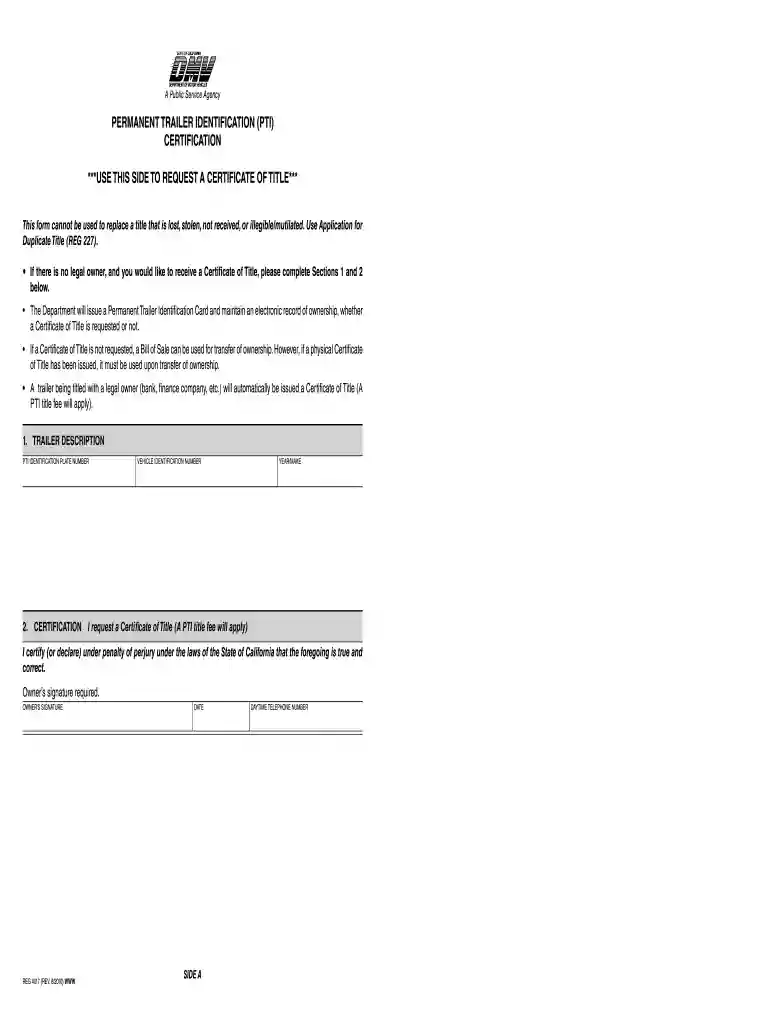
Start using our platform today to easily fill out your Permanent Trailer Identification form for free!
At DocHub, your data security is our priority. We follow HIPAA, SOC2, GDPR, and other standards, so you can work on your documents with confidence.
A. Device and Component Marking. Each coupling and each hitch shall be legibly and permanently marked on at least one hitch component or related component
13.000 PERMANENT TRAILER IDENTIFICATION (PTI) PROGRAM (CVC SECTIONS 5014.1 The PTI program is a registration program used for all trailers, except trailerRead more
The names, logos, emblems, slogans, vehicle model names, and vehicle body designs appearing in this manual including, but not limited.Read more


