




Here's how it works

01. Edit your form online
Type text, add images, blackout confidential details, add comments, highlights and more.

02. Sign it in a few clicks
Draw your signature, type it, upload its image, or use your mobile device as a signature pad.

03. Share your form with others
Send it via email, link, or fax. You can also download it, export it or print it out.
How to use or fill out Authorization for Medical Treatment, and Waiver and Release of Claims, with our platform

- Click ‘Get Form’ to open it in the editor.
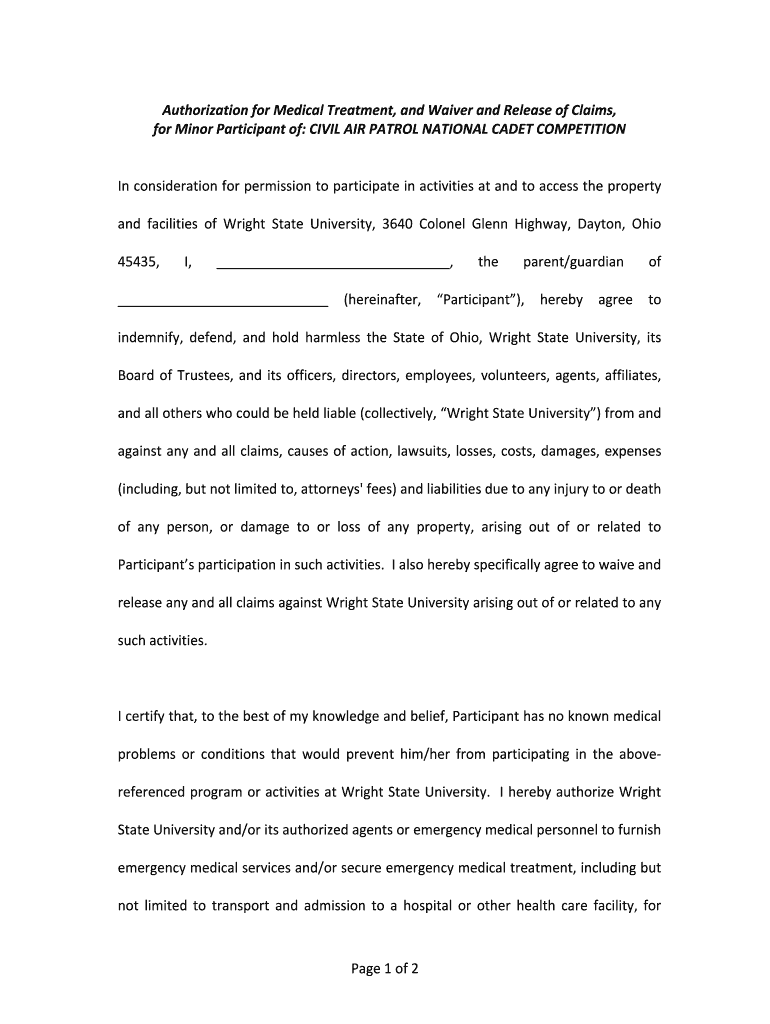
- Begin by entering the name of the participant in the designated field. This identifies who is covered under this authorization.
- In the indemnification section, review the terms carefully. This section outlines your agreement to hold harmless Wright State University and its affiliates from any claims related to participation.
- Next, confirm that the participant has no known medical issues that would hinder their ability to participate. If there are any concerns, note them accordingly.
- Authorize emergency medical services by signing where indicated. This grants permission for medical personnel to act in case of an emergency.
- Finally, both the participant and parent/guardian must sign and date the form at the bottom to validate it.
Start using our platform today for free to complete your Authorization for Medical Treatment and Waiver and Release of Claims efficiently!
Fill out Authorization for Medical Treatment, and Waiver and Release of Claims, online
It's free
It's free
Security and compliance
At DocHub, your data security is our priority. We follow HIPAA, SOC2, GDPR, and other standards, so you can work on your documents with confidence.
Learn more




